













Interviews
Interview Simulator Tools: 10 Options to Practice Smarter
Compare 10 interview simulator tools for 2026 — formats, feedback quality, and pricing — plus practical tips for choosing the right practice setup.
Interview Pilot Editorial Team
Updated November 17, 2026
14 min read
You can walk a friend through a project without stumbling, then freeze the second the camera light comes on. The questions aren't harder. The room is. A stranger is watching, the clock is running, and nobody is there to nod you forward.
That's the gap unstructured practice never closes. Rehearsing with a roommate doesn't tell you whether you used evidence, stayed on the competency, or recovered after a sharp follow-up. It also doesn't recreate a live online interview. In a 2012 survey of more than 500 U.S. human-resources managers at companies with at least 20 employees, 63% said their organizations often conducted interviews by video, compared with 14% in 2011, a jump documented in Mark Studios' recruitment video statistics. Spoken delivery, camera habits, and short answers are now part of hiring, not a side skill.
An interview simulator only pays off when it matches the hole you need to close. The ten options below aren't ranked by slogans. They're split by practice format: full conversational mocks, delivery coaching, job-description drills, technical rounds, and a real-time copilot. Choose by the gap, not by a single "best" label.
1. Interview Pilot
If you know your material but blank when a live question lands, Interview Pilot covers two different needs: rehearsal beforehand and suggested answers during an online interview. The trade-off is clear. A copilot can help you keep your train of thought, but relying on it too heavily can leave you less prepared to answer independently.
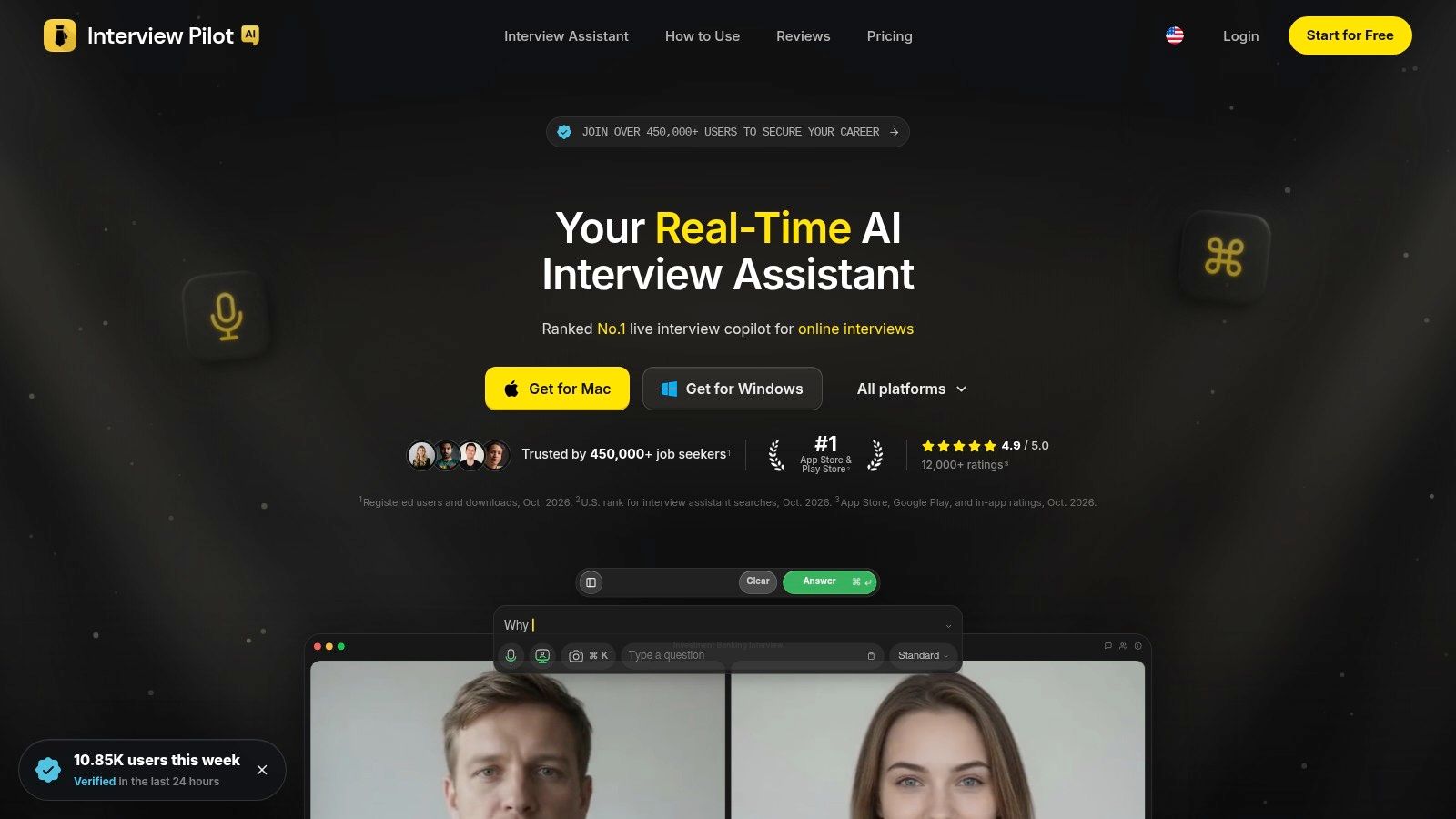
Interview Copilot generates real-time suggestions for technical and behavioral questions, based on your profile and documents. You can adjust tone, depth, and focus to suit the interview. For practice, guided mock interviews and a question bank of about 10,000 role-specific questions cover areas including software engineering, data, finance, product management, and consulting. Full question-bank access is on paid plans. Native apps are available for macOS, Windows, iOS, and Android, and the service supports more than 99 languages and a range of accents. The site lists Free, Weekly, Monthly, and Yearly plans. Check the Interview Pilot site for current plan options and prices. Interview Pilot describes its data protection as using industry-standard encryption.
Who should use it, and who should pause
- Use it if you want live interview support alongside guided practice, or need to prepare across languages.
- Skip the live copilot if your employer prohibits assistance during interviews. The mock interview and question bank can still support preparation.
- Treat suggestions as prompts, not a script. Check each answer against your experience and résumé before using it.
Practical rule: Complete a mock interview without assistance first. Then use Copilot to review questions you can already answer in your own words.
If you only want spoken practice and do not need live assistance, a mock-focused tool may be a better fit.
2. Huru
Huru is the tool I point people to when they need reps, not a curriculum. You talk to a conversational interviewer or work questions one at a time, aimed at a role, a job description, or prompts you paste in. Session length and pressure are adjustable, and you can stay audio-only or turn the camera on.
A technical report from Education and Employers found that 60% of participants completed multiple mock interviews, and 95% of practitioners agreed mocks work better with someone who has real workplace experience. Huru can't replace that person. Follow-up questions and scores on relevance, structure, and specificity get you closer than a static list.
- Cost: Huru says job-seeker practice and the question library are free.
- Devices: Desktop plus an iOS app.
- Limit: Speech recognition sometimes mishears you, and scores are coaching signals, not a verdict.
It won't sit beside you in a real interview. That's the point if you want independence. Start at Huru.
3. Big Interview
Some candidates don't need another chatbot. They need to learn what a strong answer even looks like. Big Interview pairs video lessons and learning paths with recorded practice. PracticeAI can build questions from a job description and an optional résumé, and some plans add AI feedback plus a résumé tool.
A peer-reviewed study of virtual mock interviews found that students generally believed the session improved how they'd perform in a real interview, while pre-simulation preparedness was the main factor tied to better outcomes, as reported in the Journal of University Teaching and Learning Practice. Lessons first, then a timed recording, matches that sequence. Universities and career centers sometimes provide access, so students should check before paying. Personal plans otherwise cost money, and some features depend on the account.
It's a poor fit if you only want a fast conversational mock tonight. If you're comparing lesson-led practice with pure AI interviewers, this roundup of AI mock interview tools is a useful cross-check. The product itself is at Big Interview.
4. Yoodli
Yoodli is a speaking coach that happens to run interview roleplays, not an interview product that bolted on pace feedback. You get notes on delivery, pace and clarity, alongside the content of the answer. Custom scenarios and uploaded recordings sit on eligible plans. There's a limited free tier before individual paid plans.
That delivery lens matters for candidates who ramble, rush, or go flat on camera. It also matters if attention and pacing work against you. A 2025 ACM study found that participants with ADHD had difficulty sustaining attention in videos with slow pacing, limited action, few visual cues, and audio lulls, described in this ACM paper on ADHD and video. A coach that flags lulls and filler can help you hear the habit. It should not score accent, eye contact, or speed as if those were job skills.
Turn off any feedback dimension you can't tie to the competency. Clarity of reasoning beats "sounded confident."
Skip Yoodli if you need a human to grade a coding round. Use it for pitches, interviews, and other spoken scenarios at Yoodli.
5. Teal AI Interview Practice
Say you've already saved twelve job posts in Teal and you don't want to retype every description into a separate app. Teal's practice pulls from those saved descriptions. Mock Mode runs a simulated interview. Coach Mode guides you during the session. Afterward you get a recording, a transcript, feedback, and a progress view. Screening, technical, and culture-fit formats are all in the mix.
Free users can try up to two practice scenarios. Past that, you need Teal+. If you aren't living in Teal's job tracker, the extra workflow is overhead you don't need for one interview next Thursday.
I like the dual format for people who freeze when feedback only arrives at the end. Coach Mode lets you correct a vague story while it's still in your mouth. Mock Mode is the test: no hints, then the recording. Alternate them so you don't become dependent on the coach voice. Open it from Teal's AI interview practice.
6. interviewing.io
General simulators waste a software engineer's evening on "tell me about a time" when the failure is a system-design whiteboard. interviewing.io stays on coding and system design. You can practice with an AI interviewer, or book an anonymous session with an experienced engineer. Human sessions use voice and chat, not video, and feedback comes after.
- What's free: Coding problems and AI practice.
- What costs more: Human interviewers. They're priced well above self-serve AI, and they're worth it when you need judgment a rubric can't fake.
- What it won't do: Non-technical roles, or the visual side of a Zoom screen.
Audio-only and anonymous sessions lower the stakes, which helps if camera anxiety is blocking you from finishing a problem. It won't train you to look at a lens. For a wider set of no-cost rehearsal options, see this guide to mock interview practice online. Book or practice at interviewing.io.
7. Interviews by AI
Interviews by AI is a drill, not a forty-minute simulation. Pick a role or paste a job description, answer by audio or text, and get feedback immediately. Text is the right choice on a commute or in a shared apartment. The pricing page says free access doesn't require a credit card. The free tier caps you at three questions a month. Résumé upload and longer responses sit on the paid plan.
Use it the week a posting drops and you need five questions that sound like that team, not a generic bank. Don't use it as your only interview simulator if you still panic when a second question interrupts your script. A short explanation of how AI interviews work helps you read those instant scores without treating them as a hiring decision. Try the drills at Interviews by AI.
8. RoundHound
RoundHound starts from the opportunity, not from a menu of "behavioral" or "technical." Give it a job link, a company, or a role, and it sketches likely rounds. The AI interviewer asks follow-ups. After the session, feedback says what the interviewer was assessing and how a stronger answer would use your actual experience. You can speak or type. Some rounds add a code editor or whiteboard. A first round is free without a card. After that, continued use is paid.
Company-specific research is not the company's real question list. Treat the plan as a hypothesis. I still like it for candidates who don't know whether round two is a case, a culture chat, or a design exercise. Test one free round before you build a whole prep week around it. Non-technical roles are in scope, which interviewing.io isn't. Start from RoundHound.
9. InterviewSimulation
InterviewSimulation lets you answer by chat, audio, or video after you pick a role and interview type. Paste a job description if you want the questions pulled toward that posting. Feedback covers content, structure, clarity, relevance, and delivery. Role buckets include software engineering, product management, data science, investment banking, and customer success.
The site lists English, French, and Spanish. If you need another language, verify support before you rely on it. Free access covers the first five questions of each interview, not a full session, and it doesn't save practice history. Public third-party reputation is thinner than on older platforms, so run one short session and judge the questions yourself.
Five free questions are enough to test whether the prompts match your level. They aren't enough to build a habit.
Multilingual candidates who need broad accent coverage should look elsewhere. For English, French, or Spanish drills across formats, use InterviewSimulation.
10. Scaler AI Mock Interview
Scaler's public page aims this tool at technical rounds and advertises timed 25-minute mocks with immediate scoring and feedback, plus free access. That's a clean block if you keep skipping practice because "a full mock" feels too big. Set a timer, finish the block, read the score, and stop.
Public detail on topic coverage and what happens after the free session is thin. Confirm what that free session includes before you plan a two-week streak. Behavioral depth and non-technical roles aren't the pitch. If your loop is mostly culture and case work, this is the wrong room. Engineers who want a defined technical rep can open Scaler's AI mock interview.
Interview Simulator Tools at a Glance
| Item | Best for | Practice format | Feedback style | Free access |
|---|---|---|---|---|
| Interview Pilot (recommended) | Interview preparation and live interview support across roles | Guided mock interviews, question bank, and live copilot | Real-time, profile-tailored answer suggestions | Free plan listed; full question bank requires paid access |
| Huru | Free, frequent spoken practice | Conversational audio or video interviews, or individual questions | Post-session scores and feedback on relevance, structure, and specificity | Job-seeker practice and question library are free |
| Big Interview | Structured interview lessons and preparation | Video lessons, learning paths, and recorded practice | AI feedback on some plans | May be free through an institution; personal plans require payment |
| Yoodli | Improving speaking delivery for interviews and other scenarios | AI roleplays and uploaded recordings on eligible plans | Feedback on pace, clarity, delivery, and answers | Limited free tier |
| Teal AI Interview Practice | Candidates already using Teal for job applications | Simulated interview or coach format; recording and transcript | Session feedback and progress review | Up to two practice scenarios |
| interviewing.io | Software engineering coding and system-design practice | AI practice or anonymous human sessions by voice and chat | AI feedback or feedback from experienced interviewers | Free coding problems and AI practice; human sessions are paid |
| Interviews by AI | Quick, role-specific answer drills | Audio or text responses to generated questions | Instant AI feedback | Three questions per month; no credit card required |
| RoundHound | Practice tailored to a specific job opportunity | Full-length mock rounds with follow-ups; voice or typed answers | Explains assessment areas and suggests stronger answers | First round is free |
| InterviewSimulation | Multi-format practice across technical and business roles | Chat, audio, or video interviews | Feedback on content, structure, clarity, relevance, and delivery | First five questions of each interview |
| Scaler AI Mock Interview | Timed technical interview practice | AI-led technical mock interviews, advertised at 25 minutes | Immediate scoring and feedback | Public page advertises free access |
Choosing Your Simulator and Building a Practice Routine That Sticks
You finish a practice interview with polished delivery but still struggle to explain your strongest project. The fix is content work, not another pace score. If your answers are solid but rushed, use delivery feedback. If you cannot complete a design or coding prompt within the time limit, practice technical rounds. Choose a simulator by the gap you need to close.
Structure matters, too. McDaniel and colleagues' meta-analysis of 245 validity coefficients from 86,311 people found that structured interviews predict job performance better than unstructured interviews, as reported in the University of Baltimore copy of the paper. A simulator that follows consistent, job-related questions gives you a clearer way to practice than one that rewards fluent answers without testing their substance.
A two-week routine that doesn't create dependence
Use the two weeks to build repeatable answers, then reduce your reliance on prompts.
- Days 1 to 3: Run short, timed drills on one weak area. Spend ten to fifteen minutes on a single competency, then close the tool and rewrite your answer in your own words.
- Days 4 to 10: Alternate focused drills with a fuller mock. Pair lessons from Big Interview with drills from Interviews by AI or Huru, or combine a technical block with delivery practice in Yoodli.
- Days 11 to 14: Complete a closed-book mock with follow-up questions and at least one interruption. If you cannot explain a résumé line without a prompt, revise it or prepare to discuss it more clearly.
Treat AI scores as coaching signals, not hiring verdicts or measures of fairness. In a 2025 Gartner survey of 2,918 job candidates, 26% trusted AI to evaluate applicants fairly, 32% worried AI could cause their applications to fail, and 25% said employer AI use reduced their trust, according to Gartner's July 2025 release. Focus on feedback about reasoning, evidence, and technical accuracy. Treat scores on accent, eye contact, or speed cautiously, and gradually turn off hints so you can answer without them.
Interview Pilot offers a real-time Copilot for live online interviews, AI mock interviews with answer evaluations, and an interview question bank covering ten roles. It is free to get and runs on Mac, Windows, iPhone, Android, and the web. Practice without assistance first, then use live suggestions only if they are allowed in your interview process.
Interview simulators serve different needs: rehearsal, structured questions, delivery coaching, technical practice, or live assistance. Match the format to the skill you need to build. For live interview support alongside practice, explore Interview Pilot.


Topics
interview simulator
AI mock interview
interview practice
job interview prep
interview feedback
Continue reading

Interviews
Mock Interview Online: Run Better Practice Sessions
Learn how to run a mock interview online with clear goals, the right tools, realistic structure, and feedback loops that actually improve your next real
October 19, 2026
14 min read

Interviews
Mock Interview Meaning: A Practical Guide to Rehearsing
Learn the mock interview meaning, how simulated interviews build confidence, the main types, and how to practice effectively before your next real interview.
September 29, 2026
16 min read
Interviews
10 Technician Interview Questions You Must Ace in 2026
Master the 10 most common technician interview questions with proven answer structures, real examples, and practical tips to land your next technician job.
November 13, 2026
24 min read