









Research
10 AI Tools for Students: A Practical Guide
Explore 10 AI tools for students for studying, research, writing, coding, organization, and interview preparation, with practical limits.
Interview Pilot Editorial Team
Updated October 19, 2026
18 min read

You have a science exam on Friday, three dense readings you have not finished, an essay outline that will not come together, and an internship application due next week. Opening a chatbot and asking for finished answers feels efficient, but it leaves you exposed when a teacher asks how you reached a conclusion. The useful AI tools for students work differently. They explain a concept another way, question your reasoning, organize source material, or give feedback on work you have already attempted.
That distinction matters because adoption is already mainstream. In the Digital Education Council survey of 3,839 students across 16 countries, 86% used AI in their studies, while 58% said they lacked sufficient AI knowledge and skills. Students are using these tools before many institutions have taught them how to verify output, protect private information, or disclose assistance.
This guide organizes choices by workflow, from understanding difficult material to research, writing, coding, organization, and interview preparation. Selection favored subject fit, source transparency, revision control, accessibility, cost, and academic integrity over novelty. A small business AI chat platform solves a workplace communication problem, but students need tools that fit coursework and classroom rules. Pick the tool that supports the task in front of you, then keep ownership of the evidence, argument, and final answer.
1. ChatGPT (OpenAI)
ChatGPT from OpenAI is the general purpose starting point for many students because it handles explanations, brainstorming, outlining, language practice, coding help, and study questions in one conversation. It works best when you treat it as a tutor that must show its reasoning, not as an authority. Ask it to quiz you, identify gaps in your explanation, or reframe a difficult concept at a different level.
Where It Fits Best
- Concept practice: Request examples, counterexamples, and follow up questions instead of a single answer.
- Project planning: Turn an assignment prompt into milestones, research questions, and an outline you revise.
- Career preparation: Its brainstorming ability overlaps with the workflows covered in AI tools for job seekers, especially for structuring examples from coursework.
File uploads and data analysis help with source sets and spreadsheets, while custom GPTs and projects can make repeated study routines more consistent. Image and voice modes on paid plans add flexibility, and questions about multimodal limits are worth checking, including Can ChatGPT or Claude watch YouTube videos. The free tier has usage and model limits, and citations still need independent verification. Never paste another person's private work, and do not submit generated prose as your own analysis.
2. Google Gemini
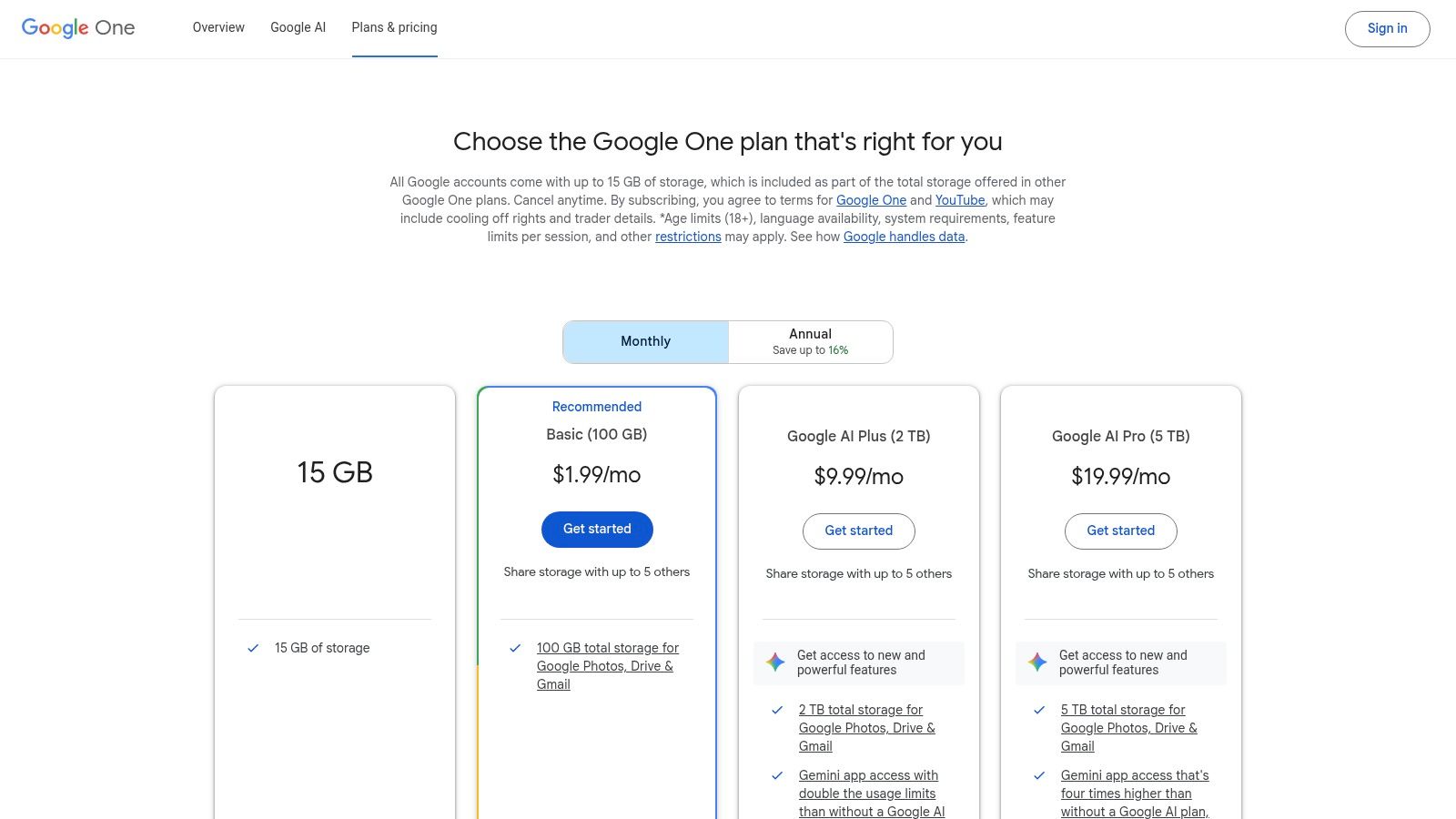
If your coursework already lives in Google Docs, Gmail, and Drive, Google Gemini through Google AI plans reduces the friction of moving material between apps. You can draft in Docs, summarize a long email thread in Gmail, and use AI Mode in Search to explore a topic before opening the underlying sources. That convenience is the main reason to choose it over a standalone chatbot.
The practical workflow is research first, drafting second. Use Gemini to clarify unfamiliar terms, compare possible angles, and create a working outline, then write the substantive sections yourself. When it summarizes a document, compare the summary against headings, tables, and conclusions in the original because compression can remove qualifications.
Trade Offs to Check
Paid plans can bundle higher usage limits, stronger model access, cloud storage, and other Google One benefits. That bundle may be sensible if you already pay for storage, but it is poor value if you only need occasional explanations. Availability and bundled benefits vary by country, so confirm what your account includes before relying on a feature for a class project.
Practical rule: Use Gemini inside Google apps to organize and revise your own material, not to let a polished first draft replace reading the sources.
For group work, keep comments and version history visible. They make authorship clearer and help teammates see which suggestions were accepted, rejected, or rewritten.
3. Microsoft Copilot Pro
Students who write reports in Word, build slides in PowerPoint, analyze data in Excel, and manage email in Outlook will get the clearest value from Microsoft Copilot for individuals. Its advantage is location. Help appears inside the document or presentation where you are already making decisions, rather than in a separate chat window.
Use Word assistance to tighten a paragraph you drafted, generate an alternative heading, or turn notes into a structured outline. In PowerPoint, Copilot can help create and edit slides, but you still need to check whether each visual supports your claim. In Excel, ask for formula explanations and test the result on a small sample before trusting a full dataset.
- Priority access: Advanced model access includes priority during peak times, which matters near deadlines.
- Microsoft 365 integration: Copilot features work across eligible desktop apps, subject to edition and region.
- Usage visibility: Guidance and credits information helps individual users understand plan limits.
The weakness is dependency. Best value may require an existing Microsoft 365 subscription and compatible apps, and features can vary by region and edition. If your school provides Microsoft 365, check your institutional account before buying anything yourself. Also confirm whether your instructor allows in document drafting help, because the boundary between editing support and generated coursework is a course policy question, not a software setting.
4. Grammarly
Grammarly is most useful after you have something worth revising. It flags grammar, clarity, and tone problems in essays, discussion posts, application emails, and lab reports, and it can suggest rewrites when a sentence is tangled. Used that way, it functions as a fast editorial pass before you ask a teacher, tutor, or peer to read for argument and evidence.
Adoption data explains why writing support is so common. In the HEPI Student Generative AI Survey 2025, 88% had used generative AI for assessments, and 50% said they used AI to improve the quality of their work. Grammarly fits that improvement goal when you review each suggestion instead of accepting corrections in bulk.
Use It Without Losing Your Voice
Higher tiers add plagiarism detection and citation tools, and generative prompts are governed by plan based allowances. Those features can help you catch formatting problems, but they cannot decide whether a source supports your claim. Read disputed passages aloud after editing. If the revised version sounds more formal but says something slightly different, restore your wording.
The full feature set requires a paid plan, although student discounts may appear periodically. The larger risk is skill masking. If Grammarly fixes the same comma or agreement error every week, keep a short error log and learn the pattern. Editing software should make recurring weaknesses visible, not hide them until an exam in class.
5. QuillBot
QuillBot bundles a paraphraser, summarizer, grammar checker, and citation support for students who need quick help reshaping rough notes. It can be legitimate during early drafting when you are testing sentence structure or condensing your own summary of a reading. It becomes risky when paraphrasing is used to disguise borrowed ideas without attribution.
Start with comprehension, not substitution. Read the source, close it, write what you understand in your own words, and then use QuillBot only to compare clarity or sentence variety. Cite the original author for the idea even if every word changes. A synonym swap does not transfer ownership of evidence, data, or interpretation.
- Paraphraser modes: Multiple modes let you test formality and phrasing during revision.
- Summarizer: Useful for a first pass over your notes before you return to the full text.
- Plagiarism checker: Available with purchasable word packs, so costs can rise beyond the base plan.
The student friendly annual plan may suit frequent writers, but limits and add on costs deserve attention. Some instructors prohibit paraphrasing tools for assessed work, so ask before using one on a graded draft. My own boundary is simple. If you could not explain the revised sentence and defend its source without the tool open, it is not ready to submit.
6. Notion AI
Disorganized notes waste more study time than a slow chatbot. Notion AI adds writing, brainstorming, summarization, and workspace question answering to Notion pages, tasks, and knowledge bases. For a student juggling lectures, readings, deadlines, and group projects, the value comes from retrieving your own material quickly.
Build one page per course with lecture notes, assignment briefs, source summaries, and unresolved questions. Then ask Notion AI to summarize a page, draft an outline from your notes, or find where a concept appeared across the workspace. That is a stronger use than generating generic notes on a topic you have not studied, and it connects naturally with the systems discussed in best AI productivity tools.
Organization Still Comes First
Collaboration features help group projects, especially when tasks, meeting notes, and draft sections live in one place. Still, AI search is only as reliable as the pages underneath it. Label sources clearly, separate quotations from your commentary, and date your summaries.
AI is a paid add on subject to fair usage, and the best value goes to students who already use Notion daily. If your notes live in paper notebooks or another app, switching systems mid semester may cost more time than it saves. Start with one course, prove the routine works, then expand only if retrieval improves.
7. Perplexity
Perplexity is built for research overviews, with answers that include inline source citations and follow up questions. That design makes it easier to move from a broad question to inspectable evidence. For students, the citation trail is the point, not a decorative extra.
Use it at the discovery stage. Ask for the main positions in a debate, definitions of contested terms, or possible primary sources, then open the cited pages and judge them yourself. UK data shows why this matters. In the ERIC record for the 2025 HEPI and Kortext survey, the leading uses included explaining concepts, summarising articles, and suggesting research ideas, while 18% reported inserting AI generated text directly into submitted work. Perplexity supports the first set of habits when you follow its citations.
Do not cite a source you have only seen summarized by an answer engine. Open it, read the relevant section, and record the page or passage yourself.
Pro adds file and image uploads and Projects, and Learn Mode provides education focused guidance. Those features can organize a longer inquiry, but academic sources still need verification before citing. Check publication date, author credentials, methods where relevant, and whether a newer source changes the conclusion. Speed helps you find candidates. It does not establish credibility.
8. Wolfram|Alpha Pro for Students
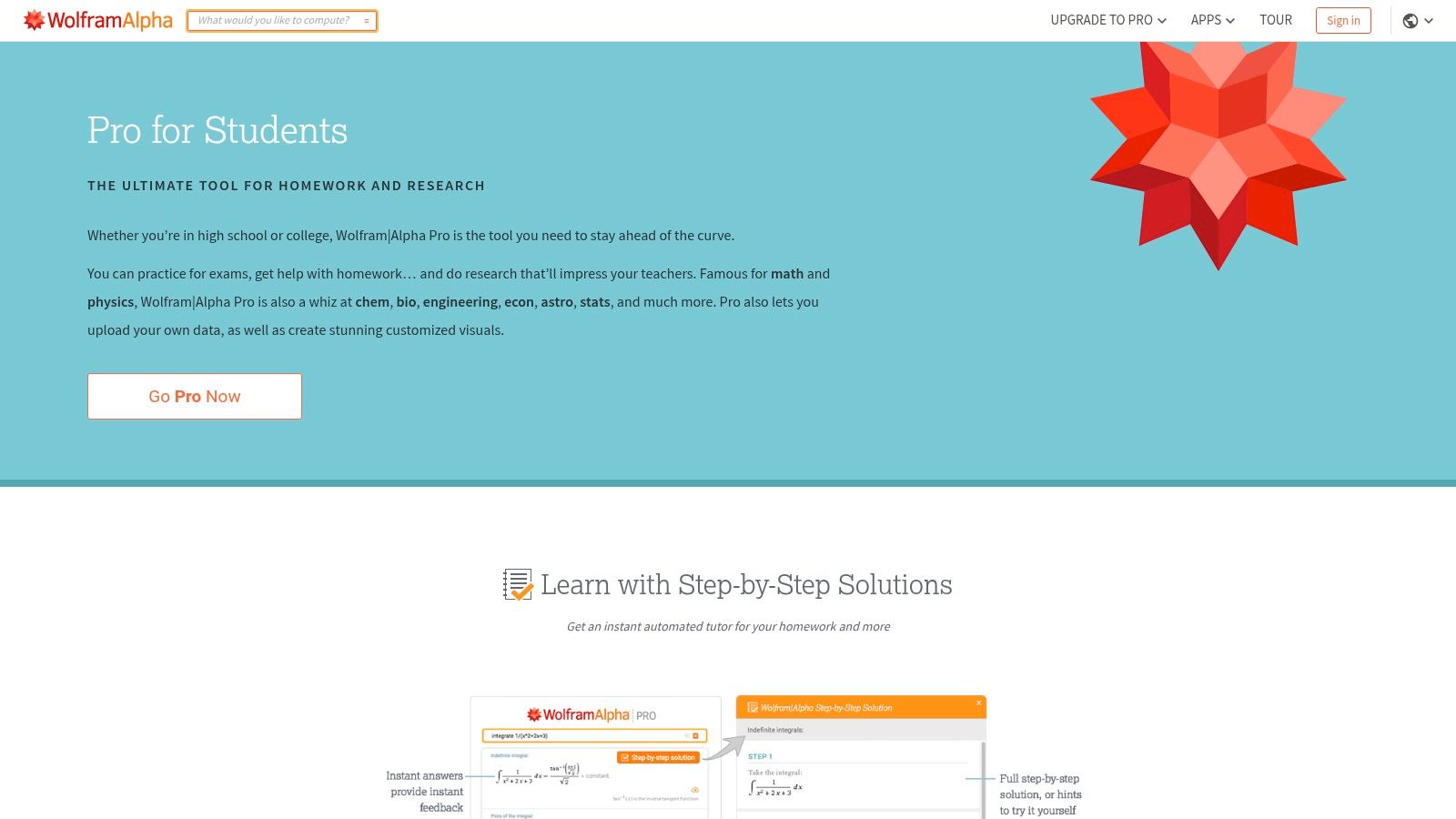
For mathematics, physics, chemistry, and other computation heavy subjects, Wolfram|Alpha Pro for Students offers something general chatbots often handle poorly, structured calculation with step by step solutions. Guided calculators and extended computation time on Pro help you test methods, compare approaches, and locate the exact step where your work diverged.
The productive routine is attempt, compare, redo. Solve the problem on paper first, use the step by step output to diagnose your error, then close the solution and solve a similar problem without help. Copying a final result teaches almost nothing and can violate homework rules. Studying the method can reveal whether your problem is algebra, unit conversion, setup, or interpretation.
- Step by step solutions: Break a result into moves you can reproduce in an exam.
- Guided calculators: Support practice when you know the topic but need structured inputs.
- Pro extras: File uploads and enhanced mobile app features support work away from a desk.
Pro requires a subscription, so frequent STEM coursework justifies it more than one required math class. It also does not replace showing full derivations when your instructor requires them. Treat the output as a worked example, then produce your own reasoning in the notation and format your course expects.
9. Khanmigo (Khan Academy)
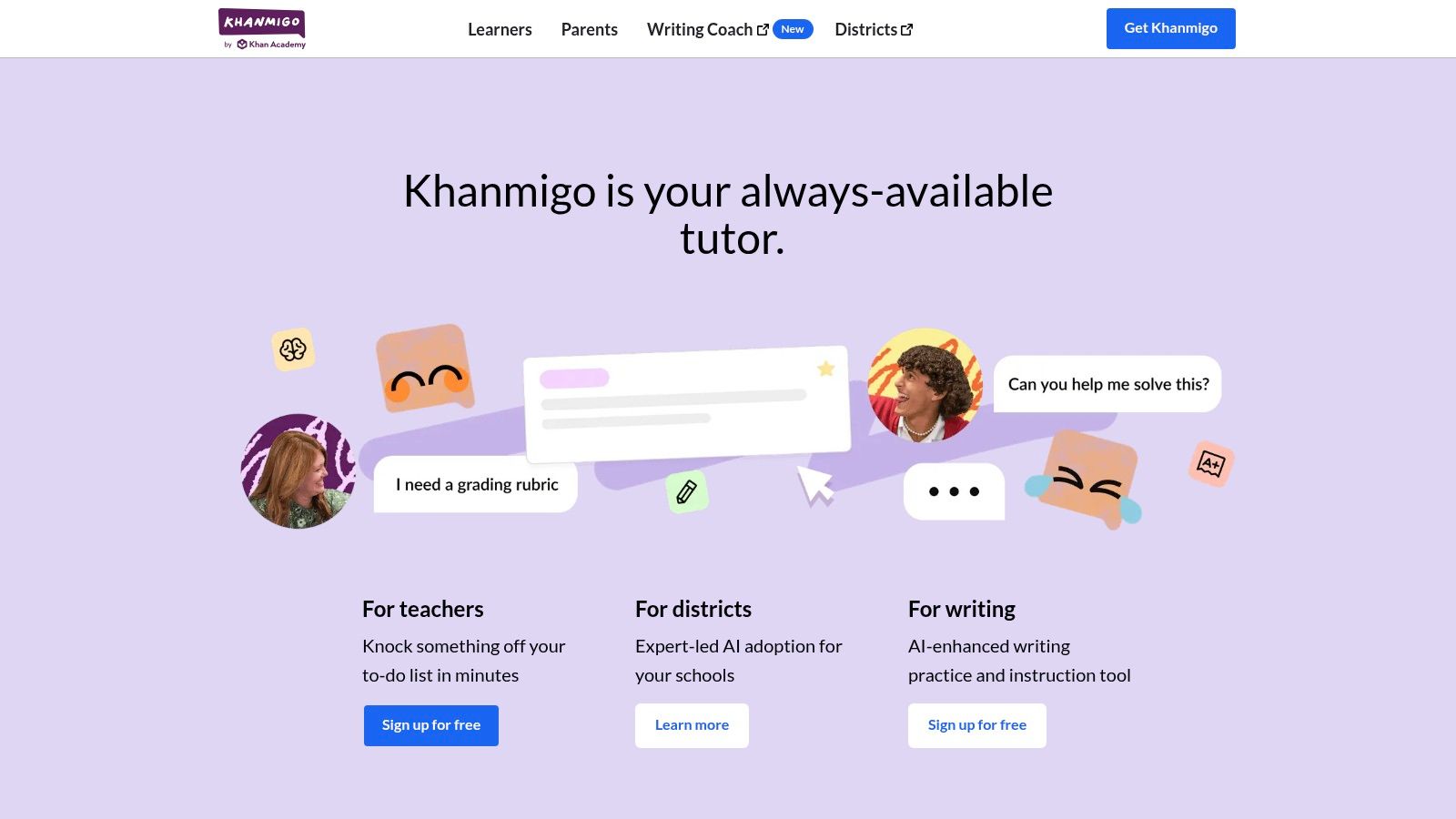
Khanmigo from Khan Academy takes the opposite approach from an answer engine. Embedded in Khan Academy, it uses guided questions and step by step Socratic tutoring to keep the learner doing the thinking. That makes it a strong fit for K to 12 students, early college learners, and anyone rebuilding foundations before a harder course.
This design matches evidence about how students already learn with AI. In a U.S. elite college study using 2024 to 2025 survey data, students primarily used generative AI to augment learning through explanations and feedback, although some used it to automate tasks such as essay generation. Khanmigo deliberately makes augmentation easier and automation harder.
What the Pedagogy Changes
Its writing coach can respond to your draft without taking over the essay. Teacher tools and district plans embed the assistant across the platform, which can align help with assigned material more closely than an open ended chatbot. For test preparation, guided practice is slower than requesting answers, but that friction is where retention happens.
Paid learner access is limited to the U.S., and free teacher tools are available only in supported regions. It is also less open ended than general purpose chatbots by design. If you need help analyzing an unusual university level source, you may outgrow it. If you need patient practice, clear hints, and pressure to explain your next step, that constraint is the advantage.
10. Interview Pilot
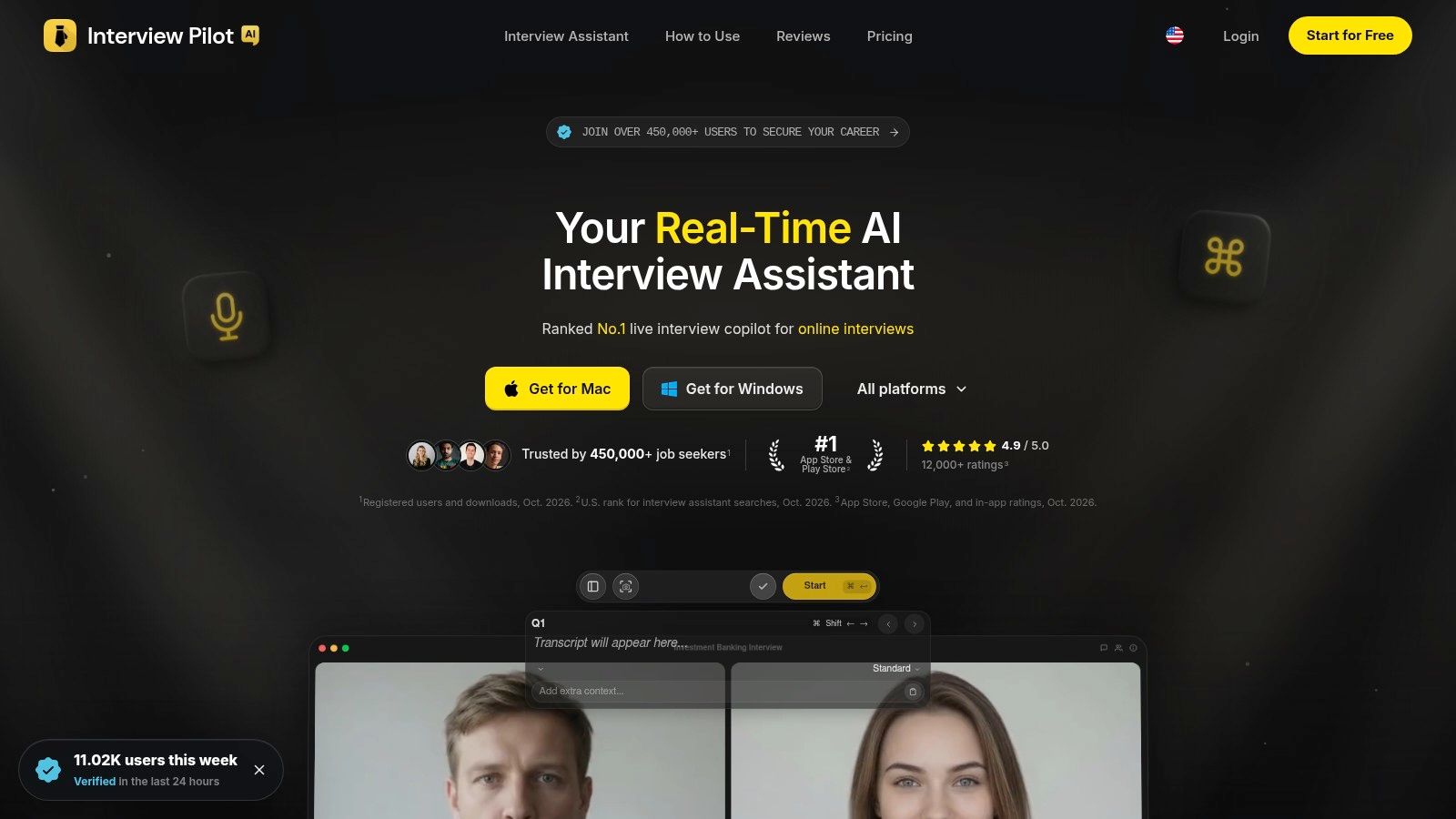
Coursework ends, and then you have to explain what you learned to an internship panel. Interview Pilot focuses on that transition with guided mock practice, a searchable question bank, and real time assistance for live online interviews. For students and new graduates, the preparation features are the most straightforward place to start.
Use mock interviews to rehearse behavioral stories from class projects, research, part time work, and extracurricular leadership. The question bank covers fields such as software, data, product, finance, and consulting, so you can practice role specific prompts instead of generic advice. Comparing that focused workflow with the best AI interview assistants helps clarify whether you need rehearsal, live support, or both.
- Mock interviews: AI prompts and feedback let you practice before stakes are real.
- Language support: Support for 99+ languages and accents can help international students prepare across contexts.
- Cross platform apps: Desktop and mobile apps include service status visibility and uptime reporting.
The free tier is limited, with more value on paid plans, and the tool is focused on interviewing rather than coursework. Do not use live assistance where an employer, university, or assessment platform prohibits it. Practice until examples, technical reasoning, and questions for the interviewer are genuinely yours. Confidence built through rehearsal travels into the room. Borrowed wording usually does not.
Top 10 AI Tools for Students: Feature Comparison
| Tool | Core strengths | Standout capability | Best for | Value / pricing |
|---|---|---|---|---|
| ChatGPT (OpenAI) | ★ Tutoring, brainstorming, coding, and file analysis | ✨ Broad, flexible assistant across subjects | 👥 Students seeking an all-purpose AI tool | 💰 Free tier with limits; paid plans add features |
| Google Gemini | ★ Research, drafting, and summarizing | ✨ Works with Google apps and Search | 👥 Students using Docs, Gmail, and Google services | 💰 Paid plans offer higher limits; bundles vary |
| Microsoft Copilot Pro | ★ Help with reports, slides, spreadsheets, and email | ✨ Features across eligible Microsoft 365 apps | 👥 Students in the Microsoft ecosystem | 💰 Best value may require Microsoft 365 |
| Grammarly | ★ Grammar, clarity, tone, and writing feedback | ✨ Rewrites and higher-tier citation tools | 👥 Students polishing essays and emails | 💰 Full feature set requires a paid plan |
| QuillBot | ★ Paraphrasing, summarizing, and grammar checking | ✨ Multiple paraphrasing modes | 👥 Students refining drafts and summaries | 💰 Annual plan available; some features cost extra |
| Notion AI | ★ Notes, outlines, summaries, and workspace Q&A | ✨ AI works within a notes-and-tasks workspace | 👥 Students organizing coursework in Notion | 💰 Paid AI add-on; value depends on Notion use |
| Perplexity | ★ Research answers with inline citations | ✨ Follow-up questions and source links | 👥 Students exploring topics and finding sources | 💰 Advanced features require Pro |
| Wolfram|Alpha Pro for Students | ★ Math and science computation | ✨ Step-by-step solutions and guided calculators | 👥 Students working on STEM problems | 💰 Pro features require a subscription |
| Khanmigo (Khan Academy) | ★ Guided tutoring and writing support | ✨ Socratic, learning-first approach | 👥 K–12 through early-college learners | 💰 Learner access is paid and U.S.-limited |
| 🏆 Interview Pilot | ★ Live interview suggestions, mock practice, and a searchable question bank | ✨ 99+ languages, cross-platform apps, and reported 99.99% uptime | 👥 Job seekers, including students and new graduates | 💰 Free plan plus Weekly, Monthly, and Yearly paid plans |
Build a Better AI Study System
A good study system assigns each tool a narrow job. Start with understanding. Use Khanmigo when you need guided questions and patient practice, or ChatGPT when you want an explanation reframed, a quiz generated from your notes, or feedback on your own reasoning. For computation, attempt the problem first and then compare your method with Wolfram|Alpha. That sequence preserves the struggle that makes methods stick while still giving you a reliable way to diagnose mistakes.
Research comes next. Use Perplexity to discover sources and map a topic, then open every source you plan to cite and read the relevant section in context. Record author, date, evidence, and limitations in Notion or whatever notebook system you will maintain. A long project also needs milestones for reading, drafting, revision, and submission, and a practical thesis strategy for students can help turn scattered research activity into a visible plan.
Writing should begin with your claims and evidence, not with a polished generated draft. Draft the argument yourself, use Grammarly for grammar and clarity, and consider QuillBot only where course rules allow it and attribution remains explicit. Read the final version for meaning after every automated edit. Tools can smooth a sentence while weakening a qualification, changing a technical term, or making your conclusion sound more certain than your evidence allows.
Your Personal Checklist Before Submitting
- Accuracy: Have you verified names, dates, formulas, quotations, and factual claims against reliable sources?
- Citations: Can you open each cited source and point to the passage that supports your statement?
- Originality: Are the argument, structure, examples, and final wording recognizably your work?
- Privacy: Did you avoid uploading private data, unpublished work from classmates, or material your institution restricts?
- Disclosure: Have you followed course rules for declaring AI assistance and kept drafts that show your process?
- Independent thinking: Could you explain and defend the result without reopening the tool?
When the goal shifts from coursework to internships or jobs, add role specific preparation such as Interview Pilot for mock practice and question review. Keep the same ownership standard. Rehearsal should help you retrieve real experience under pressure, not invent experience you do not have.
AI will keep getting faster at producing plausible output. That does not make your judgment less important. Read the source, attempt the problem, write the first reasoning yourself, and use software to question, organize, and revise what you produced. Students who build those habits gain speed without surrendering the reading, practice, reasoning, and accountability that education is supposed to develop.
When you are ready to turn class projects and early experience into clear interview answers, Interview Pilot offers guided mock interviews, a searchable question bank across technical and business roles, and real time assistance for live online interviews. Visit Interview Pilot to practice with role specific prompts and feedback before your next internship or graduate job interview.
Topics
ai tools for students
student productivity tools
AI study tools
academic writing AI
student research tools
Continue reading

Research
Storytelling in Interviews: Build 8 to 15 STAR Stories That Stick
Build an 8 to 15 story bank, choose STAR, CAR, or PAR, then rehearse concise, truthful answers using research on how stories hold attention longer.
October 12, 2026

Research
10 Questions for Paralegal Interview Success
Prepare for questions for paralegal interview sessions with model answers covering research, documents, ethics, case management, and client service.
September 23, 2026
23 min read

Career
Data Ops Analyst: Role, Skills, and Career Path
Learn what a data ops analyst does, the skills and tools required, sample interview questions, and how to build a career in this growing operations role.
October 19, 2026
16 min read