













AI Tools
10 Best AI Meeting Assistant Tools for 2026
Compare 10 leading AI meeting assistant tools for 2026 — features, platforms, limitations, and which tool fits interviews, teams, and sales calls.
Interview Pilot Editorial Team
Updated November 15, 2026
16 min read
Which AI meeting assistant do you need? Job seekers, sales teams, and people who only want a clean record are all shopping the same label, and the product pages promise the same stack: record, transcribe, summarize, pull out tasks. That overlap hides four different jobs.
Some conversations need live answer support while the question is still open. Others need searchable transcripts you can scan after you hang up. A third group needs CRM-connected follow-up so the note lands in the deal, not in a forgotten tab. A fourth wants bot-free capture, because a named notetaker in the participant list changes the room, or breaks a company rule.
This list is organized by the job each tool does best, not by a generic feature score. Interview Pilot is the live-support pick for online interviews. Otter.ai, Fireflies.ai, Read AI, and Fellow lean toward notes you can search and reuse. Avoma and tl;dv are stronger when the write-up has to leave the call and enter another system. Fathom, Granola, and Tactiq are where you look when you want capture without a bot, or a free plan that does not meter every recording.
I would not treat any of them as a silent stand-in for your own judgment. Free plans cap minutes, storage, AI credits, or history. A language list on a homepage is not the same as accuracy on your accent. A fluent summary can still miss the decision you needed. If the main job is a word-for-word record you can search later, start with best meeting transcription software, then match the capture style to the conversation.
1. Interview Pilot
Need a usable draft while the interviewer is still talking? Interview Pilot is the live-support option for that moment: suggested answers during technical and behavioral interviews, plus structured practice before you join the call.
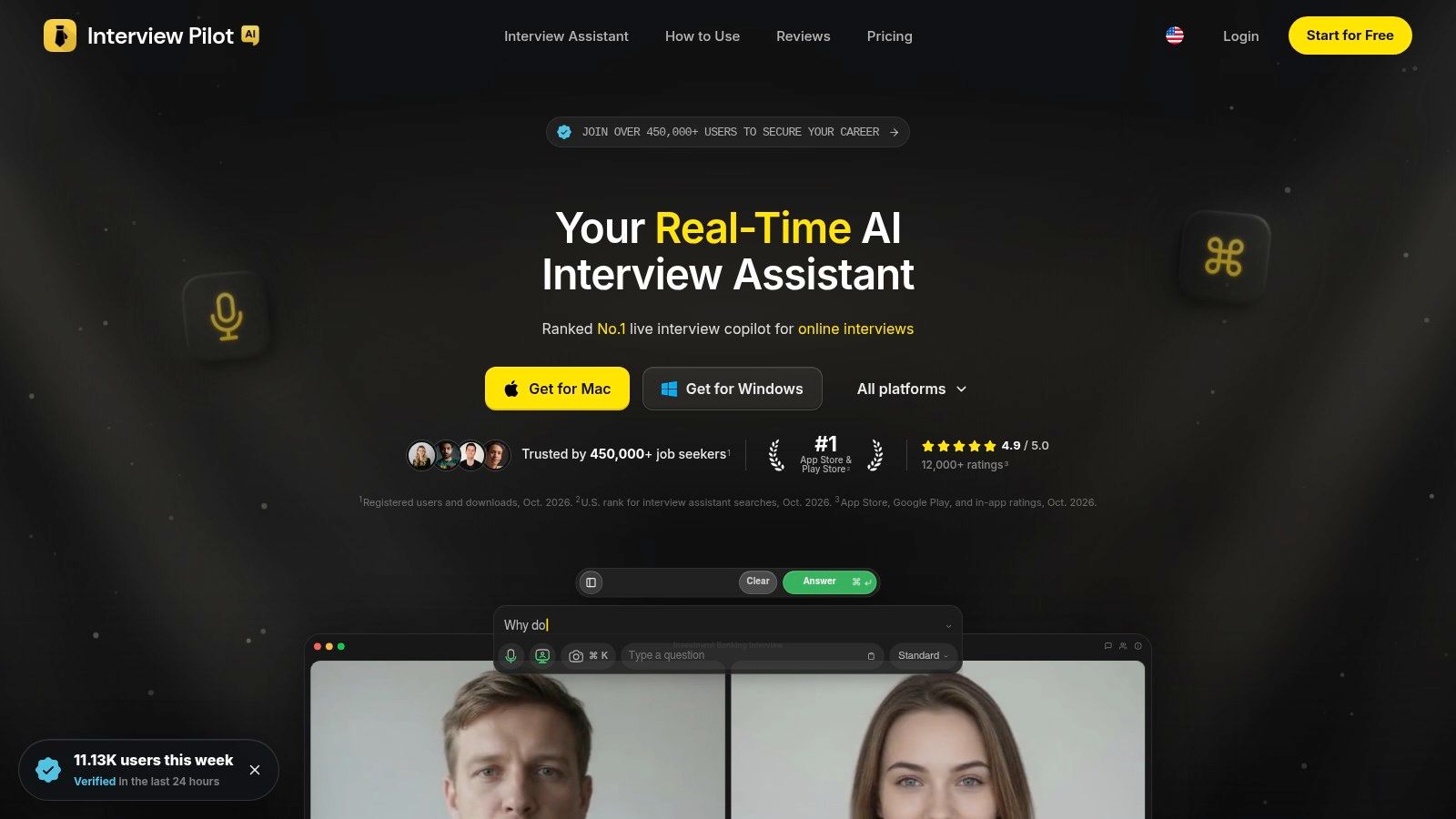
Interview Copilot builds real-time suggestions from the profile and documents you provide, including your resume, the target role, and the job description. Tone, depth, and focus controls change how formal and how detailed the draft is. Treat the output as the shape of your next sentence. If it misses your voice, or the question that was asked, rewrite it before you speak.
Practice sits next to the live tool. Guided mock interviews evaluate your answers, and a searchable bank of about 10,000 role-specific questions covers software engineering, data, investment banking, product management, consulting, and project management. Free, weekly, monthly, and yearly plans are listed on the site. Every full-access plan includes unlimited call time, unlimited Copilot use, the strongest Copilot models, full profile and document inputs, full customization, the full question bank, AI mock interviews, and priority support. Open the plan page for current prices before you commit.
Language, devices, and what it will not do
Coverage is more than 99 languages and a range of accents, with native apps for macOS, Windows, iOS, and Android. On Mac, Advanced capture for Zoom is meant to keep the app out of the screen share. The service does not guarantee that any part of it will be undetectable, invisible, uninterrupted, or compatible with every conferencing tool, proctoring tool, or employer system. The Mac and Windows apps do not record interview audio. Mock interviews still record your answer so the Delivery Score can be judged, whether or not Record Interview Audio is on.
The site says it is trusted by more than 450,000 job seekers and lists 99.99% availability over the past 90 days. It describes protection as industry-standard encryption.
A Microsoft Research study with 77 native Japanese speakers found that an AI recap plus question answering produced 16.4% more correct answers about an English meeting, and those participants were more than twice as likely to score perfectly. I treat that as a reason to ground suggestions in your materials, then still check the facts yourself. See Interview Pilot.
Practical rule: Use the suggestion as the shape of your next sentence, not as the sentence you deliver.
2. Otter.ai
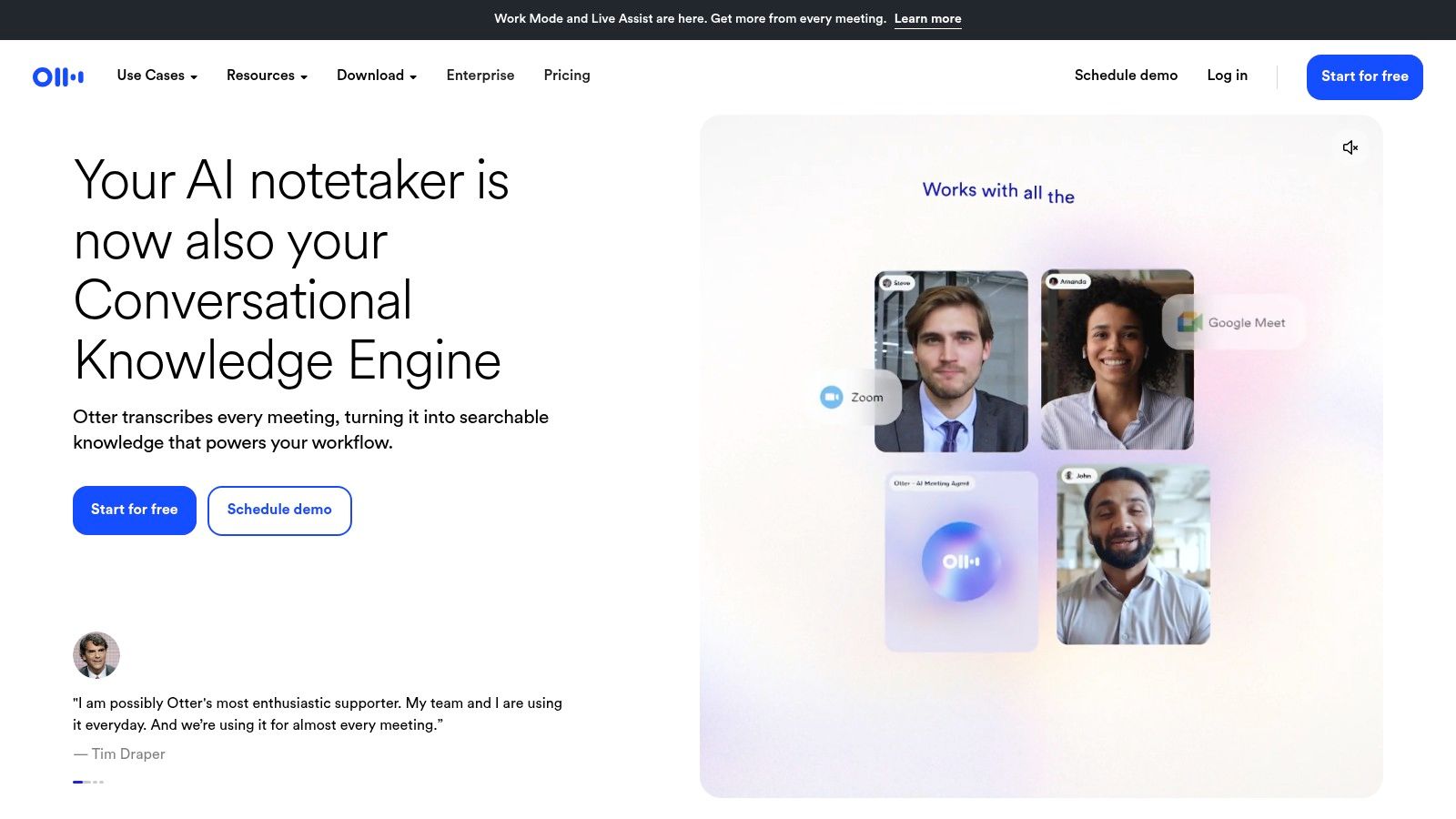
If the job is finding one sentence after the call, Otter.ai is the transcript-first option for Zoom, Google Meet, and Microsoft Teams. Live, speaker-identified transcripts, summaries, searchable notes, and an AI chat over the meeting are the core. It will not coach you through a behavioral answer.
The demand behind that workflow is not small. Sonix's compiled industry statistics project the global AI transcription market from $4.5 billion in 2024 to about $19.2 billion by 2034, at a 15.6% compound annual growth rate. A growing market does not make a free plan generous. Otter's Basic plan lets you try the product, then caps monthly transcription minutes and restricts file imports. iOS and Android apps cover the usual mobile catch-up. For interview audio you intend to review line by line, our guide to interview transcription with AI is the closer match than a generic recap.
- Best job: Search a past call for a name, a number, or a commitment.
- Weak job: Drafting what you should say next in a live interview.
- Free-plan reality: Minutes and imports run out before a heavy interview week does.
Details are on Otter.ai.
3. Fireflies.ai
Fireflies.ai records and transcribes, then gives you searchable summaries, action items, and AskFred for questions across calls. It covers major conferencing tools plus desktop and mobile capture, with transcription in 100+ languages.
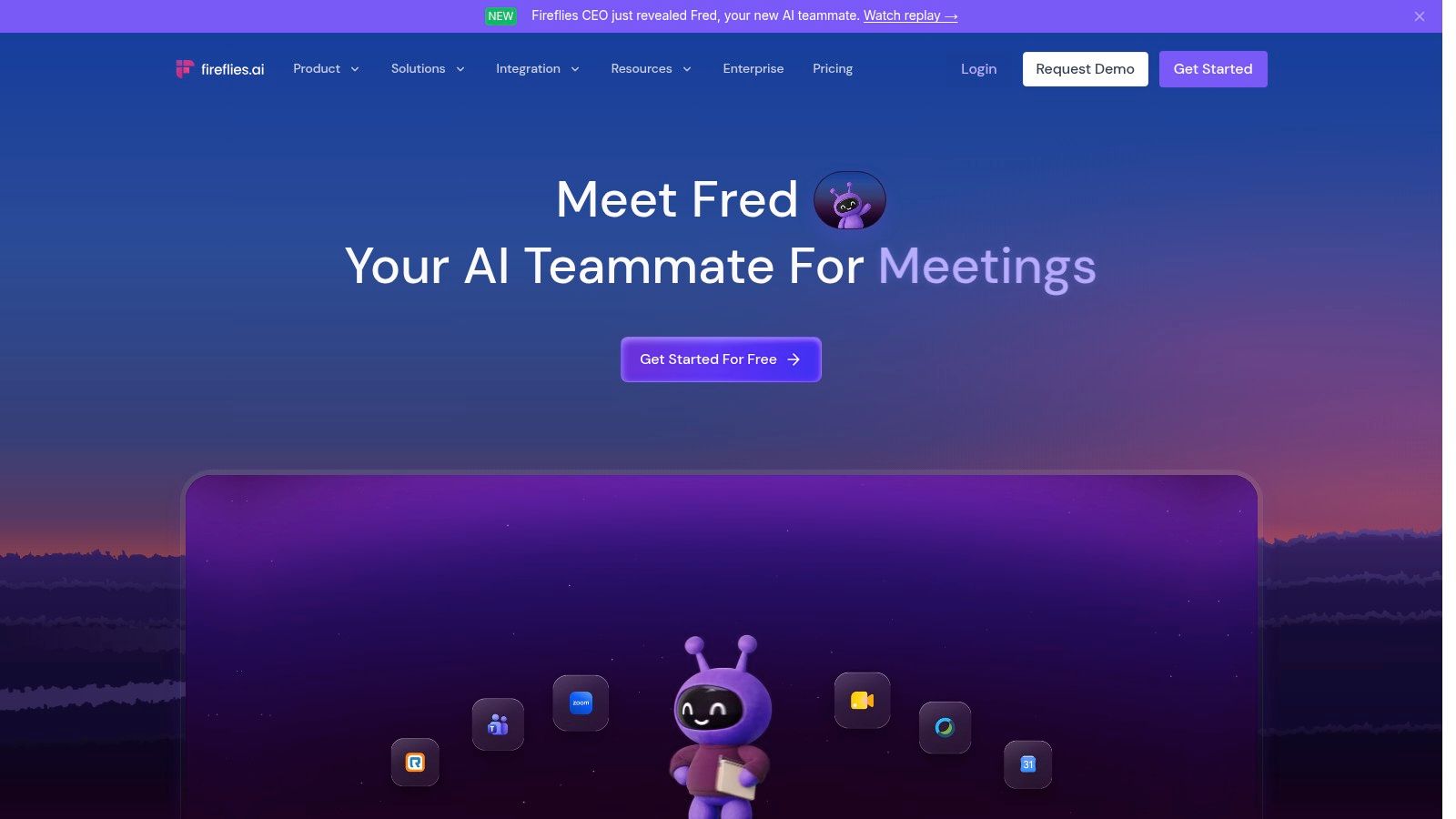
Live Assist can surface notes and suggestions during the meeting, but only after the Fireflies notetaker joins. That is useful on a team call where everyone expects a bot. It is a poor fit for an interview where the company has a no-bot rule, or where you do not want a second name on the roster. The free plan is enough to test core transcription. Storage is capped, and some AI actions spend credits, so a week of long panels can stall before the summary you wanted.
I would use Fireflies when the archive matters more than the live moment. Search across calls, pull the action item, and leave answer coaching to a tool built for that. Start at Fireflies.ai.
A notetaker that has to join the call is a participant, not a private notebook.
4. Fathom
Fathom does one job well: free recording and clips, with a bot-free option still in beta. It records, transcribes, and recaps Zoom, Google Meet, and Microsoft Teams, then lets you clip highlights into playlists. The free individual plan includes unlimited recordings and transcription, rare in this category. Paid tiers add advanced summaries, a conversational assistant, collaboration, and sales features. Some team plans require a two-user minimum, so a solo candidate can outgrow the free tier without a cheap one-seat upgrade.
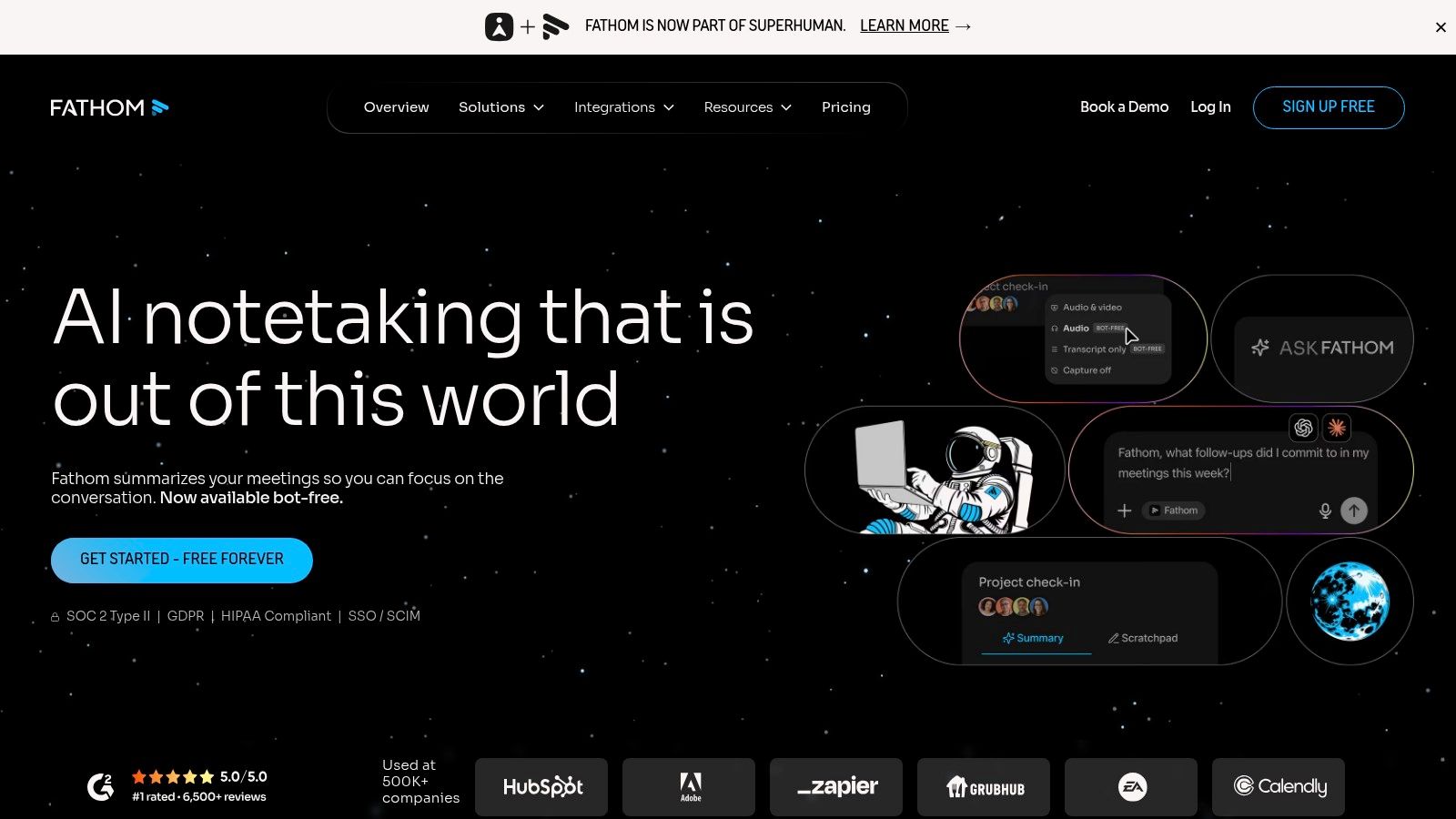
Capture is the useful split. The usual path is a bot. Bot-free capture is in beta on Mac. If your interviews are mostly Zoom and you are still deciding whether a bot is acceptable, read these Zoom interview tips before you let anything join. Check that your interview language is supported before you rely on Fathom for a multilingual loop, since coverage is not universal.
CRM sync shows up on higher plans. Until then, Fathom is a strong free recorder with clips, not a revenue system. See Fathom.
5. tl;dv
tl;dv is the follow-up tool in this set. It handles Zoom, Google Meet, and Microsoft Teams, plus options for in-person and other calls, and it can push meeting information into CRMs and other work apps. Transcripts, summaries, and action items are the baseline. AI questions and reports run across meetings, with transcription support for 100+ languages.
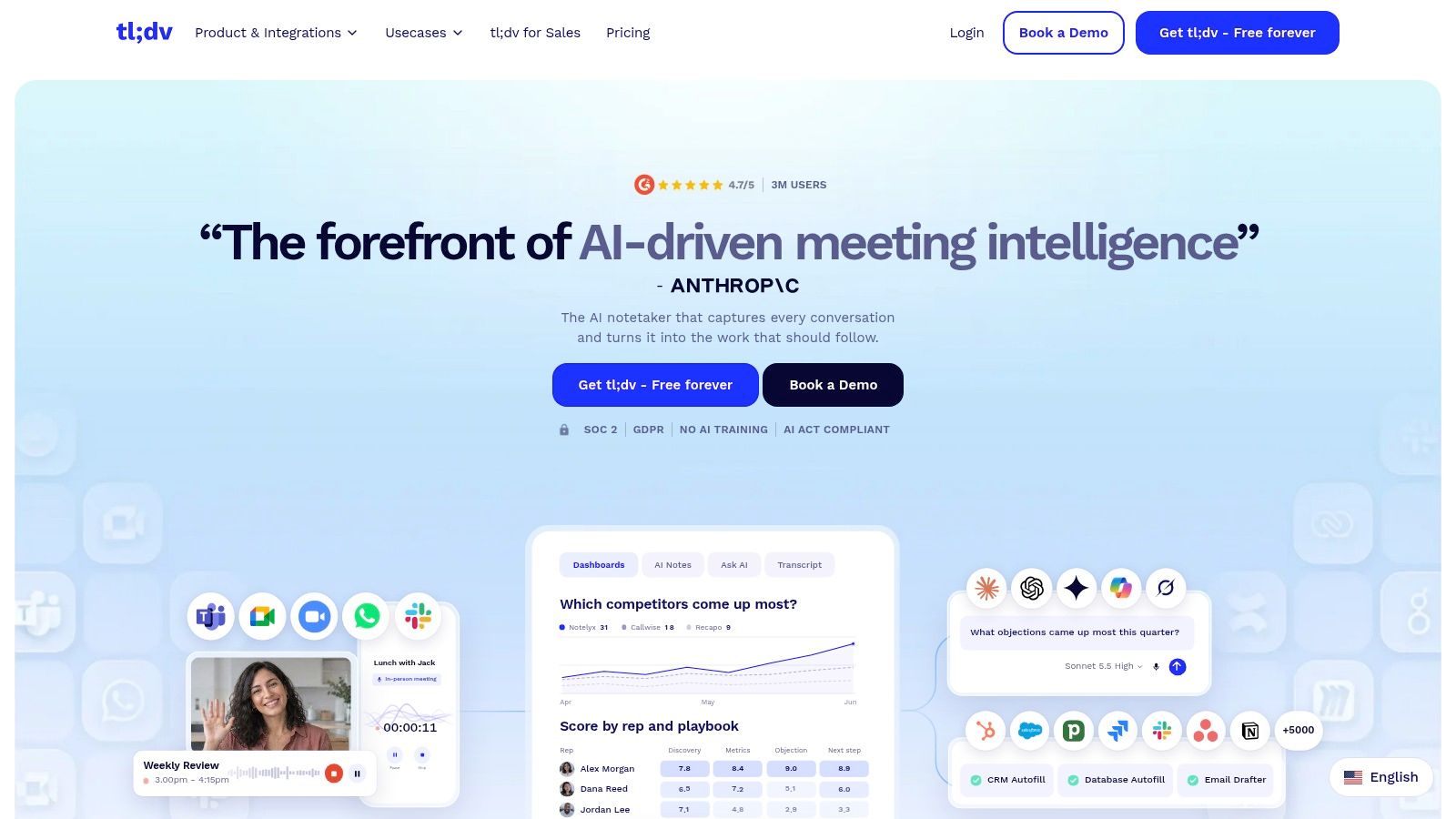
You can capture with a bot or with a bot-free desktop app, and mobile recording covers in-person meetings. That mix is why I put it in the CRM lane rather than the pure notetaker lane. A summary that never leaves the app does not close the loop. A summary that can land in the system where you already track work does.
The free plan is real, and it is limited. AI features are capped, storage retention is capped, and team analytics plus heavier workflows sit on paid plans. If you only need one interview transcript this month, the free tier is a fair test. If you run daily customer calls and expect automated reports, budget for a paid seat. Product details are at tl;dv.
6. Granola
Granola does not add a meeting bot as a participant. It captures device audio, then mixes that audio with notes you type, templates, and an AI chat. Desktop and mobile apps are both available. Shared folders and integrations sit on paid plans.
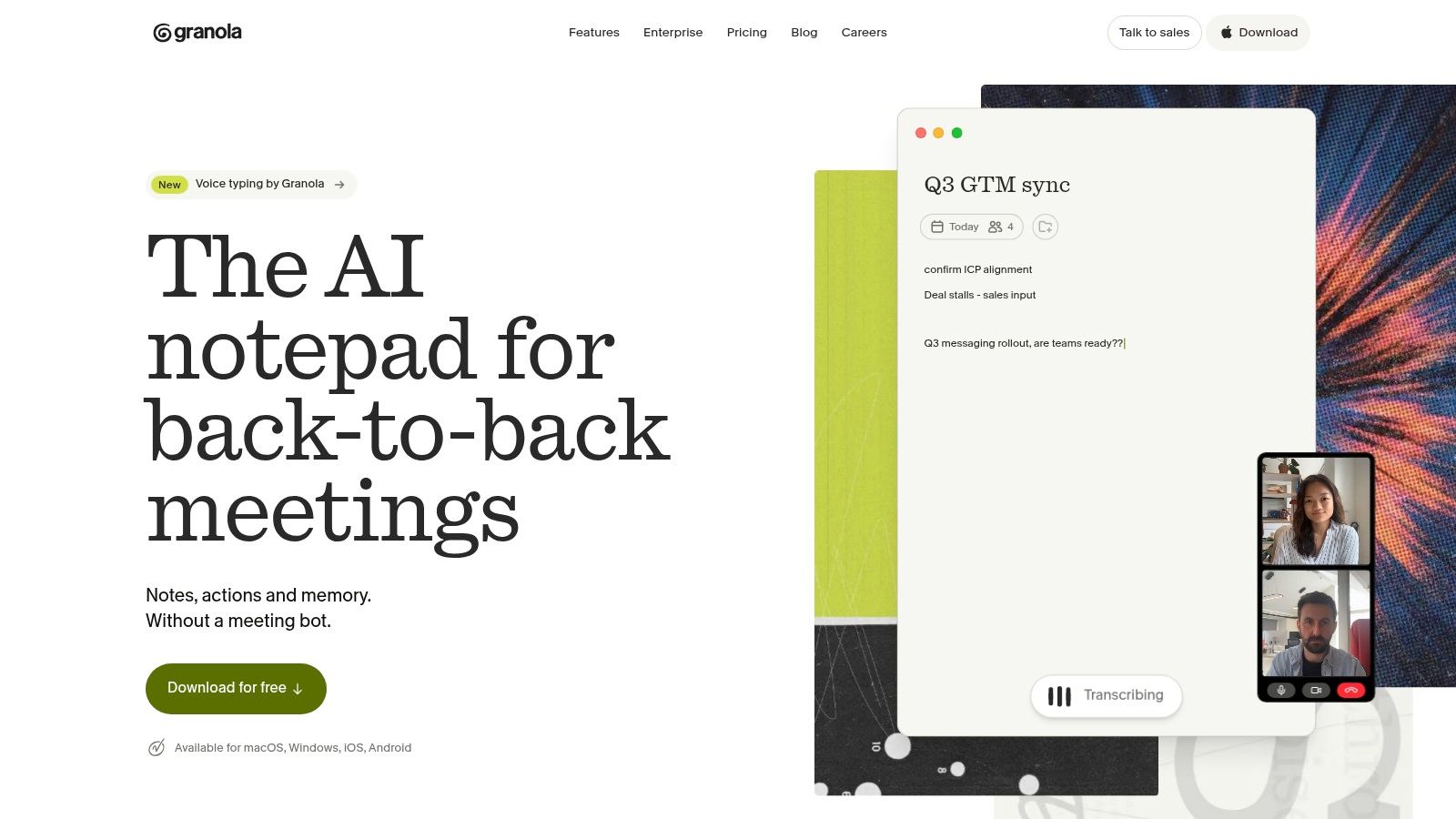
That design fits a private review of your own mock interview better than a live answer coach. You jot the points you want to remember. The transcript fills in what you missed. It will not tell you what to say while the interviewer is waiting.
People do change when they know software is listening. An industry survey cited by CBIA found that 84% of professionals change how they speak when an AI assistant is present. Bot-free capture does not erase consent rules. If you are recording someone else, disclose it, and do not assume device audio is invisible to policy. The free tier limits meeting history, so older practice sessions drop out of reach.
For a wider look at what belongs in a study stack versus a call stack, see best AI productivity tools. Granola's site is granola.ai.
7. Read AI
Read AI is a transcription and reporting layer for Zoom, Teams, and Google Meet. Live notes sit next to a dashboard of meeting metrics. After the call you get automatic reports, topics, and action items. Search across meetings, and the integrations that matter for follow-up, arrive on paid tiers, including Salesforce, HubSpot, Notion, and Jira.
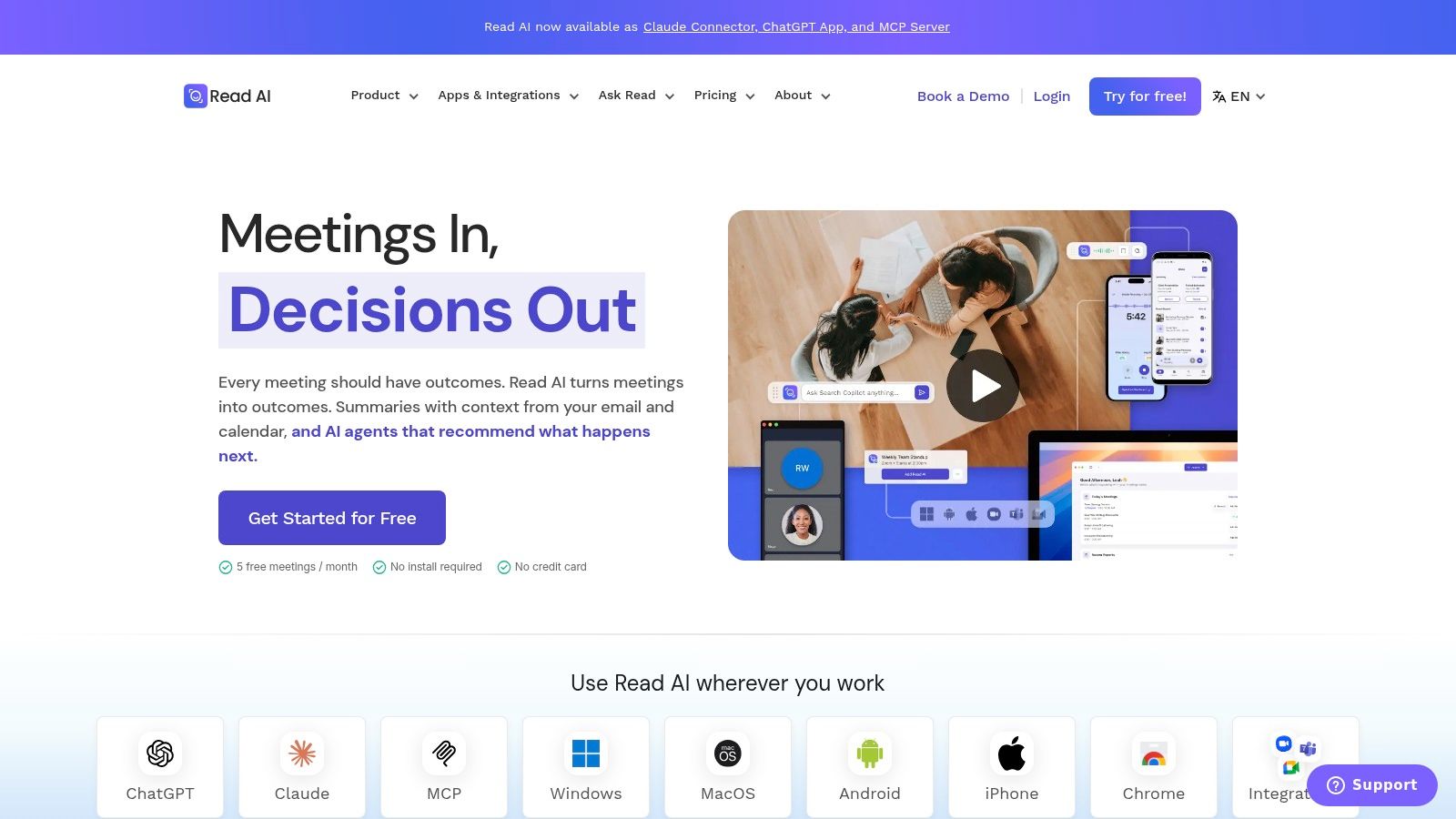
The free plan is a sampler, not a habit. It caps you at five meeting reports per month. Paid tiers expand meeting access and add those integrations, and meeting-length plus upload limits still vary by tier. I would not pick it as an interview coach. I would pick it when you want a live sense of how a discussion is moving, then a report you can file.
- During the call: Live notes and a metrics dashboard.
- After the call: Topics, action items, and, on paid plans, search.
- What it is not: A private answer generator for a candidate.
Compare tiers on Read AI against the number of calls you join.
8. Avoma
Avoma is a meeting assistant welded to conversation and revenue intelligence. It records, writes real-time transcripts and structured notes, drafts follow-up email, and can update CRM records. Ask Avoma answers questions about meetings. Transcription is advertised in 75+ languages.
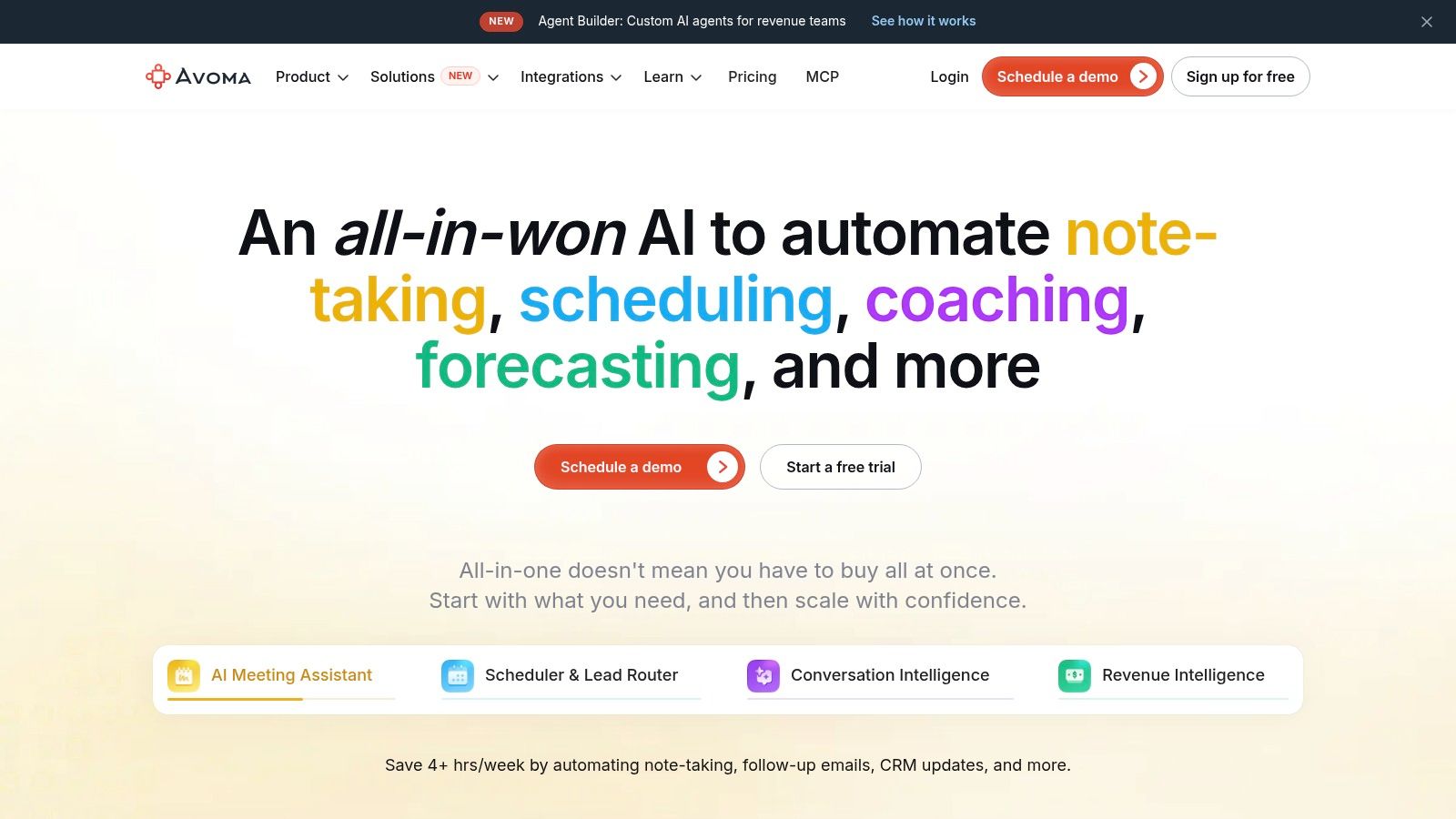
That is the right shape for a sales or customer team that already lives in a CRM. It is more tool than an individual candidate needs. Paid recorder seats are built around team use. Coaching and deeper revenue features sit on higher tiers or add-ons. Published pricing at least lets a manager price the seat before a pilot, which several consumer notetakers still dodge.
Free view-only collaborators can review shared materials without a recorder seat. Use that if stakeholders only need the note, not the capture license. For a job seeker, the CRM path is overhead. For a team that loses follow-up between the call and the opportunity record, it is the point of the product. Start at Avoma.
9. Fellow
Fellow ties recording and AI notes to the rest of the meeting, agendas before, action items after, and a place to collaborate. It supports Zoom, Google Meet, and Microsoft Teams, and it advertises transcription in 99 languages. Ask Fellow is the chatbot over your meetings. Higher tiers add more recording, team controls, and sales tools, including CRM-related features on qualifying plans.
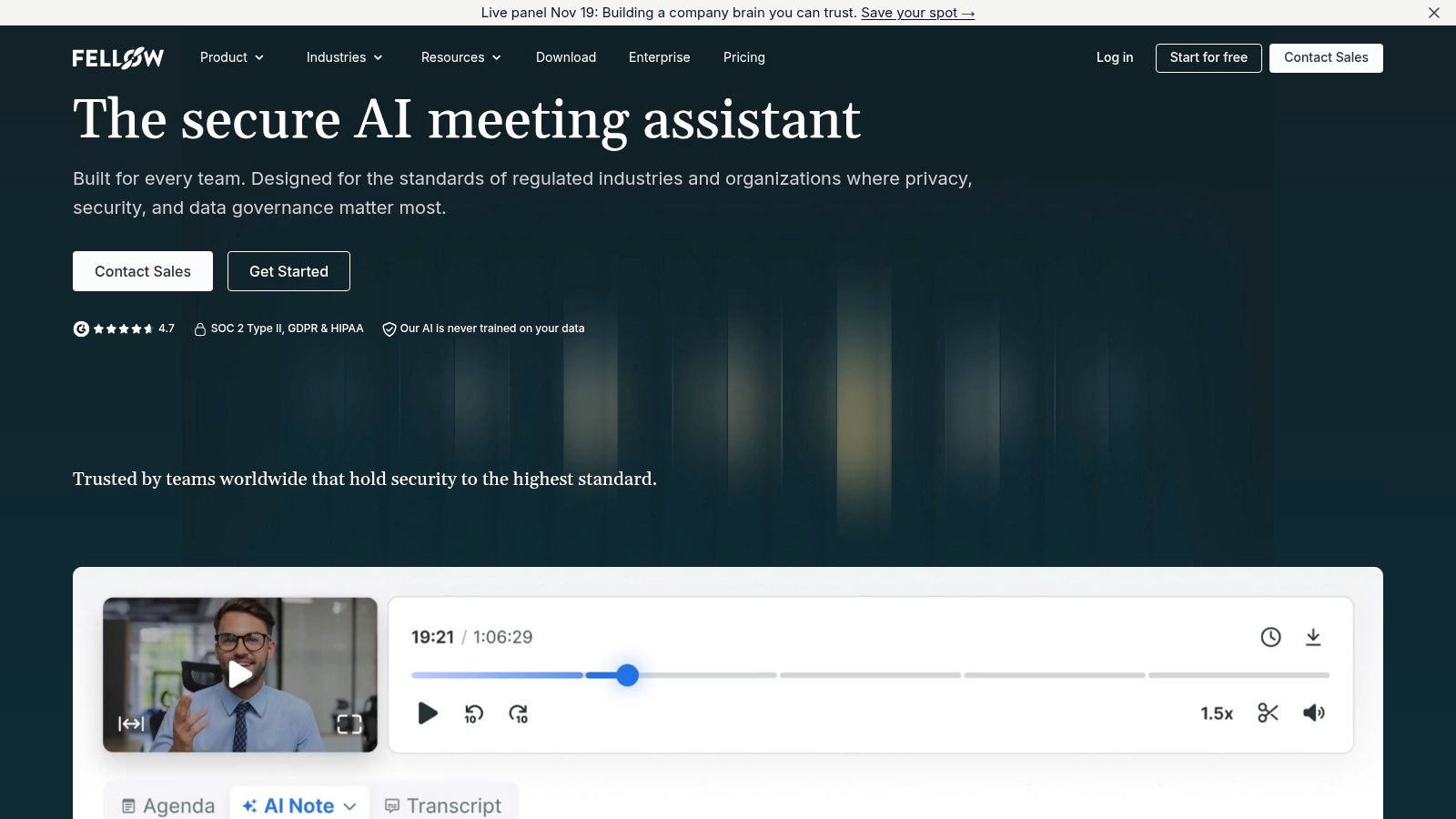
Usage of this category moved fast. Fellow's 2024 State of Meetings Report says AI usage for meetings increased 17-fold between January and August 2024. A jump like that is why free tiers feel tight. Fellow's free plan and a low-cost Team plan are real entry points, and both limit how many AI notes and recordings you get. Organization-wide controls and sales workflows stay on higher plans.
I like Fellow when the meeting has an agenda you already wrote and you want the notes to inherit that structure. I would not use it to invent answers in a hiring loop. Language coverage is broad enough for international teams, with the usual caveat that you should test your accent on a short call first. Plans are listed at Fellow.
10. Tactiq
Need the words from a browser call without adding a bot to the room? Tactiq is a Chrome extension. It transcribes Zoom, Google Meet, and Microsoft Teams in the browser, then hands you transcripts, AI-generated insights, and in-meeting AI. Paid team plans add sharing and admin controls.
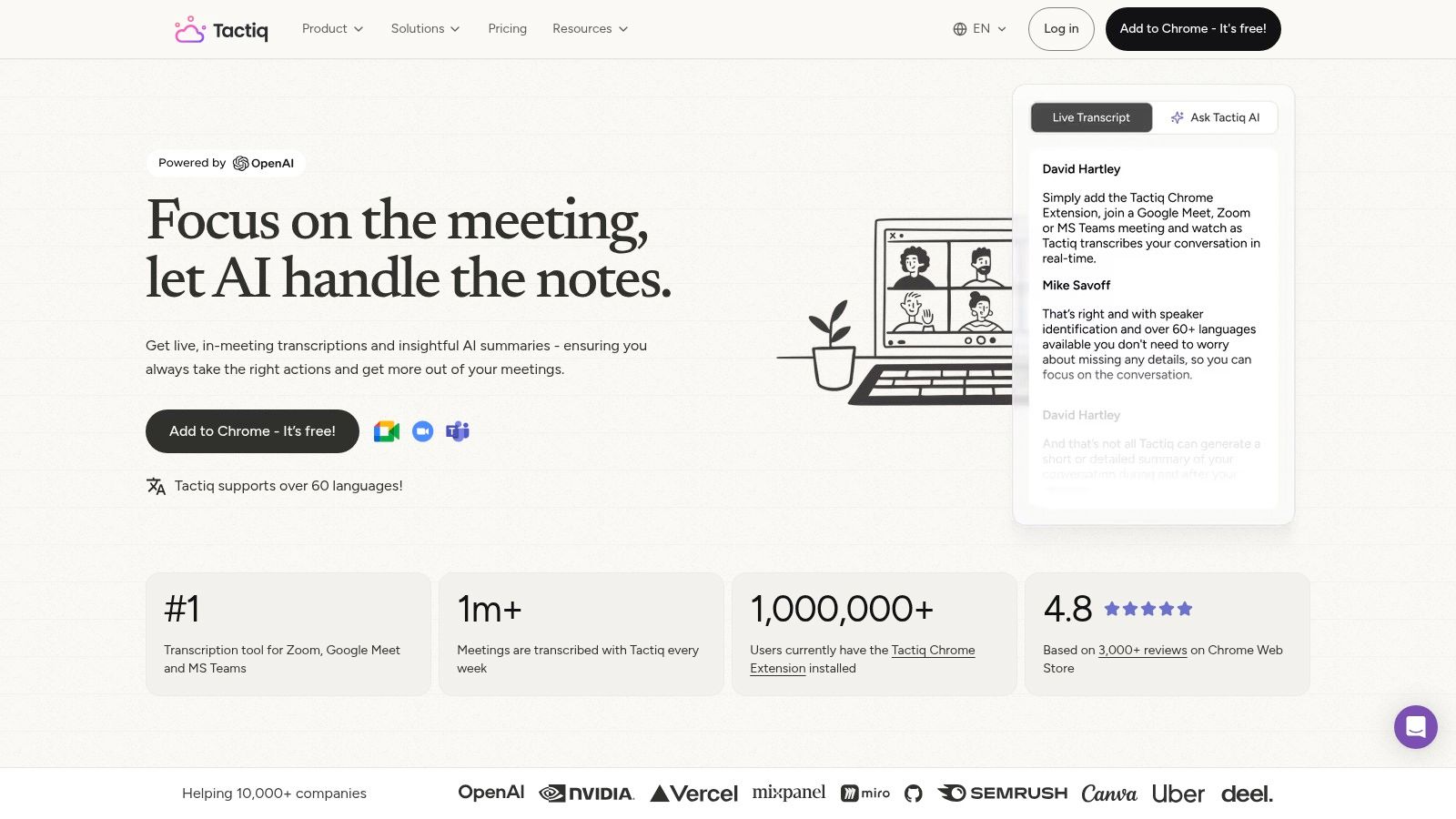
The free tier does not expire as a short trial. It is still limited on transcripts and on AI credits, so an interview season stacked on top of work calls will run out. Paid plans can remove transcript limits and expand AI usage. Confirm the current caps on Tactiq before you count on the free plan for that mix.
I would use it only when the meeting already lives in the browser on those three platforms. That is the job it does best: capture without an extra participant. A desktop app, a phone dial-in, or an in-person panel needs a different capture path. Tactiq records what was said. It does not tell you what to say. Pair it with your own notes when the transcript is the goal, and use a live interview tool when you need an answer in the moment.
AI Meeting Assistant Tools at a Glance
| Best For | Capture Method | Transcription Languages | Free Plan |
|---|---|---|---|
| Interview Pilot, Live interview preparation and coaching | Live interview copilot and guided mock interviews | 99+ languages supported; transcription languages not specified | Free plan available |
| Otter.ai, Searchable meeting transcripts and summaries | Meeting-platform capture for Zoom, Google Meet, and Teams | Not specified | Basic plan available; monthly transcription limits |
| Fireflies.ai, Searchable meeting notes and broad language support | Meeting notetaker, desktop, and mobile capture | 100+ languages | Free plan available; storage capped |
| Fathom, Meeting recordings and unlimited individual transcription | Meeting-platform recording; bot-free capture in beta on Mac | Native languages are limited; specific languages not provided | Free individual plan with unlimited recordings and transcription |
| tl;dv, Meeting notes linked to follow-up workflows | Bot-based, bot-free desktop, and mobile capture | 100+ languages | Free plan available; AI and storage limits |
| Granola, Bot-free meeting notes and review | Device-audio capture without a meeting bot | Not specified | Free tier available; limited meeting history |
| Read AI, Meeting reports and live discussion metrics | Meeting-platform capture with live notes and reports | Not specified | Free plan with up to five meeting reports monthly |
| Avoma, Sales and customer-facing team conversation intelligence | Automatic call recording and real-time transcription | 75+ languages | Free view-only access for collaborators |
| Fellow, Collaborative meeting agendas, notes, and follow-up | Meeting-platform recording and transcription | 99 languages | Free plan available; AI notes and recordings limited |
| Tactiq, Lightweight browser-based meeting transcription | Browser extension for supported meeting platforms | Not specified | Free tier available; monthly transcript and AI-credit limits |
How to Choose and What to Do Next
Pick the primary job before you pick the brand. If you freeze on live interview questions, a searchable archive will not help in the moment, and a CRM sync is irrelevant. If you need to quote what a client said last Tuesday, live answer suggestions are the wrong product. If the note has to update a deal, choose the tool whose paid tier connects. If a bot is banned, or you are reviewing your own practice, stay with device audio or a browser extension and still follow consent rules.
Then put the free plan against your real volume. Five reports, ten transcripts, or a handful of AI credits disappears in one hiring week. Unlimited recording on an individual plan can still hide a language limit or a two-seat minimum the moment you invite a teammate. Run one real call, not a demo clip, through the capture method you will use.
Check language on that same call. A badge that says 75, 99, or 100-plus languages does not tell you how the model handles your accent, your jargon, or two people talking over each other. Listen to the names and the numbers. Those fail first.
Consent is not a settings toggle you skip. A 2025–2026 industry survey summarized by Stealth Agents found that about 40% of 1,100 companies had already deployed meeting AI and 42% planned to within a year, while 63% of employees had privacy concerns about AI recording and 58% felt uncomfortable when an AI tool joined without an invitation. Disclose before you record. If the other person refuses, stop. Do not treat a transcript as a hiring decision by itself.
Adoption still has room. A 2025 Gallup survey of U.S. employees who use AI at work found that 12% use meeting assistants or transcription tools. The category is past the experiment stage and nowhere near universal, which is why a mismatched tool wastes more time than it saves. Meeting load is already high enough. In a June 2024 Morning Consult survey for Zoom of 7,969 knowledge workers, 47% of leaders and 33% of employees said they spent more time than they wanted in in-person meetings, and 46% of leaders and 37% of employees said the same about virtual meetings.
Test one tool for a week on the job you named. Keep the one whose free limits survive your calendar. Drop the one that joins calls you cannot disclose.
If your main job is interview preparation rather than team notes, Interview Pilot is the live path in this list. It pairs real-time Copilot suggestions with mock interview practice and a large role-specific question bank on desktop and mobile. Visit Interview Pilot and run one practice session before your next live call.


Topics
ai meeting assistant
ai meeting tools
meeting transcription
interview assistant
best ai tools 2026
Continue reading
AI Tools
Live Transcription App Comparison: 10 Options for 2026
Compare the top live transcription app options for interview practice, from Otter.ai and Notta to Zoom and Teams captions, with free plans and limits.
November 16, 2026
19 min read
AI Tools
AI Interview Cheating: What Counts and How to Stay Honest
Learn what counts as AI interview cheating, why detection falls short, and how to use AI for interview prep without crossing the line.
November 16, 2026
16 min read
AI Tools
AI Interview Coach: How It Works and How to Choose One
Learn what an AI interview coach does, which features matter, where it falls short, and how to use one ethically before your next job interview.
November 11, 2026
17 min read