









Interviews
10 System Design Templates for Interview Prep
Compare 10 system design templates for interview prep, including diagram tools, C4 frameworks, cloud blueprints, scoring checklists, and download examples.
Interview Pilot Editorial Team
Updated September 17, 2026
18 min read
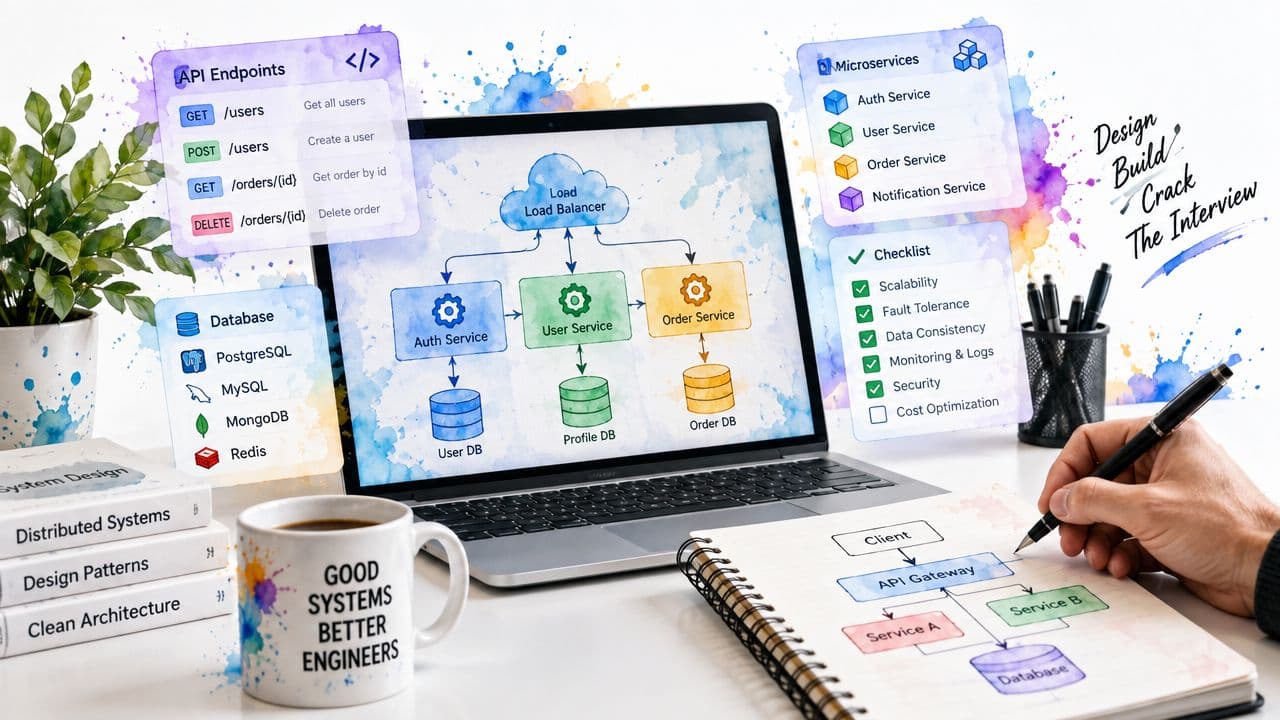
You're staring at a broad system design prompt, and the clock is already loud. The interviewer wants requirements, APIs, components, data flow, scaling, reliability, and trade-offs, all in one coherent story, and the worst part is that good ideas can still look messy if you don't have a structure. That's why system design templates matter. The best ones aren't just attractive diagrams, they give you reusable starting points, consistent notation, prompts for missing decisions, and a way to review what you did after the mock interview ends. The test is whether a template helps you move fast without flattening the architecture into something generic, and whether it still holds up when you're thinking aloud on a whiteboard or in a live doc. For background on why reusable architecture language matters, the lineage runs from pattern languages in software to the standardized catalog of 23 patterns published by the Gang of Four, which helped move design thinking toward explicit, shareable templates as documented in this history of patterns. That's the lens here, practical tools for interview prep, live sketching, and a personal playbook you can keep refining. For a broader look at architecture thinking around growth, see architecture strategies for growth.
Miro
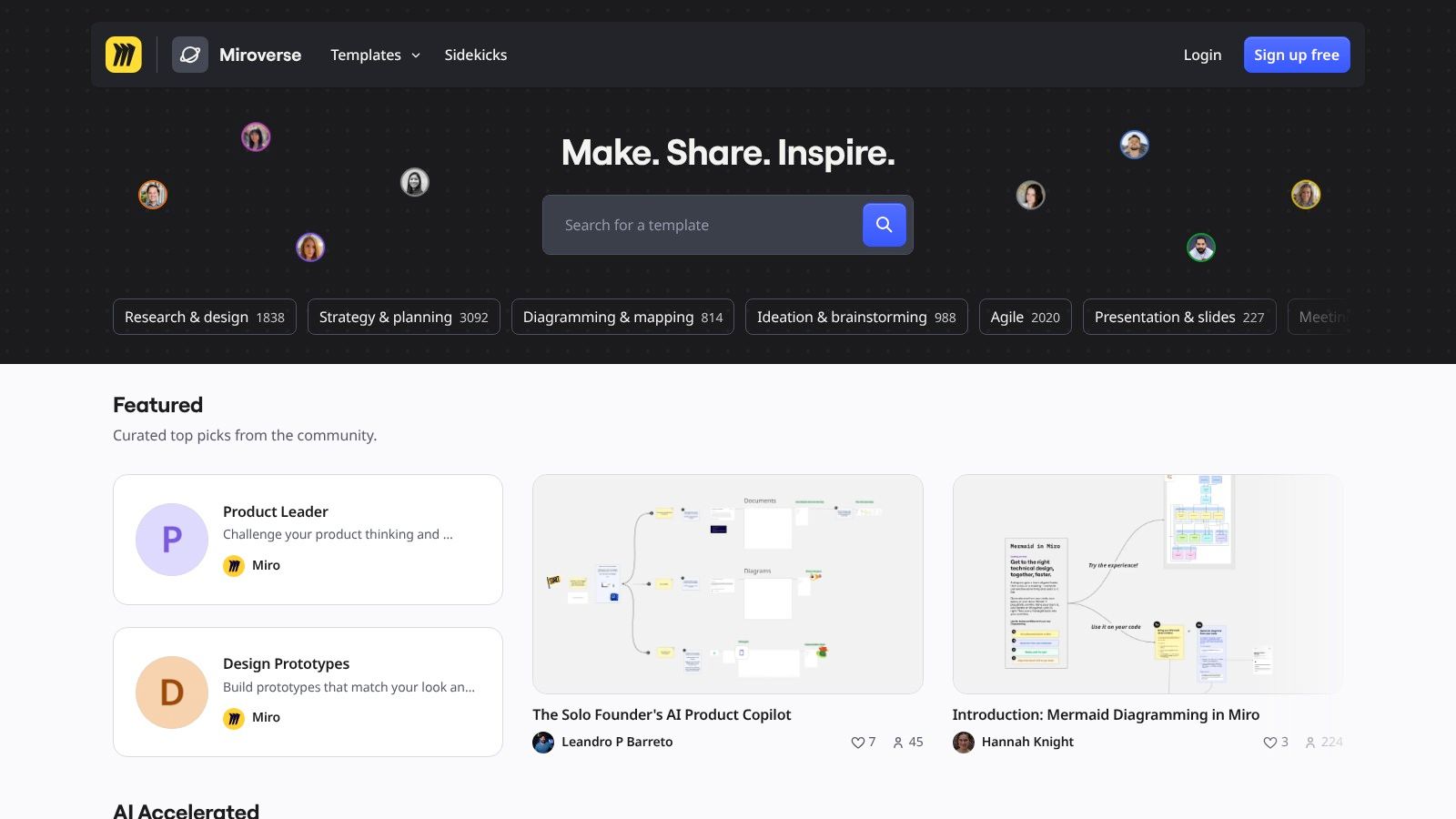
Miro is the easiest place to start if your brain works best with a blank canvas and a cursor. Its template gallery includes architecture-oriented boards, business and solution architecture layouts, and cloud pattern starters, so you're not building every interview diagram from zero. The biggest advantage is speed. You can pull up a board, throw in boxes, arrows, and sticky notes, then spend your mock interview time on reasoning instead of fighting the tool.
The collaboration layer matters more than people admit. Real-time editing and comments make Miro useful for pair practice, especially when a friend or mentor wants to interrupt and challenge a trade-off mid-explanation. Presentation mode is also handy when you're rehearsing how to walk an interviewer through a design in order, rather than jumping around the page.
Practical rule: Use Miro when you need fast sketching plus a polished look, not when you need a perfectly versioned artifact.
The trade-off is that heavy boards can feel sluggish on older machines, and the best features sit behind paid tiers. That makes Miro strongest as a live whiteboarding tool, not as the single source of truth for your whole prep workflow. A good pattern is to rehearse rough architecture stories in Miro, then move the best version into a more durable format later. If you're also comparing AI-powered prep helpers, this roundup of AI tools for interview practice is a useful companion because it covers the verbal side of the same workflow.
Lucidchart
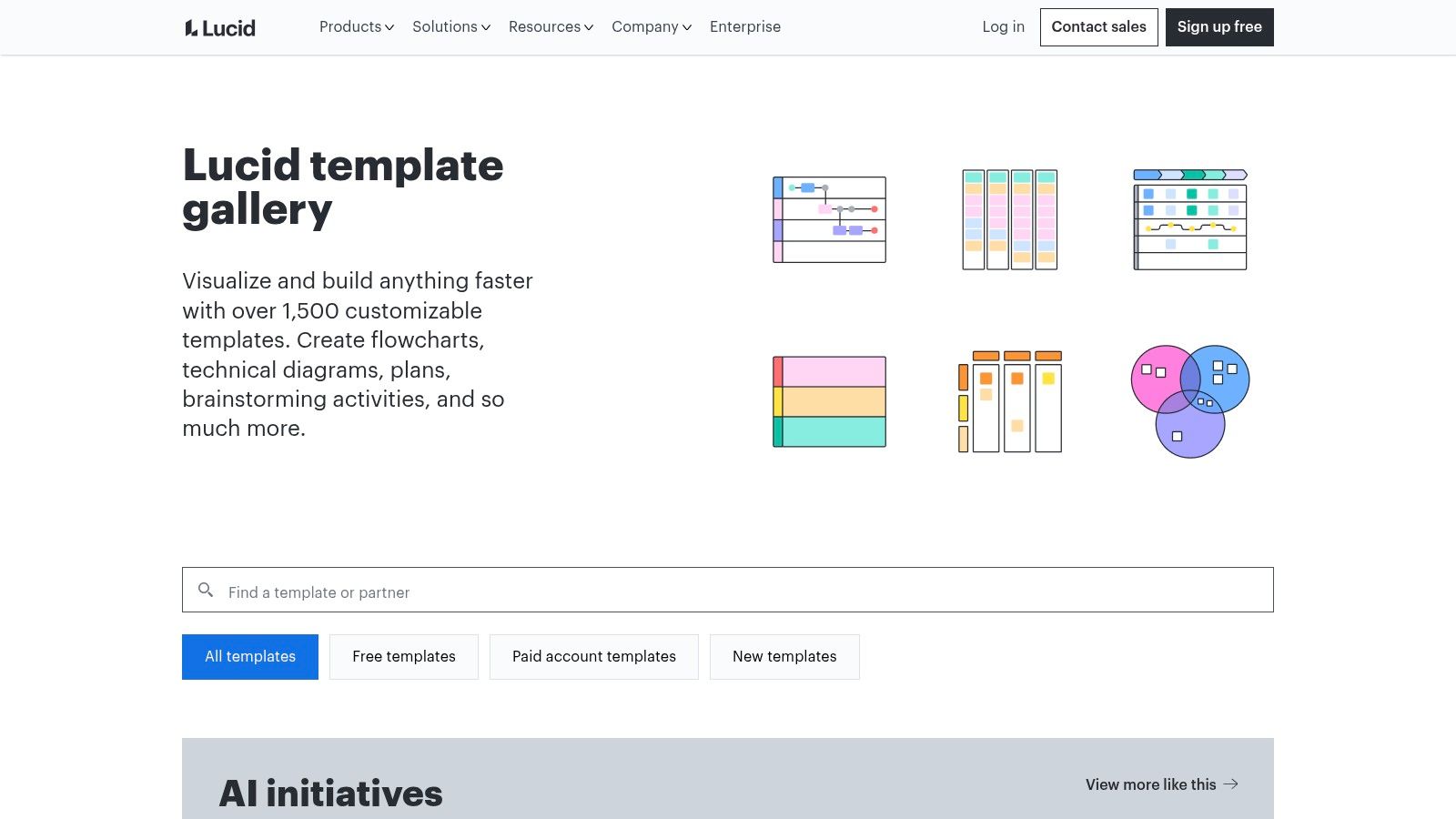
Lucidchart is the most straightforward choice when you want cloud realism without spending half the session hunting for icons. Its template library covers AWS, Azure, and Google Cloud patterns, plus network layouts and reference architectures that feel closer to what interviewers expect to see in a serious system walkthrough. That makes it especially strong for candidates who already know the basics and want their diagrams to look like they came from an engineering team, not a slide deck.
Value is in the surrounding workflow. Lucid's data-linked diagrams and cloud-frame auto-layout from imported AWS, Azure, or GCP metadata help you see how real infrastructure maps to a diagram, which is useful when you're practicing for prompts about services, boundaries, and dependencies. It also has enterprise shape libraries and revision history, so if you're using it for a longer interview-prep project, your older versions don't disappear the moment you make a bad edit.
The downside is practical. Lucidchart can be too much tool for a five-minute whiteboard answer, and the advanced features are locked to paid plans. That means it shines in cloud-specific realism and portfolio-ready exports, but it's not the fastest option for raw sketching. If you're building a workflow, Lucidchart is the place to turn your rough interview answers into cleaner diagrams you can reuse across sessions.
FigJam
FigJam sits in a sweet spot between freeform sketching and disciplined system storytelling. Its engineering-oriented templates, including tech stack maps, cloud diagram kits, use-case diagrams, and data-flow layouts, are well suited to the interview task most candidates struggle with, turning a vague product prompt into an end-to-end explanation. You can map APIs, dependencies, and data paths in a way that still feels conversational.
The strongest part of FigJam is how quickly it lets you annotate while you talk. The connectors are simple, the icons are easy to drop in, and the whole thing feels light enough that you're not over-committing to formal structure too early. That's useful during mock interviews because you often need to revise your thinking halfway through the answer, and FigJam doesn't punish that.
A hidden advantage is Figma integration. If your prep includes UI or product thinking, FigJam and Figma together let you move from interface to system without switching tools, which is great when a prompt mixes front-end flows, backend services, and data contracts. The limitation is that some cloud kits are lighter than specialist diagramming tools, so FigJam is better for layered architecture storytelling than for heavy infrastructure detail. It's a strong middle ground when you want your diagrams to stay readable while you're still thinking.
diagrams.net
diagrams.net, still called draw.io by a lot of engineers, is the cleanest free option for people who want control without subscriptions. Its template manager covers architecture, networks, and other common categories, and the shape libraries are broad enough to support AWS and Azure-style sketching without forcing you into a vendor-specific workflow. If you want a tool that doesn't fight you, this is one of the safest defaults.
What makes it especially good for interview prep is that it supports both rough and finished work. You can sketch quickly in the browser, take it offline, or export in a bunch of formats for portfolio use. That matters because a strong personal playbook usually needs two versions of the same artifact, a quick rehearsal copy and a clean reference copy you can revisit before later interviews.
The tool also fits the C4 habit surprisingly well. Context, container, and component views are easy to model if you keep your shapes and labels disciplined, and custom templates let you build repeatable pages for different prompt types. That makes diagrams.net a good base if you want a downloadable template pack that you can keep adapting over time.
Practical rule: Use diagrams.net when you want a free, flexible workspace that can become your personal interview archive.
The downside is the interface. It's utilitarian, not inspiring, and there are fewer opinionated interview templates out of the box than you get in Miro or Lucidchart. That's a real trade-off, because the tool gives you freedom but not guidance. If you're strong at structure already, that's fine. If you need a lot of template-led coaching, start somewhere more guided and come back here for the durable version.
Whimsical
Whimsical is the best option when speed and visual clarity matter more than depth. Its system and block diagram starters, plus AWS icon sets grouped by category, make it easy to put together a clean story without clutter. The hand-sketched aesthetic also works surprisingly well in interviews because it looks intentional without feeling overly polished.
The keyboard-driven workflow is where Whimsical earns its place. You can move fast enough to keep up with your own speaking pace, which matters when an interviewer keeps nudging you toward trade-offs, bottlenecks, or service boundaries. It's also handy that flowcharts, sequence diagrams, and mind maps all live in one workspace, since a lot of candidates need to move between those views while rehearsing.
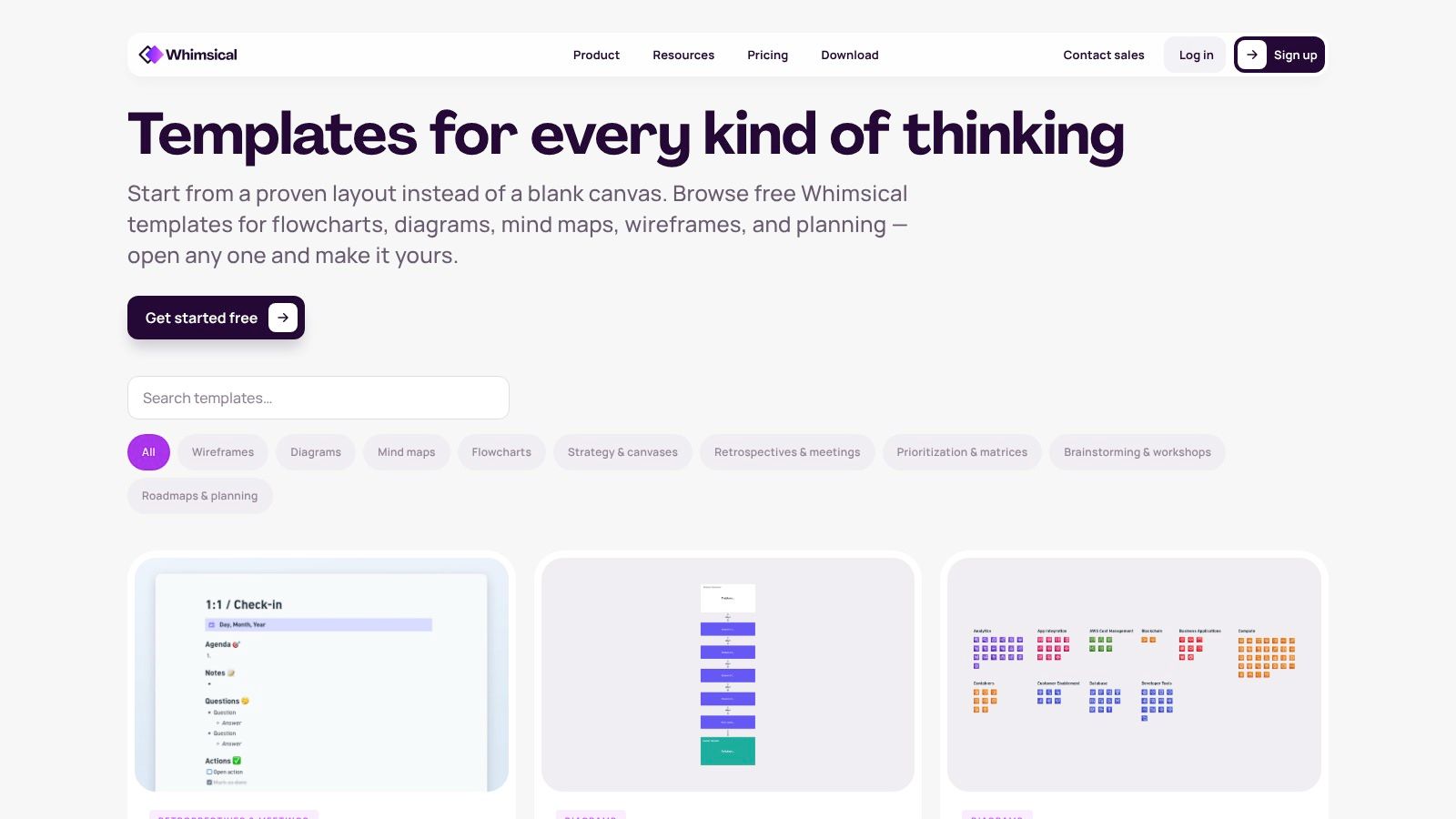
Where it falls short is template depth. The ecosystem is smaller than what you get from Miro or Lucid, so if you want a huge library of architectural starting points, Whimsical can feel light. Some export and collaboration features also sit behind paid tiers, which makes it more attractive as a rapid sketching tool than as the center of a long-term documentation system.
Clean diagrams don't save a weak answer, but messy diagrams can hide a good one.
Use Whimsical when you want your first draft to look organized quickly. It's especially strong for candidates who think in short bursts and prefer to build the narrative piece by piece rather than dragging around a complex board. For interview prep, that can be enough.
ByteByteGo
ByteByteGo isn't a live diagramming app, and that's exactly why it's useful. Its system design blueprints give you a structured mental model for interview answers, with a clear flow from requirements to API choices, storage, scaling, and reliability. That makes it valuable before you even open a whiteboard tool, because it helps you rehearse the order of your explanation instead of improvising the whole thing.
The visual style is also a real advantage. Their blueprints are dense with the kind of reference structure candidates can reuse as a checklist for their own thinking, especially when they're under time pressure and need to avoid jumping straight to infrastructure details. It's the sort of material that helps you answer consistently across multiple mock interviews, even if the prompt changes.
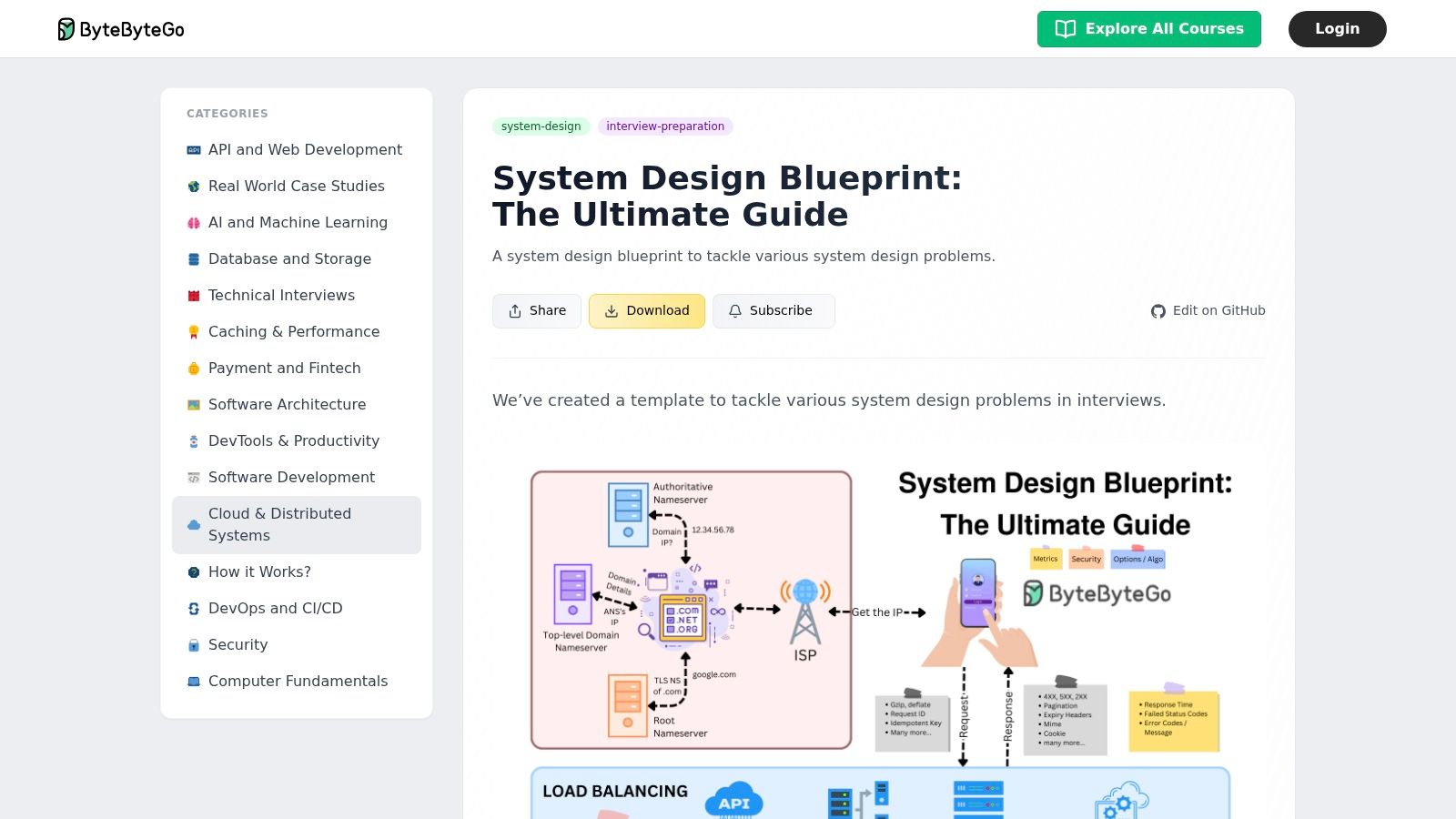
If you're building a workflow around structured rehearsal, this is one of the strongest supports in the set. Pair it with Interview Pilot's software engineer interview guide when you want a broader practice path, then use the blueprint to keep your answer shape consistent. The limitation is obvious. You still need a drawing tool to produce the actual live interview artifact, and some assets sit behind subscriptions or courses.
The best use case is preparation, not presentation. ByteByteGo helps you remember what to say and in what order, while another tool handles the drawing. That split is healthy, because too many candidates try to force one resource to do both jobs and end up with neither a clear narrative nor a useful diagram.
Structurizr
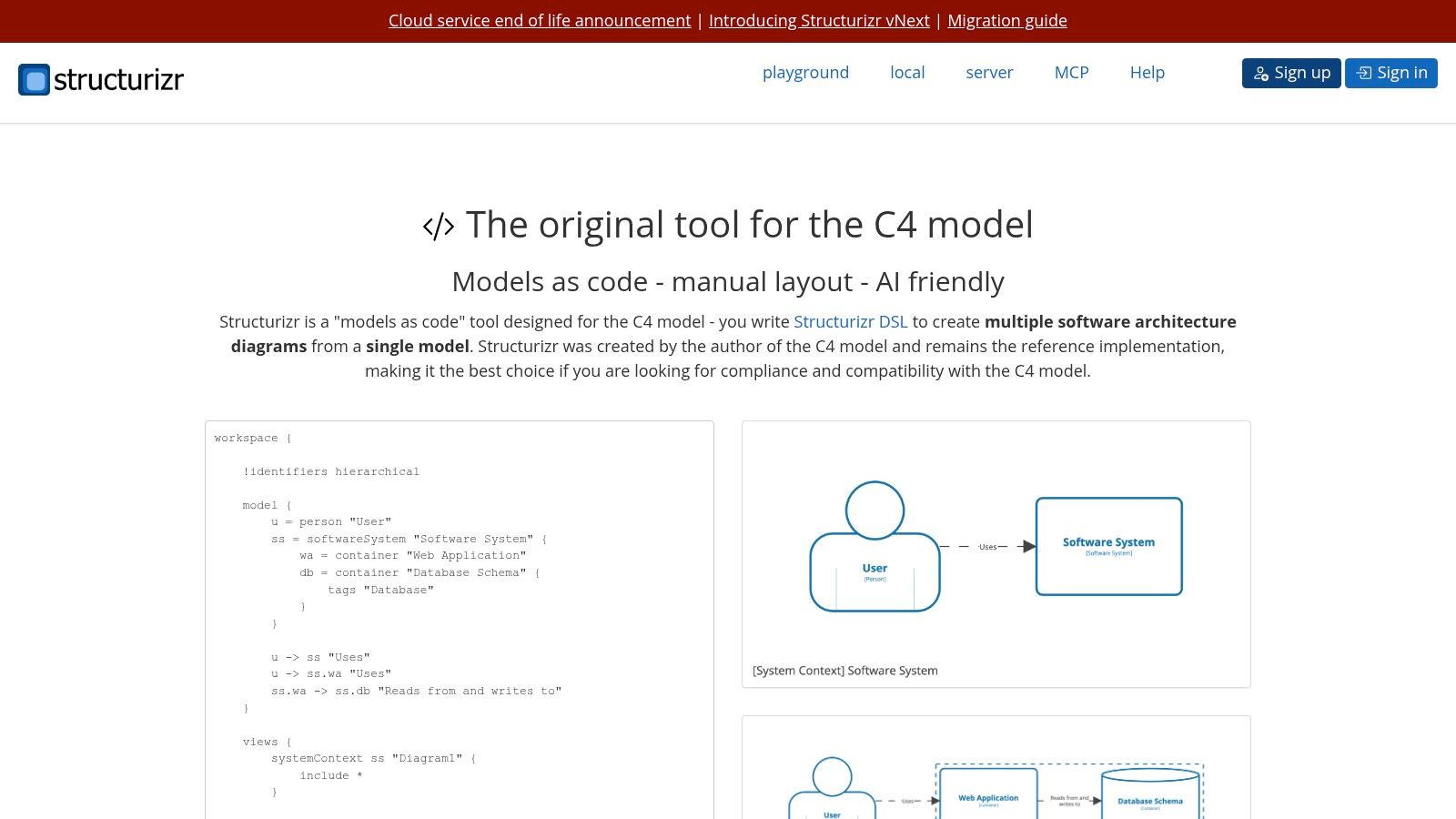
Structurizr is the most disciplined option here, and it shows. Built around the C4 model, it gives you context, container, and component views as a repeatable system, which is exactly what many interviewers want when they ask you to zoom in and out of an architecture. The DSL is the point. Once you learn it, you can generate consistent diagrams from text and keep the whole thing versionable.
That versionability matters more than it sounds. If you're preparing for multiple rounds, or if you want to compare different designs for the same prompt, a diagrams-as-code workflow keeps your changes visible and auditable. It also forces you to write down your architecture decisions in a way that's easier to review after a mock session, which is a big advantage when you're trying to build muscle memory instead of just collecting pretty boards.
Practical rule: Use Structurizr when you want layered storytelling and a reusable repository of diagrams, not a freehand whiteboard replacement.
The learning curve is the trade-off. If you're new to the C4 model or DSL-based tooling, Structurizr can feel heavier than a drag-and-drop board, and that can slow you down early in prep. The upside is that once you get past that hump, the structure pays off. If you want a more general interview-prep reset around methodology and pacing, how to prepare for a technical interview is a good adjacent read, especially if you're trying to separate diagram practice from verbal rehearsal.
C4-PlantUML
C4-PlantUML is for candidates who like text first and graphics second. It brings the C4 model into PlantUML with ready-made elements for system, container, and component levels, so you can generate consistent diagrams from plain text. That's a strong fit for fast iterations, especially if you're already comfortable editing text files and want something that plays nicely with version control.
The biggest advantage is consistency. A text-based workflow reduces the temptation to redraw the same architecture differently every time you rehearse it, and that matters if you're trying to compare your answers across sessions. It also fits neatly into IDEs and CI flows, which makes it unusually practical for engineers who want their prep materials to live alongside their notes and code.
The drawback is obvious too. Text-first diagramming isn't natural for everyone, and you need the PlantUML toolchain in place before it starts feeling smooth. That extra setup can be annoying if you're looking for a fast whiteboard substitute. But for candidates who already think in text and structure, it's one of the best ways to build a version-controlled interview archive.
If your workflow includes written drafts, mock answers, and visual diagrams, C4-PlantUML can sit in the middle as the source of truth for architecture views. You sketch the idea elsewhere if you need speed, then codify it here when you want something durable. That separation keeps the final template clean and makes review much easier later.
AWS Architecture Center
The AWS Architecture Center is the canonical place to get AWS visuals that interviewers instantly recognize. Its icon packs are official, its reference architectures are regularly updated, and its solution patterns map well to the kinds of prompts candidates hear all the time, queues, autoscaling, multi-AZ layouts, and similar cloud fundamentals. If the interview is AWS-heavy, this should be in your toolbox.
That official quality matters. Interviewers can tell when you're using random third-party icons, and the AWS visual language gives your diagram a familiar baseline. It doesn't solve architecture for you, but it does make your diagrams look grounded in the platform you're discussing. That matters when you're trying to communicate realism quickly.
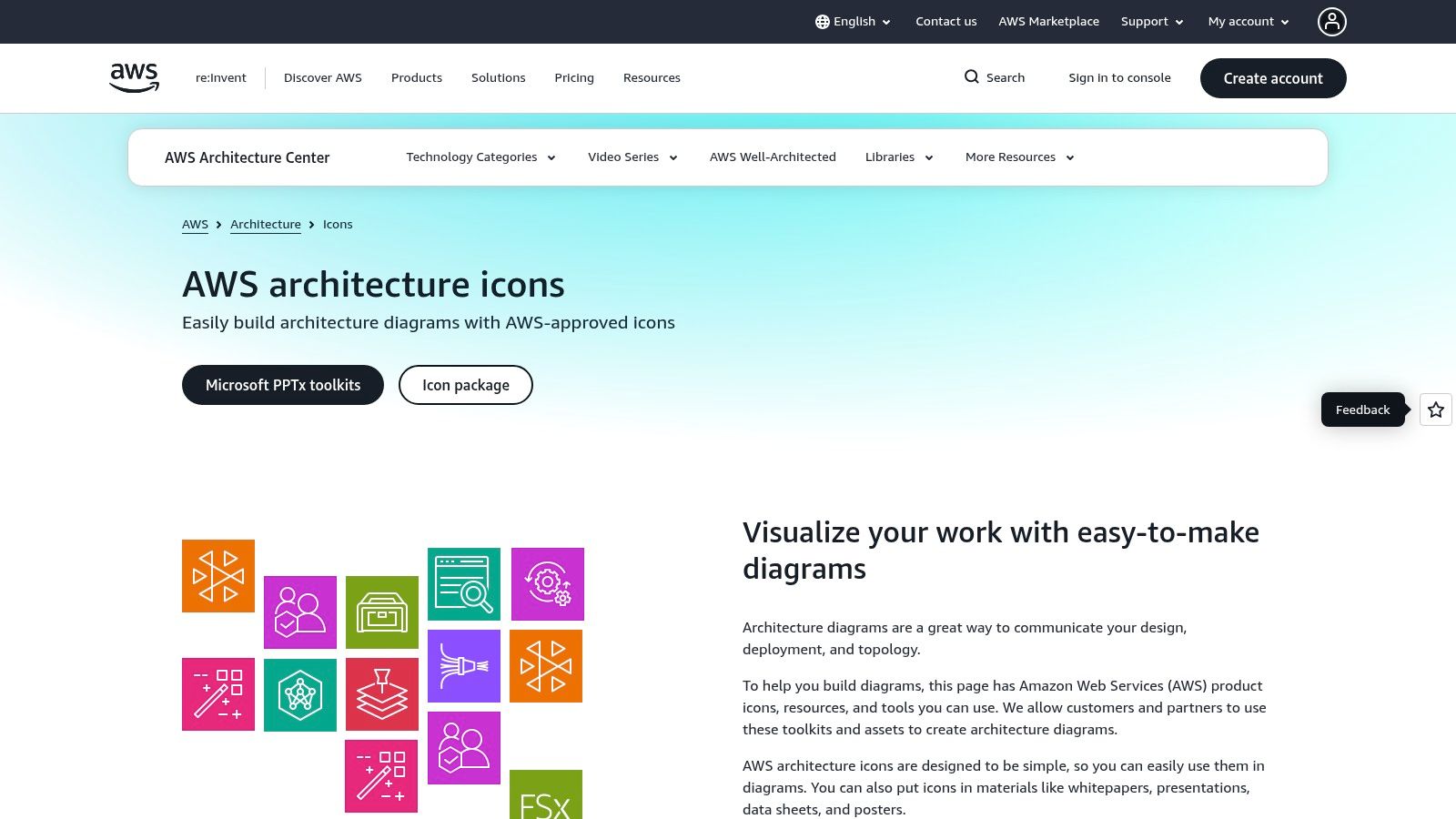
The limitation is portability. The resource is AWS-centric, so it doesn't help much if you're practicing Azure or Google Cloud design prompts. It also gives you icons, not structure, which means you still need a framework for how to layer the architecture. That's where pairing it with a template-first tool pays off.
Use the AWS Architecture Center as the reference layer in your playbook, not the whole playbook. It works best when you already know the story you want to tell and just need the right cloud language to say it clearly. For AWS interviews, that combination is hard to beat.
Azure and Google Cloud Architecture Centers
Azure and Google Cloud both provide official architecture resources that are worth keeping close if your interviews aren't AWS-only. The value is straightforward. You get vendor-native icons and reference blueprints that help your diagrams look like the platform, not a generic cloud sketch. That matters when the interview prompt pushes you into provider-specific trade-offs or asks you to compare how a design would look across clouds.
Azure's architecture center and icon set are especially useful when you want a clean, Microsoft-aligned visual language. Google Cloud's architecture center and icons work well for workload-first exploration, especially if you're practicing designs that lean into managed services and modern platform abstractions. Having both in your prep stack gives you a better shot at answering cloud-specific questions without forcing every answer through the same AWS-shaped mental model.
Compare AWS, Azure, and Google Cloud when you want a broader vendor comparison to keep your trade-offs grounded.
The trade-off is fragmentation. You're dealing with separate vendor resources, different icon styles, and different levels of template coverage. That makes these centers less convenient than a single whiteboard tool, but more accurate when the interview is tied to a specific cloud stack. They're especially helpful if your target roles expect cloud realism, cost awareness, and operational thinking rather than just clean diagrams.
These centers work best as reference sources inside a larger personal playbook. Use them when you need a believable cloud layer, then save your own edited versions so you can reuse the same pattern later. That keeps your preparation focused on reasoning, not rediscovering the same service map every time.
Top 10 System Design Templates, Comparison
| Tool | Core features ✨ | UX/Quality ★ | Value 💰 | Target audience 👥 | USP 🏆 |
|---|---|---|---|---|---|
| Miro | Ready-made architecture canvases, real-time multi-user editing, presentation mode | ★★★★☆ collaborative, polished | 💰 Freemium; best UX on paid tiers | 👥 teams & interview pairs, system-design practice | 🏆 largest template/community library |
| Lucid (Lucidchart) | Cloud templates (AWS/Azure/GCP), auto-diagram from imports, enterprise shapes | ★★★★☆ enterprise-grade, strong export | 💰 Paid-focused; limited free plan | 👥 engineers & portfolio-builders | 🏆 broadest cloud templates & export tools |
| FigJam (Figma) | Tech-stack maps, icons/connectors, Figma integration for UI+system views | ★★★★☆ fast, sketch-friendly | 💰 Freemium; pro features paid | 👥 engineers & designers practicing walkthroughs | 🏆 seamless UI ↔ system integration |
| diagrams.net (draw.io) | Searchable template manager, offline/online apps, wide export formats | ★★★☆☆ utilitarian but reliable | 💰 Free (open-source) | 👥 individuals, students, budget-conscious users | 🏆 fully free + flexible export options |
| Whimsical | System/block diagrams, AWS icon sheets, fast keyboard editing | ★★★★☆ clean, quick for interviews | 💰 Freemium; paid for advanced exports | 👥 solo interviewees wanting neat sketches | 🏆 very fast keyboard-driven whiteboarding |
| ByteByteGo | System-design blueprints, stepwise checklists, interview frameworks | ★★★★☆ content-focused, structured | 💰 Paid/gated content & courses | 👥 candidates seeking structured narratives | 🏆 interview-specific blueprints & checklists |
| Structurizr (C4) | C4 DSL, templated context/container/component views, exports | ★★★☆☆ systematic, diagrams-as-code | 💰 Freemium; hosted features paid | 👥 architects & engineers using C4 | 🏆 enforces layered C4 storytelling |
| C4-PlantUML | C4 macros for PlantUML, text-based templates, IDE/CI friendly | ★★★☆☆ lightweight, text-first | 💰 Free (open-source) | 👥 code-first engineers & versioned workflows | 🏆 consistent, versionable diagrams-as-code |
| AWS Architecture Center | Official AWS icon packs, reference architectures, solution patterns | ★★★★☆ canonical cloud visuals | 💰 Free | 👥 AWS-focused candidates & architects | 🏆 official, up-to-date AWS iconography & patterns |
| Azure & Google Cloud Architecture Centers | Official icons & reference blueprints per provider | ★★★★☆ provider-aligned visuals | 💰 Free | 👥 multi-cloud interview prep & vendor-specific design | 🏆 trusted vendor-specific reference architectures |
Turn Templates Into a Personal Interview Playbook
Collecting templates isn't the goal, practicing with a repeatable workflow is. The strongest setup is usually one fast whiteboarding tool, one structured framework, and one cloud-reference source, because that combination covers the three things interviews test: speed, clarity, and realism. A good candidate might sketch in Miro or Whimsical, keep the reasoning anchored in ByteByteGo or Structurizr, and pull official cloud stencils from AWS, Azure, or Google Cloud only when the prompt needs that level of specificity.
The next step is turning one of those resources into your own worksheet. Keep the structure consistent across prompts, requirements, assumptions, API design, high-level components, data flow, bottlenecks, scaling, reliability, security considerations, and explicit trade-offs. That isn't busywork. It trains you to answer in the same order every time, which is what lets you recover quickly when an interviewer changes direction or asks a follow-up you didn't expect.
Save a clean example after each mock interview, then annotate it while the conversation is still fresh. Mark where you were vague, where the interviewer pushed back, and where you forgot an operational detail like rollback, monitoring, or failure handling. A simple scoring checklist helps too, but it should stay lightweight, just clarity, completeness, prioritization, and communication. If the checklist becomes a second interview, it's too much.
That's also where Interview Pilot fits in naturally. Its AI Mock Interview sessions can help you rehearse the spoken part of system-design interviews, its searchable question bank helps with repetition, its profile-based inputs let responses reflect your background, and Copilot customization lets you tune tone and depth for different interview styles. The diagrams and templates handle the visual structure, while practice with a tool like Interview Pilot helps you say the design out loud with confidence.
Build your playbook once, then keep tightening it. The candidates who improve fastest aren't the ones with the most templates, they're the ones who reuse the same structure until their answers sound organized even when the prompt isn't. That's the point of system design templates, they should make your thinking portable, reviewable, and sharp under pressure.
Interview Pilot gives you AI Mock Interview sessions, a searchable question bank, and Copilot customization so you can rehearse the verbal side of system design under realistic pressure. If you're building a personal playbook around templates, diagrams, and structured answers, visit Interview Pilot and use it to practice the way you'll perform in the interview.
Topics
system design templates
system design interviews
architecture diagrams
C4 model
interview preparation
Continue reading

Interviews
10 Tax Interview Questions You Should Prepare For
Master the 10 most common tax interview questions with sample answers, key topics to review, and tips for entry-level to senior tax roles.
October 31, 2026
17 min read

Interviews
10 Interview Questions for Quality Engineer in 2026
Ten interview questions for quality engineer roles covering QA vs QC, PDCA, SPC, FMEA, CAPA, and test strategy, with sample answers and prep tips.
October 26, 2026
20 min read

Interviews
10 Questions to Ask in an HR Interview: Why Each Matters
Discover the best questions to ask in an HR interview, covering culture, benefits, growth, and logistics, plus why each one helps you decide.
October 26, 2026
17 min read