












Career
10 Job Search AI Tools Compared for 2026
Compare 10 job search AI tools for job discovery, application automation, networking and outreach, with honest limits and starting tips.
Interview Pilot Editorial Team
Updated October 12, 2026
15 min read

You can burn an afternoon sending thirty applications, then spend another one rewriting each resume by hand and still freeze when the recruiter finally opens the camera. That's where job search AI tools help, but only if you use them at the right stage. Some tools are better at finding roles, some at tailoring materials, some at application form-filling, and a few are built for interview practice or live interview support. The mistake is expecting one product to do all of it well.
The best stack usually starts with a tracker or discovery tool so the search doesn't become chaos, then a tailoring tool for each posting, then a practice tool before any real interview. Keep the human review step in place. AI can speed up the work, but it still needs judgment, especially when a role is competitive or the employer is sensitive about generic submissions.
1. Jobright
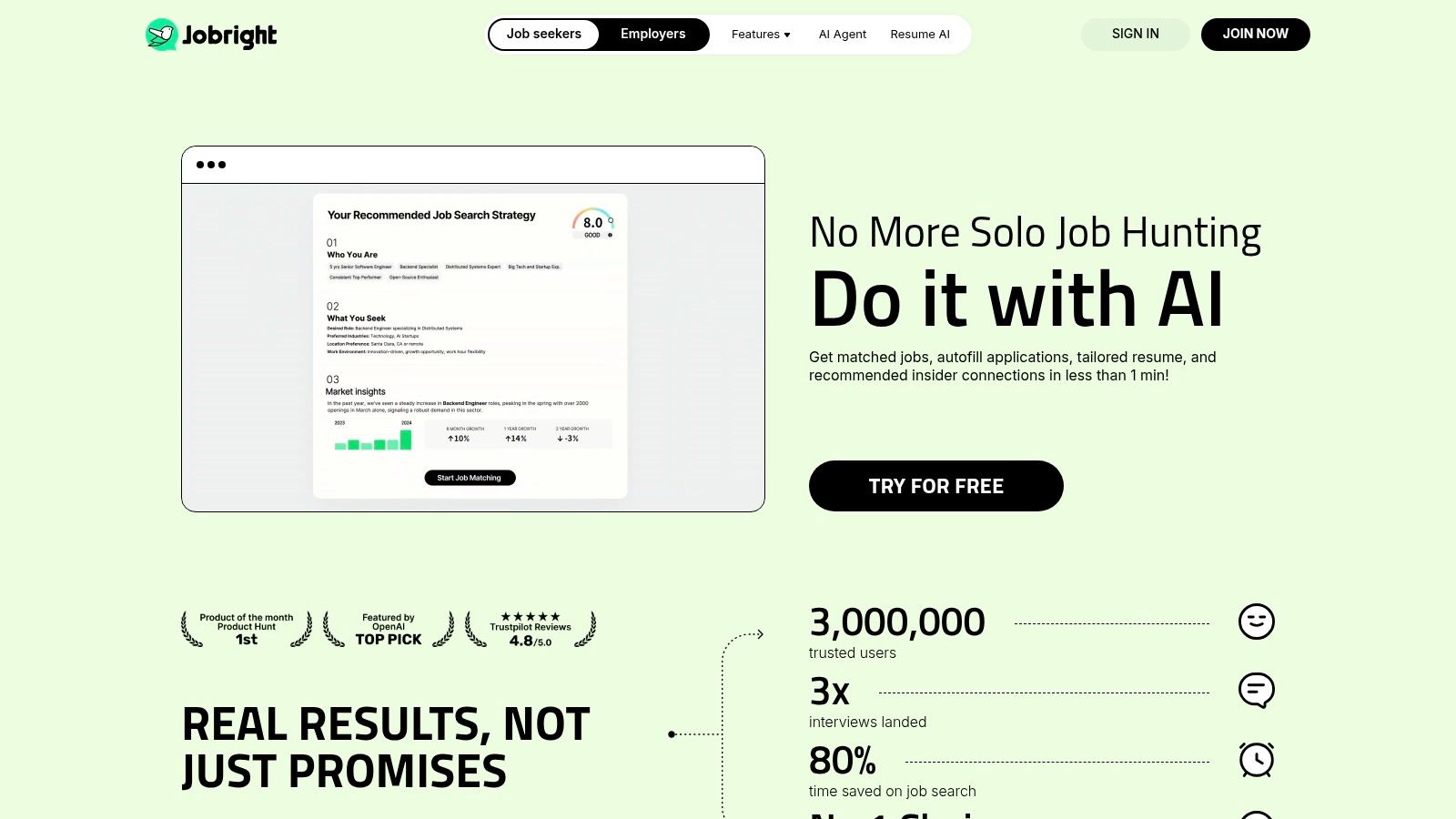
Jobright feels closest to a guided search assistant for people who want momentum without building a process from scratch. Its AI Job Matcher explains why a role fits, and that matters because candidates waste less time clicking into obviously wrong openings. The Application Agent and autofill features can also reduce the most repetitive parts of applying, especially when you're moving fast across a large feed.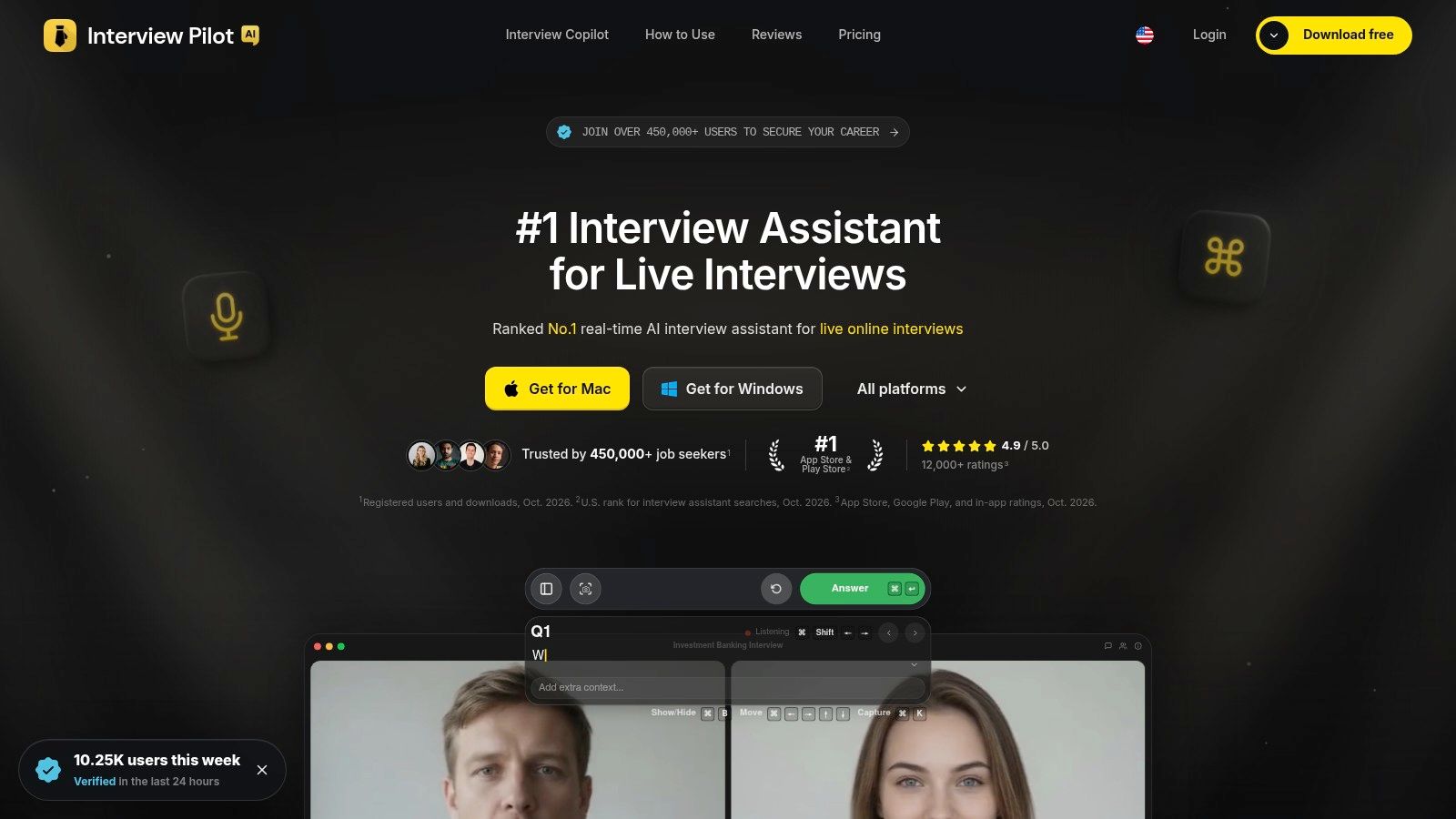
The upside is tactical efficiency. You get a fresh job stream, fit explanations, and some automation for resume tailoring and form completion. The trade-off is that the automation depends on the site and ATS, so you still need to verify every submission and check that the resume language hasn't drifted into something generic.
Practical rule: use Jobright to narrow and prep, not to blindly spray applications.
It's strongest for candidates who already know their target role but don't want to manually sort every posting. If you want a broader research path, the best job search engines guide pairs well with this kind of workflow. Visit the Jobright website if you want a semi-automated search that sits between browsing and full autopilot.
2. Careerflow.ai
Careerflow.ai is the kind of tool that makes sense when the search itself is getting messy. The free unlimited job tracker is the standout, and the Chrome extension can save roles from a long list of sources without forcing you to rebuild your process every week. For many people, that's the win, because the problem isn't finding one more resume builder, it's losing track of what you already sent.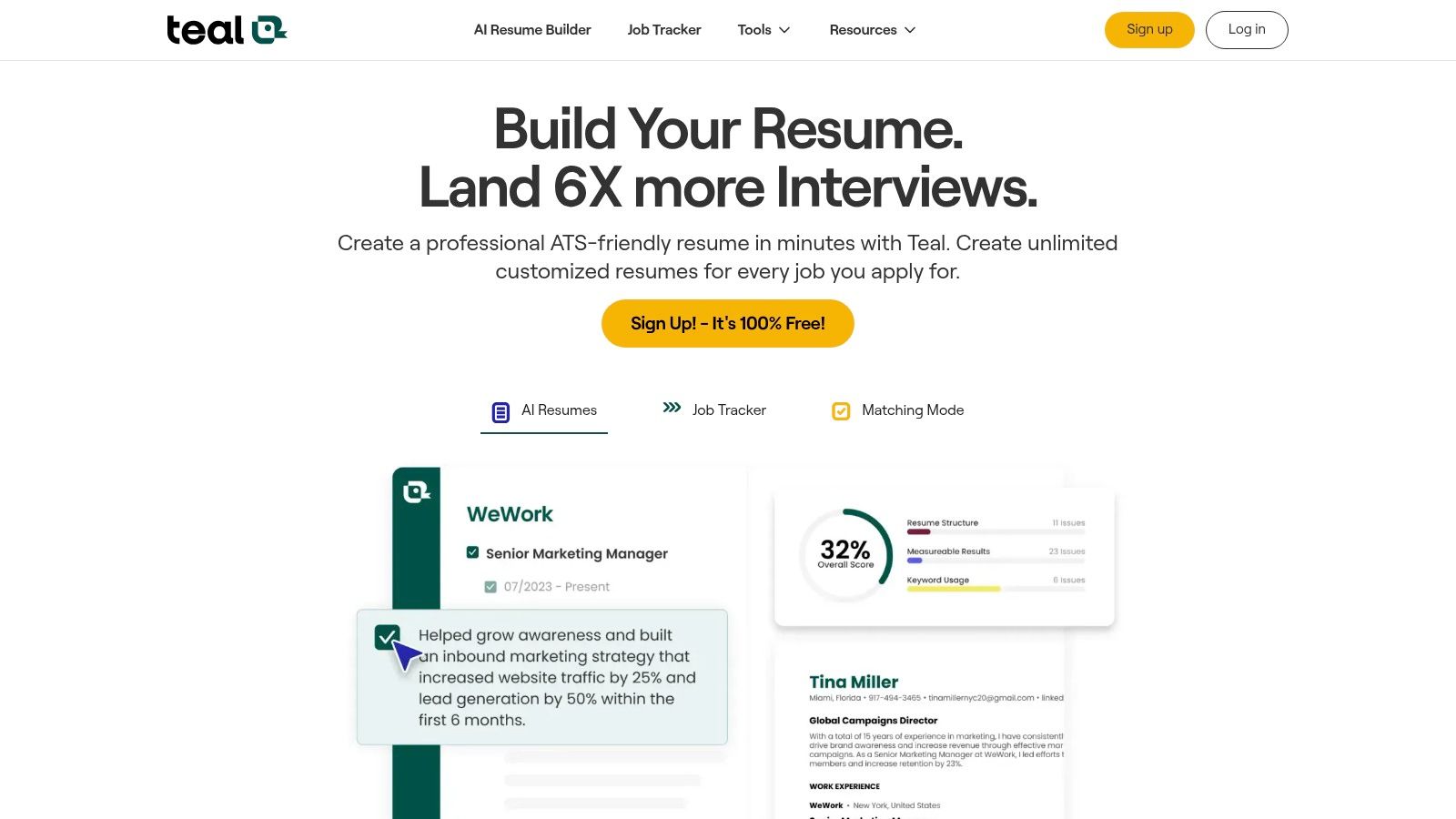
Where Careerflow gets useful is the CRM-style structure. Notes, tasks, contacts, and saved jobs live together, so you can track follow-ups, referrals, and versions of the same application in one place. The AI resume and cover letter tools are helpful, but they're not the main reason to use it.
The limitation is depth. Premium features provide access to more of the AI and LinkedIn functionality, and the interface can feel busy until you settle into a rhythm. If you like clean, process-driven organization, it's strong. If you want a very simple one-task-at-a-time experience, it can feel like too much.
Visit the Careerflow.ai website if your main bottleneck is search organization, not writing from scratch.
3. Teal
Teal works best when you want one workspace for the full application pipeline. Its resume builder, job tracker, and networking CRM make it easier to keep the job search in one place instead of bouncing between spreadsheets and browser tabs. The value is the way it surfaces keyword and match information, because that gives you something concrete to edit before you apply.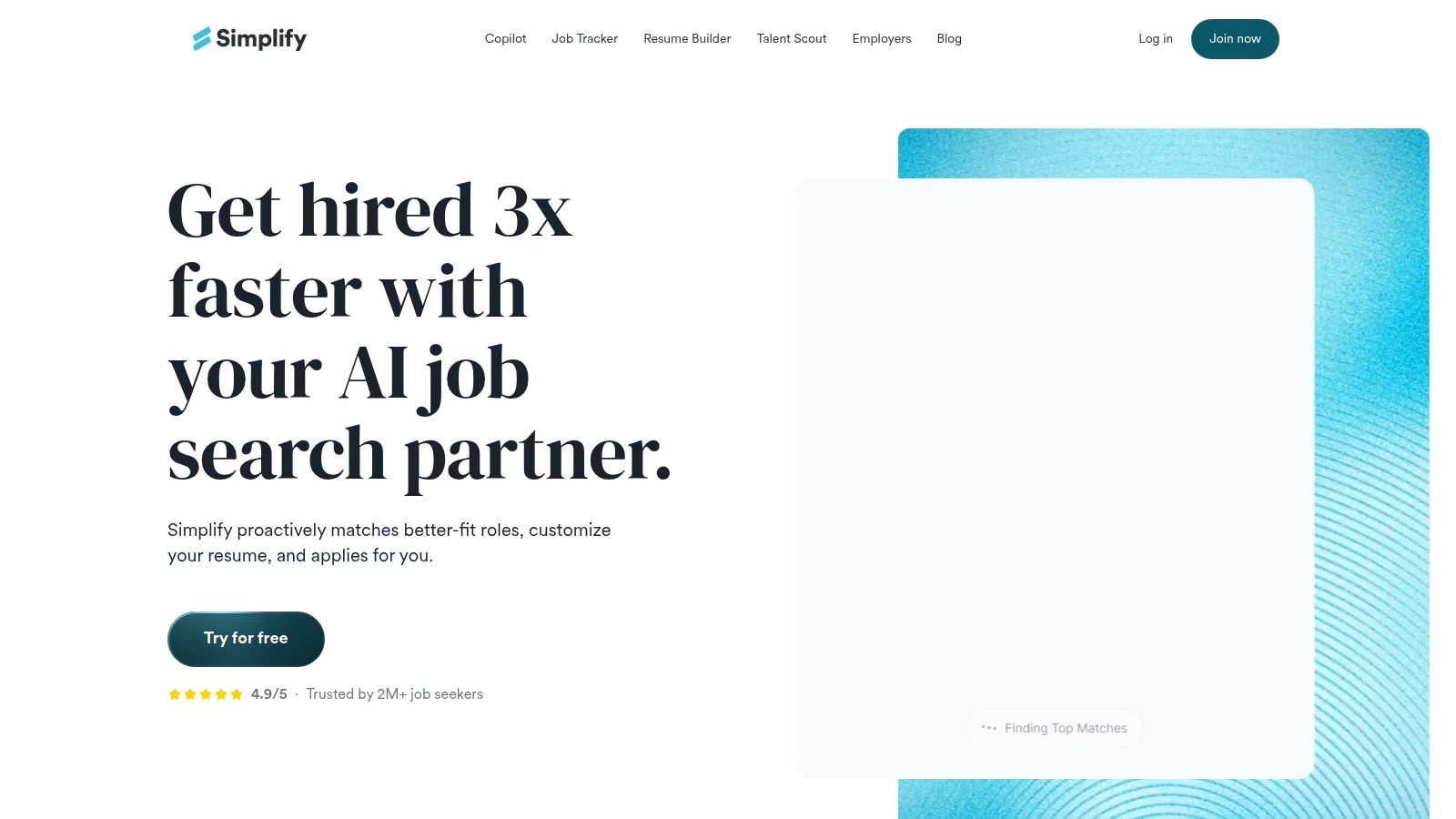
The free tier is generous enough to be useful, which matters if you're between roles or helping a student or career-switcher stay organized. Teal is also good for people who want a structured way to compare a resume against a posting instead of guessing what to change. The trade-off is that the most advanced AI analysis and unlimited templates are paid.
Teal is strongest when you use it as a decision tool, not just a document editor.
It doesn't try to be a full auto-apply machine, so you're still in control of the submission step. That's a good thing for quality, but it means more manual work than some rivals. For a workflow-minded approach, read how to track job applications and then see whether Teal fits your system. Explore the Teal website if you want one place to build, tailor, and organize.
4. Jobscan
Jobscan is the most serious tailoring tool on this list for people who care about resume-to-posting alignment. Its Match Rate reports, keyword gap analysis, and AI optimization tools are built for candidates who want specific feedback, not vague praise. If you've ever wondered why a resume feels strong in your head but weak against a posting, this is the kind of product that answers that question directly.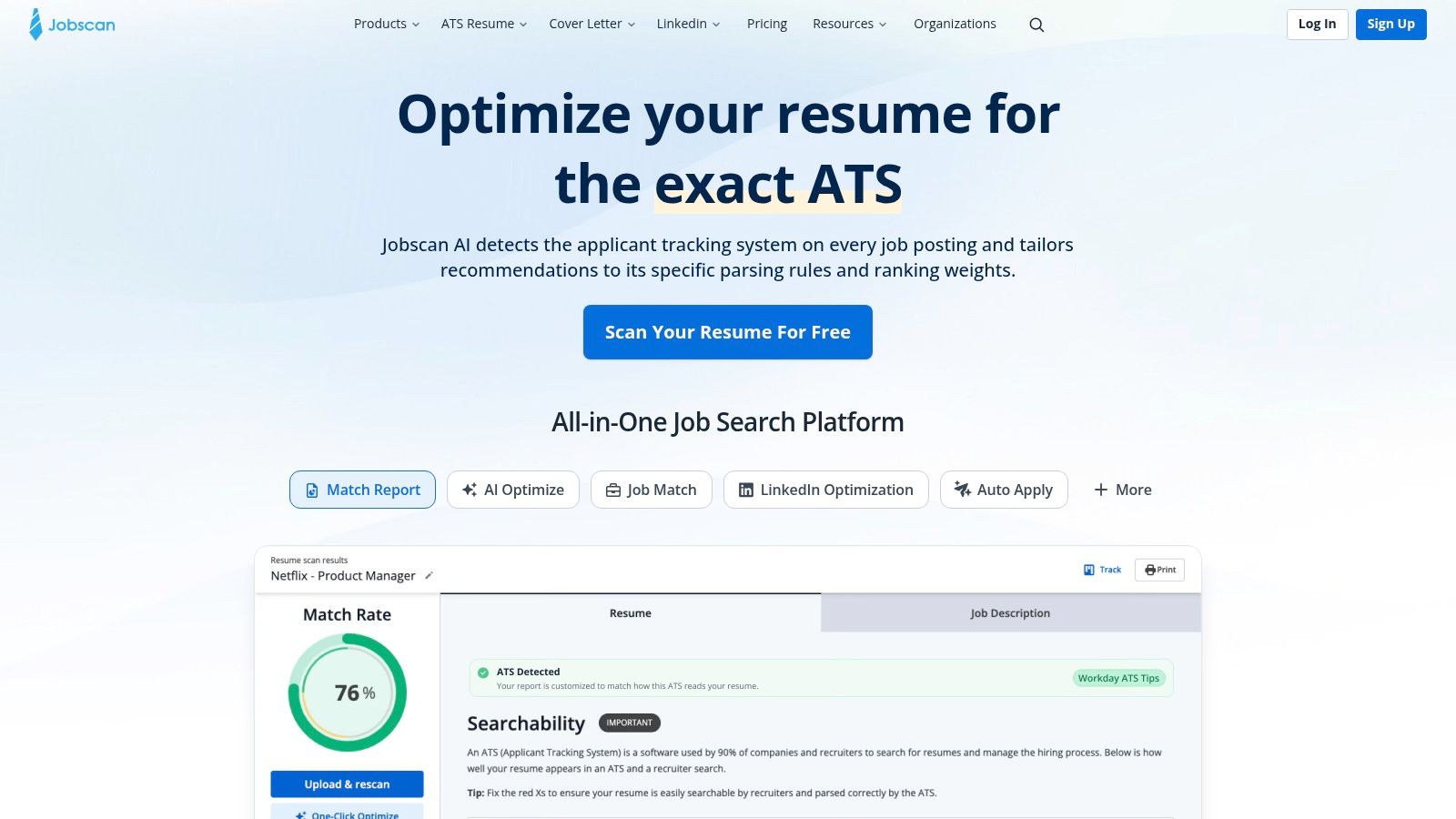
It also extends beyond resumes, which is important. LinkedIn optimization and cover letter scanning let you keep the same message across channels instead of fixing one document and leaving the rest behind. The Auto Apply feature is useful for select roles, but that's not why many users keep Jobscan around.
The catch is context. A match score is a signal, not a verdict, and over-optimizing can produce keyword-heavy writing that feels flat. That's where human editing still matters most.
If your bottleneck is strategic tailoring, Jobscan is one of the best options. The PDFWix resume compression guide can also help when file size or formatting gets in the way. Visit the Jobscan website if you want deep per-posting guidance and don't mind paying for it.
5. Rezi
Rezi is built for speed, especially when you need an ATS-friendly resume without spending half the day on layout decisions. The AI builder, keyword scanner, and checker give you a quick way to move from a rough draft to something clean and targeted. That makes it good for job seekers who are applying often and don't want to reinvent the formatting each time.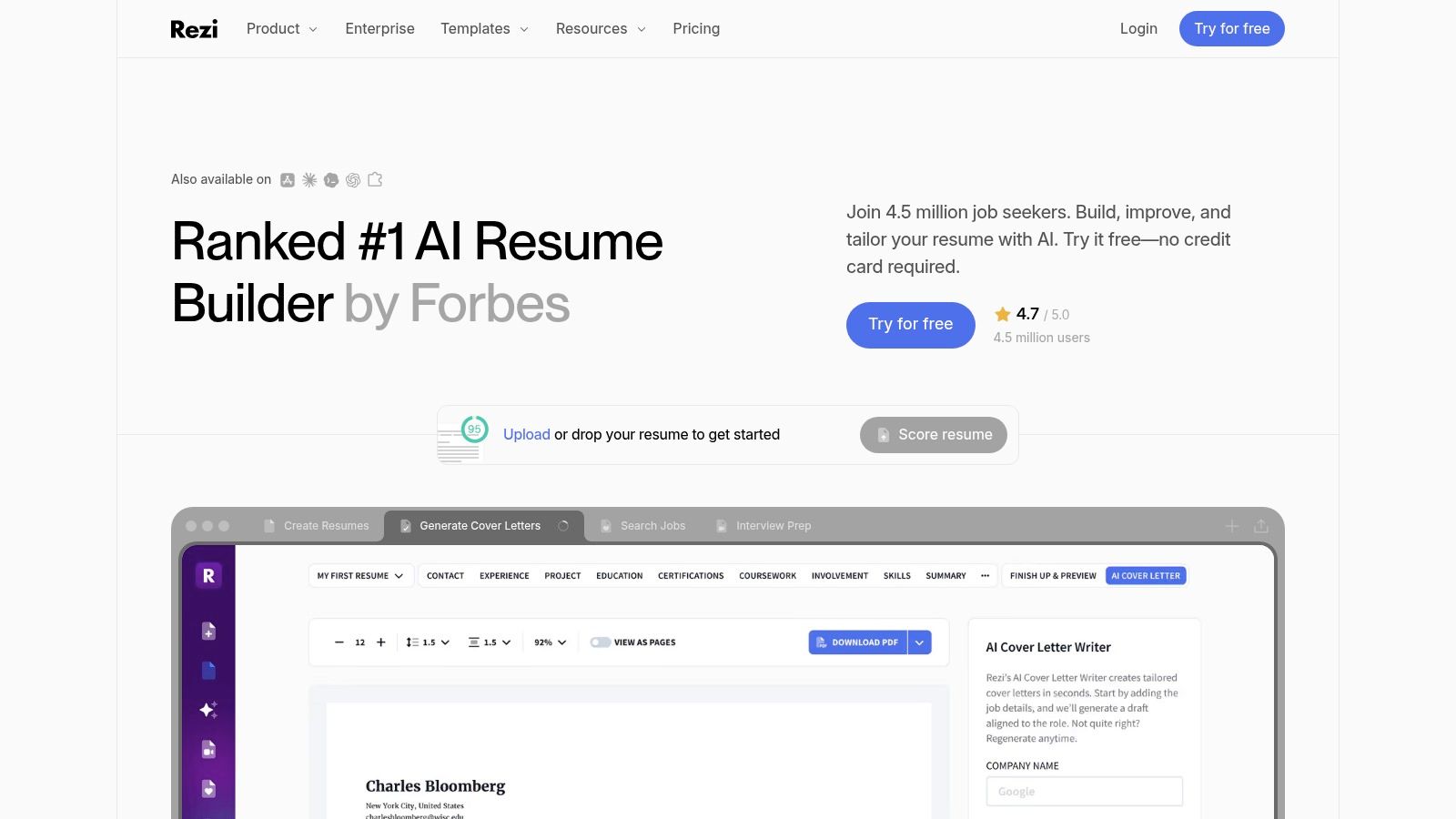
The value is in structure. Rezi keeps the resume focused on ATS-friendly presentation, and its autofill and apply tools reduce some friction when you're copying the same core details into multiple portals. The interview practice module is a useful extra, though most users will still pair it with a more dedicated interview tool later.
Where Rezi falls short is voice. Fast drafts can read generic if you don't edit them, and that's a real risk when you're using AI-generated bullets too heavily. The free plan also limits how much you can do, so it's best viewed as a production tool with guardrails.
If you already have strong content and need cleaner execution, Rezi can save time. If you need deep interpretation of a role, another tool may be better first. Visit the Rezi website if you want fast resume creation with ATS discipline.
6. Resume Worded
Resume Worded is a diagnostics-first tool, which is why it works so well for people who want critique before rewriting. The Score My Resume feature gives line-level feedback, so you can fix weak phrasing instead of guessing what the reviewer disliked. The ATS extraction preview is especially helpful because it shows how a system may parse the document before a human ever sees it.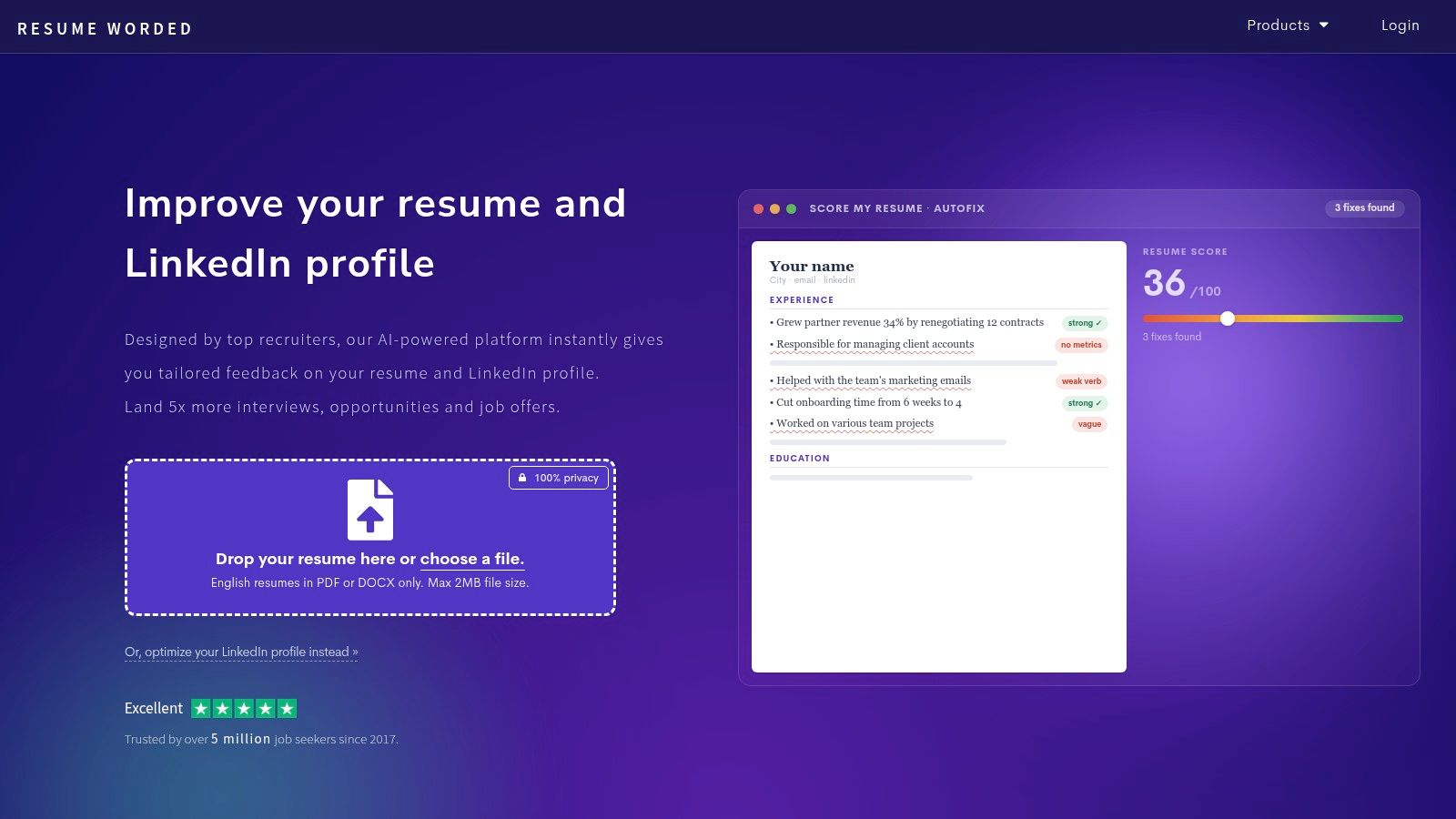
This tool is best for candidates who already have a resume but need clarity on what to tighten. The LinkedIn checks are useful too, because the resume and profile should reinforce each other. That said, the stronger AI features and templates sit behind Pro, so the free layer is more of a sampler than a full workflow.
The limitation is audience fit. It works best with English PDF or DOCX resumes, which is fine for many candidates but not all. Still, if you want concrete edits instead of a broad rewrite, it's one of the sharper options.
Use it when you want a second set of eyes, not a full rebuild. Visit the Resume Worded website if you want structured feedback that maps well to real screening behavior.
7. Kickresume
Kickresume is the design-forward choice. It's a good fit when the first impression matters and you want a polished resume, cover letter, or personal site without spending hours on formatting. The AI drafts are quick, and the template library gives you a lot more visual control than the plain-ATS crowd usually offers.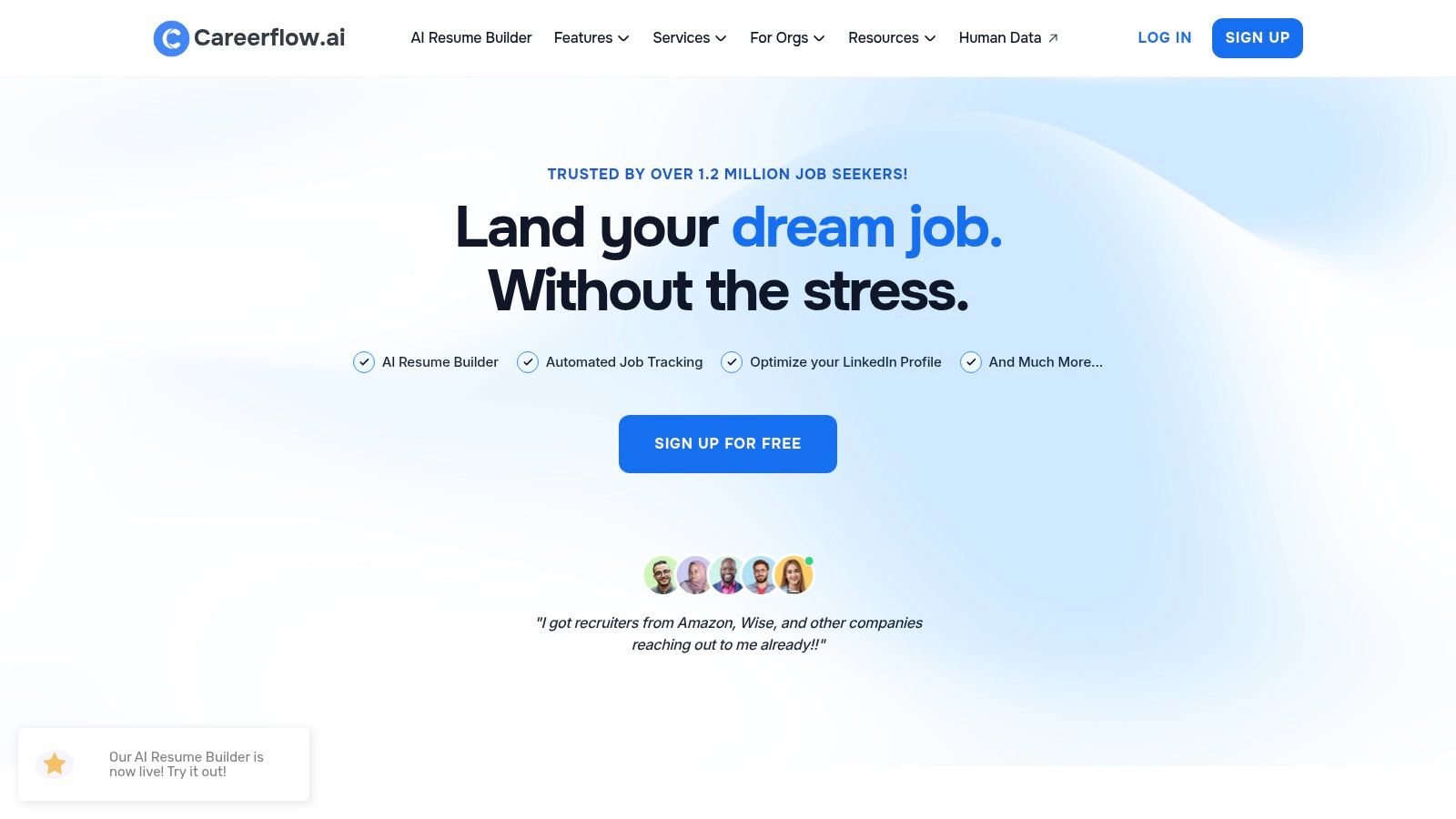
The standout extra is the one-click personal website builder. That's useful for candidates in creative, product, or portfolio-driven roles where a resume alone doesn't tell the full story. The mobile support also makes it easy to make small edits on the move.
The downside is obvious. Two-column templates can be less ATS-friendly if you don't adjust them, and style can tempt people to overvalue presentation over content. If you're using Kickresume, you still need to check that the final document reads cleanly in plain text.
Use Kickresume for brand and speed, then strip back anything that might confuse screening systems.
It's a strong option for candidates who want a polished package fast. Visit the Kickresume website if you care about design control as much as drafting speed.
8. Simplify
Simplify is built for volume. Its Copilot autofill and Autopilot submission features are there for candidates who are tired of repeating the same fields across portal after portal. The platform also folds in a job tracker, resume builder, and AI outreach messages, which helps when you're juggling a large pipeline.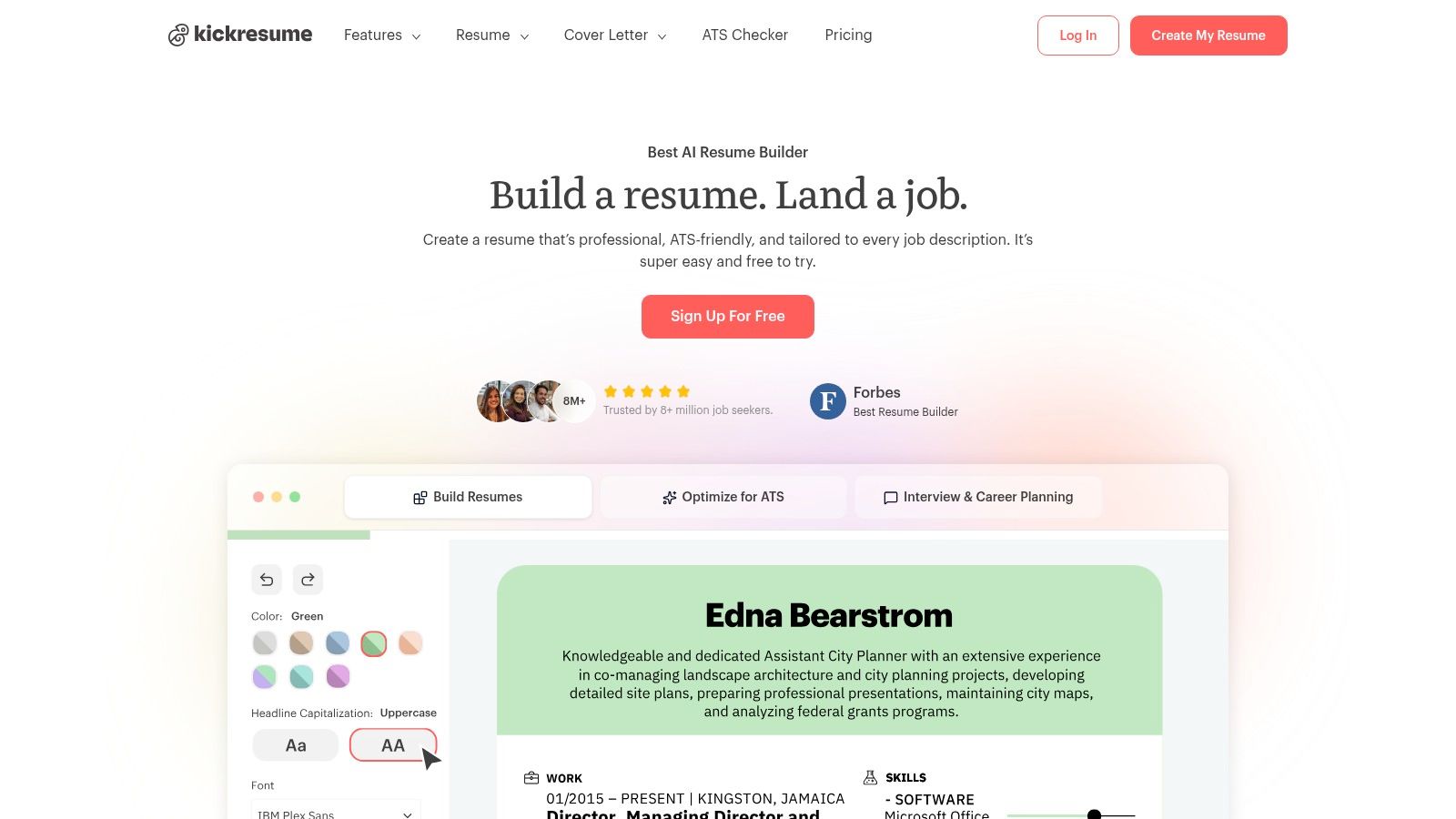
The best part is the reduction in repetitive work. If you're applying broadly, autofill can save a lot of mental energy, and the tracking layer prevents the search from turning into a pile of half-finished tabs. The mobile app and Chrome extension make it easier to keep the workflow moving.
The risk is overdependence. Autopilot doesn't work perfectly on every posting, some submissions need manual cleanup, and the apply-credit model means you still need to choose where to spend it. If you don't review the final application, you'll eventually ship an error.
Simplify is strongest for high-volume applicants who still want basic control. Visit the Simplify website if your biggest pain is form-filling, not tailoring.
9. Yoodli
Yoodli is the practice tool that feels most like a rehearsal room. The live roleplay simulations throw follow-up questions at you in real time, which is much closer to a real interview than a static question list. That matters because many candidates don't struggle with knowledge, they struggle with pacing, clarity, or losing their thread when the conversation shifts.
Its feedback is practical. Filler words, pacing, and delivery analytics help you see patterns that are hard to notice while you're speaking. The starter plan also makes it easy to try the basics before committing to a subscription.
The limit is scope. Yoodli is about practice, not in-call assistance, so it won't sit beside you during a live interview and generate answers on the fly. That makes it great for communication-heavy roles, and less central for a quick screening where content is the main issue.
For a deeper comparison of mock interview platforms, see best AI mock interview tools 2026. Visit the Yoodli website if you want rehearsal with measurable feedback, not generic encouragement.
10. Interview Pilot
A live interview assistant changes the workflow at the last stage of the search. Interview Pilot is built for that moment. It gives instant answer suggestions during active interviews across 99+ languages and accents, which helps when questions move from technical to behavioral and then shift again. For candidates who stall under pressure, that kind of support can keep the conversation moving.
The tool is not only for live calls. Guided AI mock interviews and a searchable question bank with about 10,000 questions on paid plans give you a place to rehearse before the actual interview. Role-specific guides cover software engineering, product, finance, data, and consulting. Native apps for macOS, Windows, iOS, and Android make it easier to practice away from your desk.
Trust signals matter here because this is a product people may rely on in real time. Interview Pilot publishes live system health, reports roughly 99.9% uptime over 90 days on its status page (status page), and says it uses industry-standard encryption. The company is also cited as trusted by 450,000+ users on its website, and app listings show ratings around 4.9/5. Those signals suggest a tool meant for regular use, not just a demo.
Practical rule: use a live copilot to stay fluent, but verify every answer against your real experience before you say it out loud.
The main trade-off is ethical and procedural. Some employers may object to hidden assistance during interviews, so you need to know the rules of the process you are in. Visit the Interview Pilot website if you want live interview help plus structured practice in one place.
Top 10 Job Search AI Tools, Quick Comparison
| Product | Core features (✨) | UX & Quality (★) | Value & Pricing (💰) | Target audience (👥) |
|---|---|---|---|---|
| Jobright | ✨ AI job matcher, Application Agent, referrals & 1‑click autofill | ★★★★☆; automation varies by ATS | 💰 Free + paid; automations depend on site | 👥 Users wanting semi‑automated job search & apply |
| Careerflow.ai | ✨ Unlimited job tracker, LinkedIn optimizer, AI resume/cover letter | ★★★★☆; CRM‑style UI, can feel busy | 💰 Free tracker; subscription for unlimited AI/tools | 👥 Applicants needing tracking + content creation |
| Teal | ✨ AI resume builder, ATS checker, job tracker, outreach templates | ★★★★☆; generous free tier, clear tailoring insights | 💰 Free core; paid for advanced AI & templates | 👥 Users wanting all‑in‑one job workspace |
| Jobscan | ✨ Match scoring, keyword gap analysis, LinkedIn optimize, Auto Apply credits | ★★★★★; deep, actionable tailoring guidance | 💰 Paid tiers (higher cost) for full features | 👥 Candidates seeking per‑posting optimization |
| Rezi | ✨ ATS‑focused resume builder, keyword scanner, autofill & interview module | ★★★★☆; fast startup, limited free downloads | 💰 Free limited; paid plans unlock unlimited downloads | 👥 Users needing ATS‑friendly resumes quickly |
| Resume Worded | ✨ Line‑by‑line fixes, ATS extraction preview, LinkedIn checks | ★★★★☆; fast diagnostics with concrete edits | 💰 Free limited; Pro for richer AI/editor tools | 👥 Candidates wanting structured critique & rewrites |
| Kickresume | ✨ AI resume & cover‑letters, template library, personal website builder | ★★★★☆; strong design control, rapid drafts | 💰 Free basic; Premium for advanced templates/features | 👥 Design/branding‑focused job seekers |
| Simplify | ✨ Copilot autofill, Autopilot apply (supported jobs), tracker & outreach AI | ★★★★☆; saves time, occasional apply failures | 💰 Credit/apply model; pricing in‑app/help docs | 👥 High‑volume applicants wanting automation |
| Yoodli (AI Interview Coach) | ✨ Live AI roleplays, dynamic follow‑ups, post‑session analytics | ★★★★☆; realistic practice, delivery metrics | 💰 Starter free; paid for advanced analytics | 👥 Candidates improving communication & behavioral skills |
| 🏆 Interview Pilot | ✨ Real‑time in‑call Copilot, 99+ languages & accents, ~10k Q bank, guided mock interviews, profile/document tailoring, native apps | ★★★★★; ~4.9/5, 450k+ users, ~99.9% recent uptime, cross‑platform | 💰 Free + Weekly/Monthly/Yearly; paid unlocks full bank & priority support | 👥 Job seekers who need live multilingual interview assistance & structured prep |
Build a Job Search AI Stack You Can Actually Control
The smartest way to use job search AI tools is to build a stack around your bottleneck, not around a feature list. If you lose track of applications, start with Teal or Careerflow.ai. If tailoring is the pain point, use Jobscan or Resume Worded before you send anything. If the core issue is interview nerves, Yoodli can help you rehearse, and Interview Pilot can support you in the live moment.
A good stack usually has three layers. First, a tracker or discovery tool keeps the search organized. Second, a tailoring tool rewrites each submission for the specific role. Third, a practice or live-support tool helps you perform when the interview starts. That sequence matches how hiring really works, and it keeps you from paying for features you won't use.
Keep one rule across every stage. Review every application before it goes out, and review every live answer before you speak it. AI can speed up the work, but it can't own your credibility. It can help you sound sharper, but it can't replace the judgment that makes the final application yours.
Test one tool for two weeks before you subscribe. Use the trial on real roles, real resumes, and a real interview prompt, then decide whether it reduced work or just added another tab. If you want stronger headline and profile positioning alongside your search, how Linkboost sharpens headlines is a useful complement.
Interview Pilot gives you live interview support, guided mock practice, and a large question bank in one workflow. If you want a tool that helps you stay fluent in the interview itself, visit Interview Pilot and see how it fits into your job search stack.
Topics
AI job search
job search tools
AI resume builder
job application automation
AI interview prep
Continue reading

Career
7 Best AI Productivity Tools for Work and Study
Compare the best ai productivity tools for work, study, automation, meetings, and job interviews, with practical workflow tips and trade-offs.
October 5, 2026
19 min read

Career
Send Resume Email Sample: Templates and Tips
Need a send resume email sample? Learn when to email versus using a portal, plus get subject lines, templates, and formatting tips to get noticed.
October 12, 2026
12 min read

Career
8 Synonyms for Qualifications for Resumes
Explore 8 synonyms for qualifications, with clear examples for resumes, cover letters, and job applications.
October 8, 2026
18 min read