












Career
How to Track Job Applications With a Simple Spreadsheet
Build a useful application tracker with clear statuses, next actions, document versions, and a weekly review that does not become busywork.
Interview Pilot Editorial Team
4 min read

Use one row per application and record the role, submission date, current stage, next action, and action date. Add links to the posting and the documents you actually submitted. The tracker should tell you what to do next, not become a second job.
A spreadsheet is sufficient for many searches. Mississippi State's Career Center also offers a spreadsheet for tracking applications. The layout below is our own example; you can use it in a spreadsheet you already have without purchasing a new service.
Start with these fields
| Field | What to record | Why it matters |
|---|---|---|
| Employer and role | Exact names, plus location or team | Distinguishes similar vacancies |
| Job ID and posting | Official ID and URL, when available | Helps identify duplicate listings |
| Applied on | Actual submission date | Separates saved opportunities from applications |
| Stage | One consistent status | Makes the list easy to filter |
| Next action | A concrete task, or none | Prevents vague reminders to check everything |
| Action date | Deadline or planned review date | Puts urgent work first |
| Contact | Relevant recruiting contact and channel | Keeps communication together |
| Submitted files | Links to the exact resume and letter versions | Makes interview preparation accurate |
An optional notes field can hold scheduling instructions or why you chose the role. Do not turn it into a full transcript of every email.
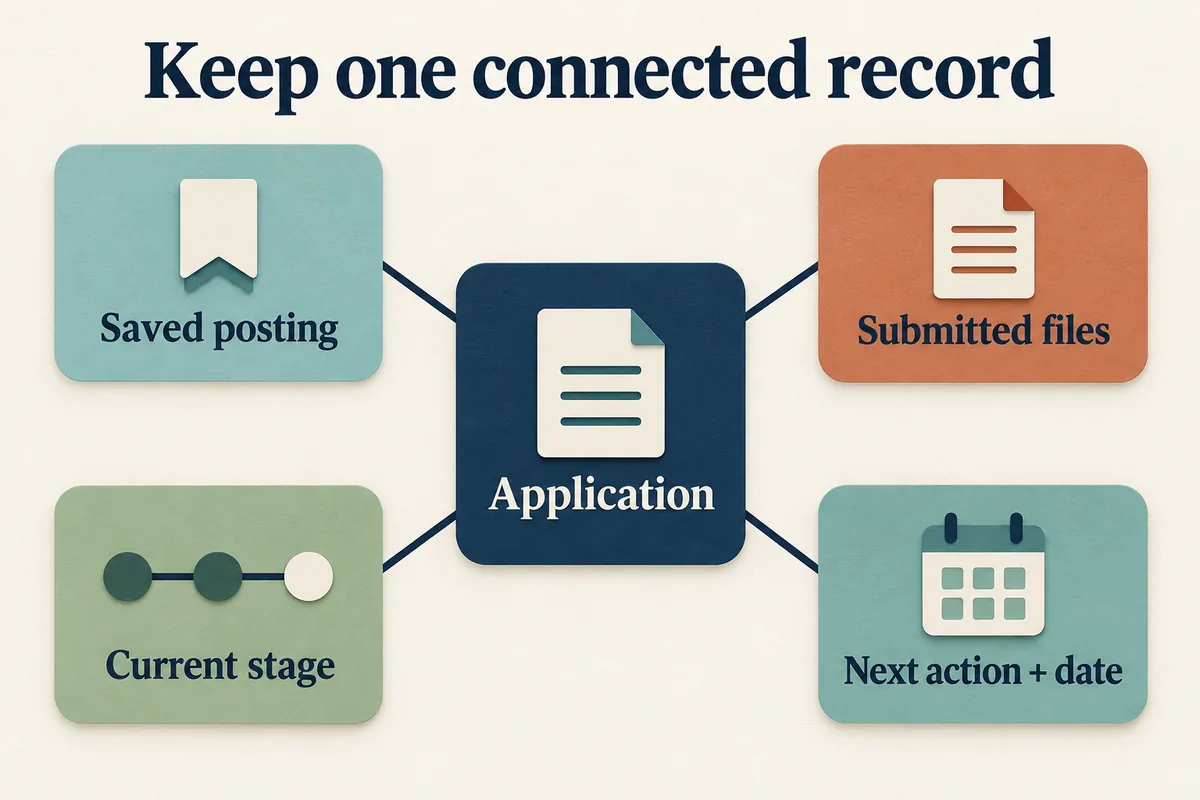
Keep these pieces connected to the same application. They are related records, not steps that must happen in sequence.
Give statuses clear meanings
Use a small set such as saved, preparing, applied, interviewing, offer, declined, rejected, and withdrawn. Define "declined" as an offer you chose not to accept; use "withdrawn" when you leave before an offer. You can use different labels, but they should not mean different things from one row to the next.
Do not mark an application "rejected" simply because it is quiet. Keep it as applied, with a note such as "no update; no further action planned." An employer's formal rejection and your decision to stop spending time on a lead are different facts.
For multiple interview rounds, put the next round in the action field rather than inventing a new status for every possible interview format.
A worked example
These employers and applications are fictional.
| Employer / role | Applied | Stage | Next action | Action date |
|---|---|---|---|---|
| Alder Supply / inventory analyst, 4821 | Sep 22 | Applied | Review status after stated response window | Oct 2 |
| Fieldhouse / operations assistant, 903 | Not yet | Preparing | Finish two application questions | Sep 24 |
| Beacon Studio / coordinator, 117 | Sep 18 | Interviewing | Confirm meeting time zone | Sep 23 |
The action dates come from the hypothetical application's circumstances, not a rule that every employer should respond in ten days. Use the employer's timeline first. If none is provided, consult the application follow-up timing guide and record a deliberate choice instead of repeatedly refreshing your inbox.
Keep the submitted version, not just the master
Create a folder for each application or use consistent filenames, such as Jordan-Chen-Alder-4821-resume.pdf. Keep an editable master separately. When you tailor the master for another employer, the earlier application should still point to what you sent then.
Save the posting text for your own reference where permitted, since an employer may remove the listing before the interview. Record the date you saved it. If the role changes, keep a note rather than silently rewriting the earlier requirements.
Do not store passwords, identity documents, or banking details in this tracker. Limit access if the spreadsheet contains personal contact details, and check sharing settings before sending anyone a link.
Review it briefly each week
Filter by action date, finish or revise overdue actions, and archive closed opportunities without deleting useful history. Look for patterns by role type: are applications receiving no response, or are interviews not advancing? Those call for different reviews.
Avoid treating a handful of applications as a meaningful conversion-rate study. Different roles, sources, and elapsed times can distort comparisons. Start by checking whether your materials and targeting fit the vacancies before changing how many jobs you apply to each day.
When adding new opportunities from job-search sources, search your tracker for the employer and job ID first. One maintained record is more useful than separate tabs for the same job found on three sites.
Topics
job applications
job search organization
Continue reading

Career
How Many Jobs Should You Apply to Per Day?
Set a realistic application target based on suitable openings, available time, and application effort instead of following a universal daily quota.
October 4, 2026
3 min read

Career
Informational Interview Questions That Help You Decide
Choose informational interview questions by what you need to learn, with follow-ups for daily work, entry routes, skills, and career trade-offs.
October 4, 2026
4 min read

Career
Networking Follow-Up Email Examples for Real Conversations
Follow up after a career conversation, event, or introduction with a specific thank-you and an appropriate next step, not a generic sales pitch.
October 4, 2026
3 min read