









Interviews
10 Interview Practice Software Tools Compared for 2026
Compare 10 interview practice software tools by features, pricing, and strengths. See which AI mock, peer, or coaching platform fits your job search.
Interview Pilot Editorial Team
Updated October 25, 2026
16 min read
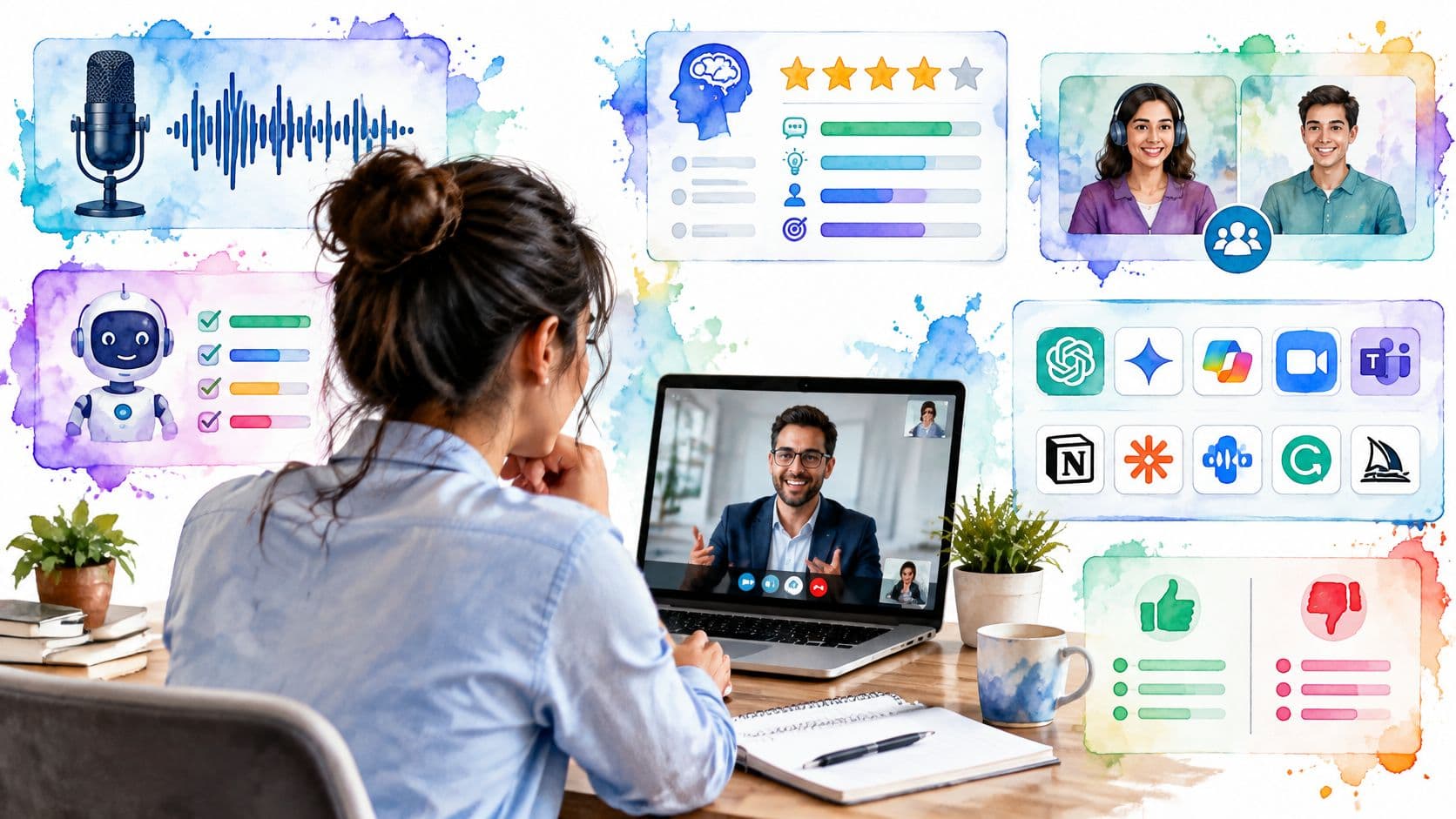
You rehearsed the answer in your head three times that morning. It sounded clean. Then the interviewer asks for a specific conflict example on a live call, adds a follow-up about what you would change, and your story falls apart in the middle. That's the practice gap most candidates don't see until it's too late.
Interview practice software covers very different fixes for that moment. Some tools give live answer support during an online interview. Others drill you on spoken answers, run technical system design mocks, pair you with a peer, or sell cheap voice practice by the minute. Picking by feature count rarely helps. Picking by the gap you really have does.
The split matters because virtual interviews are now routine. In 2025, 44% of candidates interviewed live virtually and 44% interviewed in person, based on Survale's 2025 Candidate Experience Benchmark Research. You'll find honest notes below on what each tool can't replicate, what the free tier really allows, and where paid plans start to matter.
1. Interview Pilot
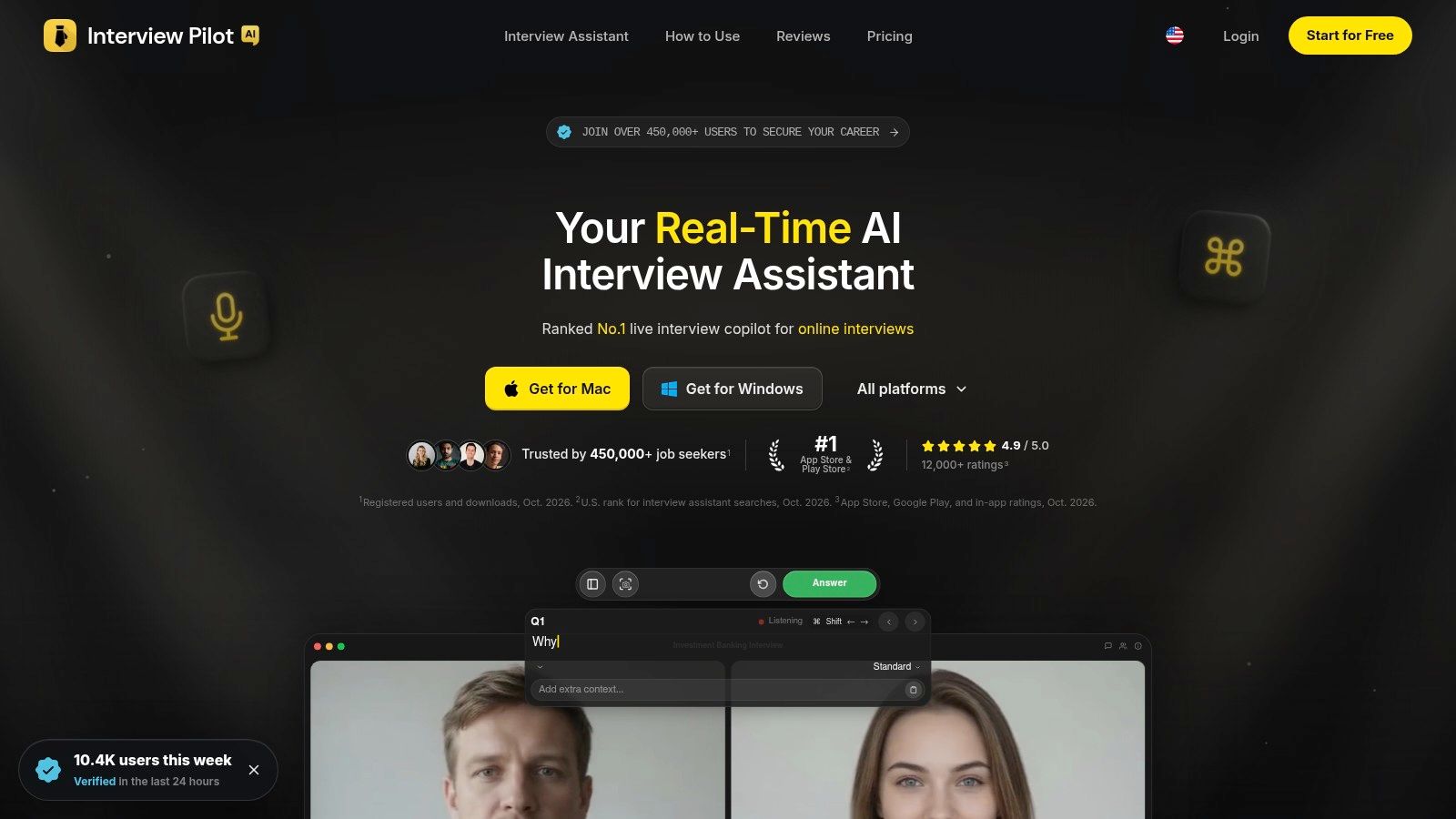
Some candidates don't need more reps. They blank in the moment, on the call, while the interviewer waits for an answer. Interview Pilot targets that gap. Its core product is a real-time Interview Copilot that generates answers during live technical and behavioral interviews, customized to your resume, target role, the job description, and the response style you set.
The prep side backs this up rather than trying to cover everything. AI mock interviews come with an evaluation of your answers, and a question bank plus a Playground let you drill specific question types. Depth is clearest in two tracks. The software engineer list covers programming, data structures, algorithms, system design, debugging, testing, production, and collaboration. The data scientist list covers statistics, probability, experimentation, causal inference, machine learning, model evaluation, SQL, Python, product, and communication.
Where It Fits Best
Use it when your failure mode is live recall under pressure. It runs on Mac, Windows, iPhone, Android, and the web, so it travels with you across devices. Colored folders keep interviews and practice sessions organized and in sync. After a session you can reopen any past interview to see its insights, every question with Copilot's answer, and the full transcript, then rename, copy, or share it.
- Live support: AI-generated answers during the call, shaped by your resume and the role.
- Practice loop: Mock interviews with evaluation, a question bank, and a Playground for testing answers.
- Access: Free to start with no payment, and one subscription works across all platforms. The company reports ranking #1 in U.S. App Store and Play Store searches for interview assistants as of Oct. 2026.
Check the site for current paid pricing before you commit, and check an employer's rules too. Some companies prohibit real-time AI assistance during interviews.
Practical rule: Treat live suggestions as a prompt to structure your own answer, not text to read aloud. Interviewers notice reading quickly.
It can't replicate a human interviewer's judgment, and it won't fix a weak story bank for you. What it does well is keep you moving when recall fails under pressure.
2. Huru
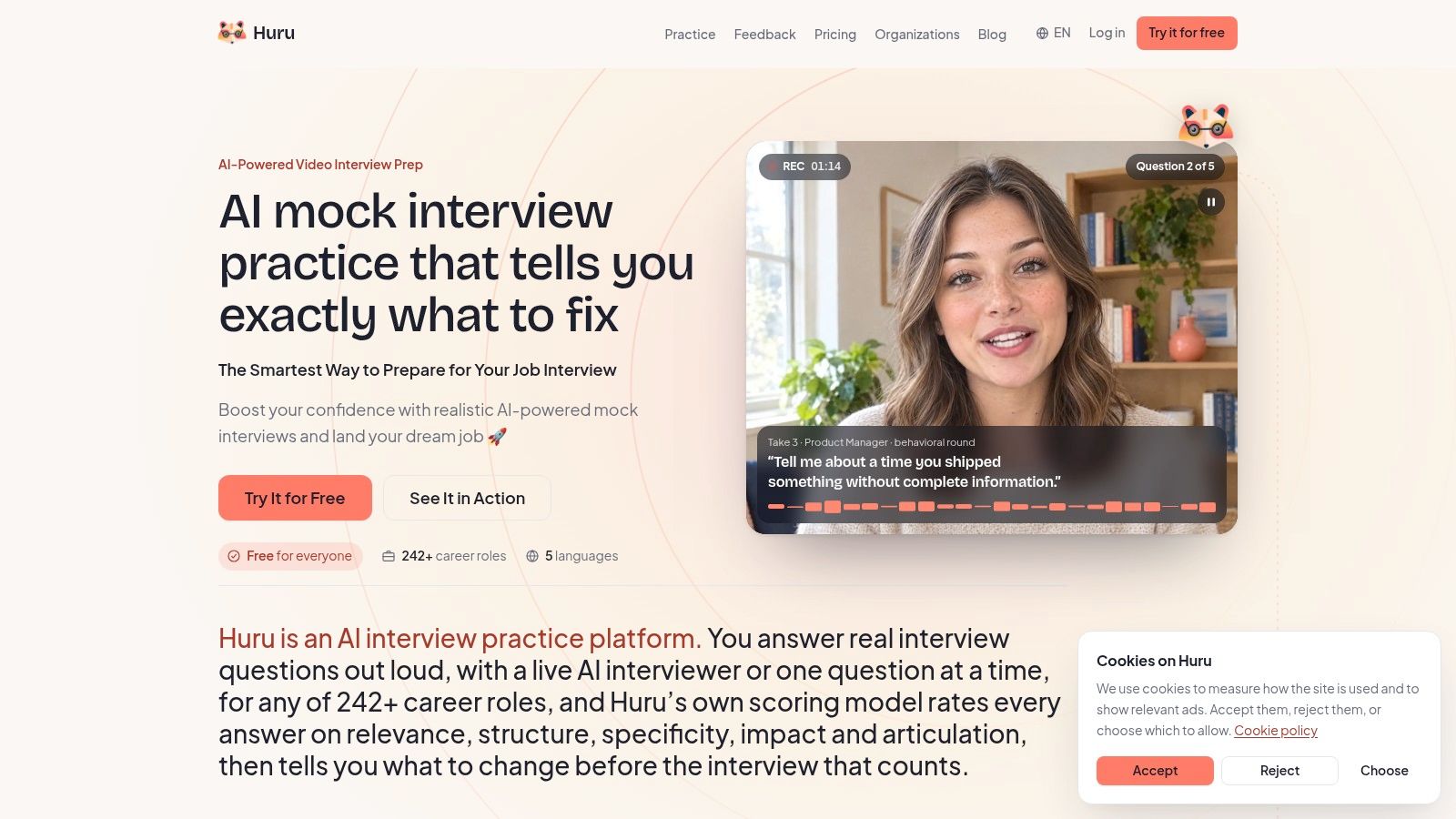
Huru suits candidates who know the material but haven't said it out loud enough. You build a mock from a role, a job description, or questions you paste in yourself. The AI asks follow-ups and scores each answer on content and delivery, answer by answer rather than only at the end.
That per-answer feedback is the useful part. You can fix one weak story without replaying a full session. The Chrome extension also lets you create practice directly from a job posting, which cuts setup time when you're applying to several similar roles.
Pricing and Limits
Huru says its individual practice features are free, with enterprise plans for organizations. That's a strong entry point if you want volume before paying for anything. Because the free offer and feature limits are recent changes, check current terms before you build a prep plan around them.
Automated scoring has a ceiling. It can't fully replace a human interviewer who notices evasive answers, pushes on vague impact, or changes direction based on your tone. Use Huru for frequent spoken reps and structure. Don't treat its scores as a hiring prediction.
3. Yoodli
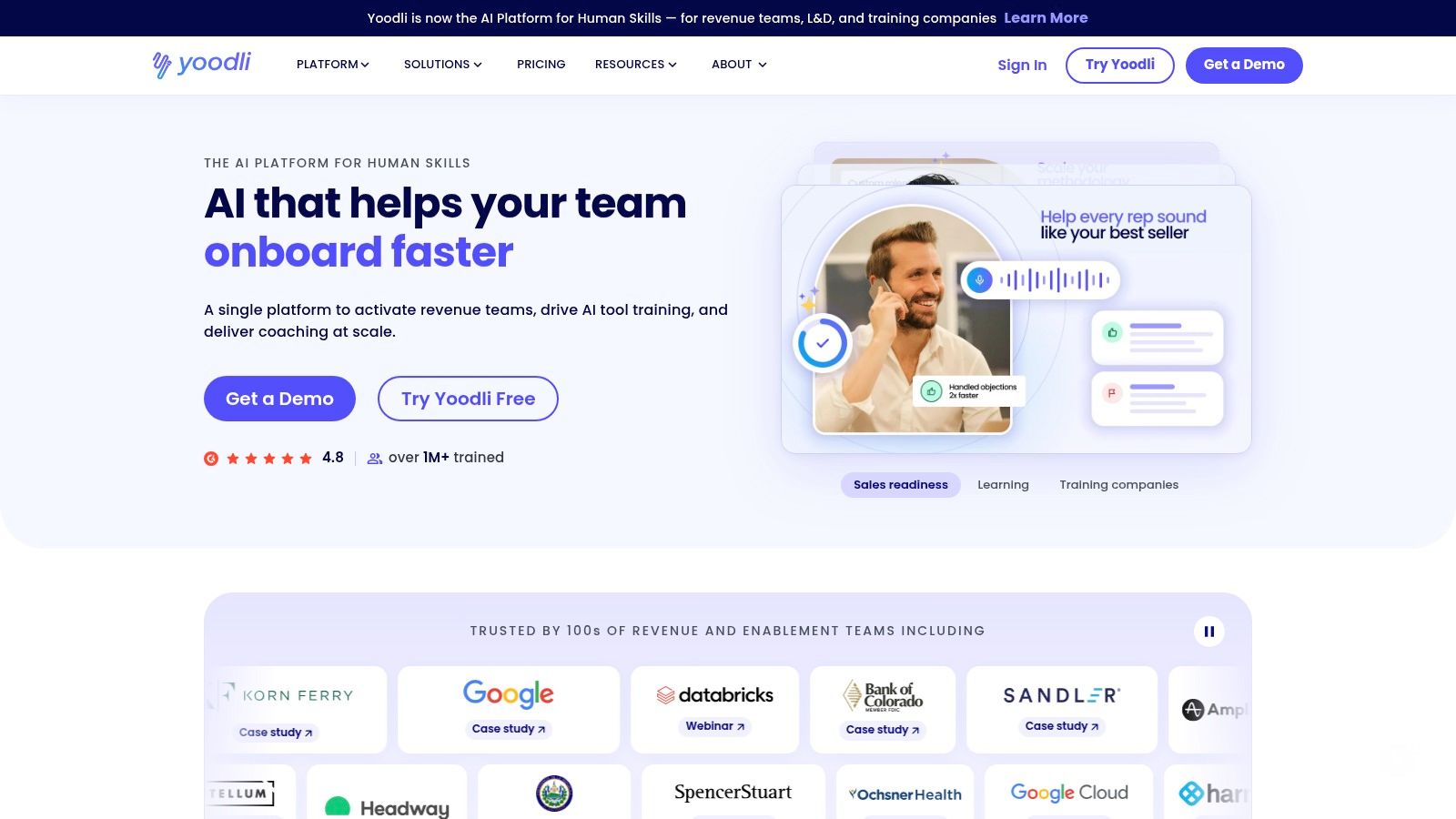
Weak delivery can sink a strong answer. Yoodli targets that problem by combining AI interview roleplays with broader speech coaching, so you work on pacing, clarity, and confidence alongside your content. You can set the interviewer's demeanor, add your own questions, and choose preset or dynamic follow-ups.
Dynamic follow-ups are the part that earns its place. A prepared candidate often nails the first answer, then rambles when asked why, or what happened next. Recorded responses let you compare takes between sessions and check whether your follow-up answers are getting tighter or just longer.
Pricing is straightforward. Yoodli lists Pro at $8 per month and Advanced at $20 per month when billed annually, and the free Starter plan allows up to five total roleplays. That cap makes the free tier a trial rather than a practice plan.
The trade-off is scope. Yoodli is communication coaching first, so it suits presenters, managers, and candidates who tense up on camera more than anyone grinding technical rounds. If you need a deep question bank or system design practice, it falls short. Review the privacy terms before uploading recordings of real interviews.
4. Skillora
Preparing for both a behavioral round and a coding round usually means paying for two separate tools. Skillora covers general, behavioral, coding, and system design mocks in one product, and its AI follow-ups push back when a trade-off explanation is thin instead of letting it slide.
Video recording and playback come with the paid tiers. Watching yourself is uncomfortable, and that discomfort is the point. Filler words, rushed openings, and answers that never reach a result become obvious the moment you replay them.
Plans to Check at Checkout
Skillora lists Premium at $20 per month and Ultimate at $50 per month, with Enterprise priced by inquiry for organizations.
- Premium: unlimited mock interviews on listed plans.
- Ultimate: adds question bank access and an AI personal tutor.
- Enterprise: for organizations buying seats in bulk.
An initial free interview lets you test fit before paying. Promotional pricing shifts, so confirm the checkout price and billing period before you commit.
Where Skillora falls short is calibrated judgment. A scorecard cannot replicate a senior engineer's read on a novel system design, or a hiring manager's sense of team fit. Treat the feedback as coaching signals: tighten structure and timing with the tool, then run the same answer past a person if you can.
5. Interviews by AI
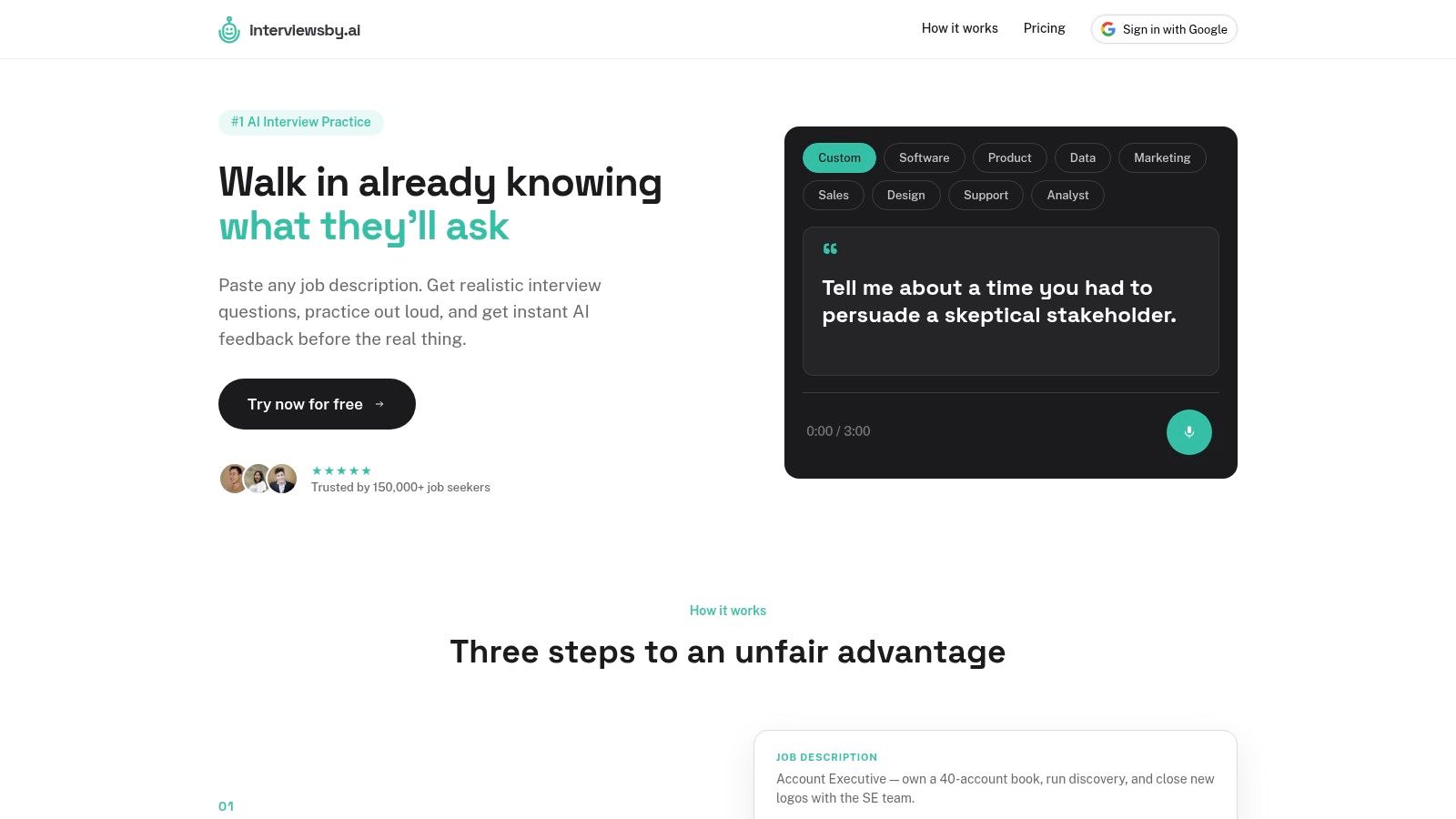
Your interview is Friday. You have a list of ten likely questions and two evenings to prepare. Interviews by AI is built for exactly that sprint. It generates role-relevant questions, lets you answer by audio or text, and returns AI feedback right after each answer.
That tight loop is what drills need. When feedback arrives seconds after an answer, you can retry the same question while the mistake is fresh instead of reviewing a batch of recordings the next day. Specific notes beat a generic score. A flag on a vague result tells you what to fix, while a "good job" rating tells you nothing.
Pricing stays simple. Interviews by AI lists a free Basic plan with three questions per month and a Pro plan at $9 per month for unlimited questions. Pro adds resume upload and can be canceled month to month. The provider says audio recordings are deleted after transcription.
Three free questions a month won't build fluency. It's enough to test the workflow, nothing more. The tool focuses on question practice rather than full-length timed simulations, so pair it with a longer mock elsewhere. Review the data terms before uploading a resume, as you should with any tool.
6. Big Interview
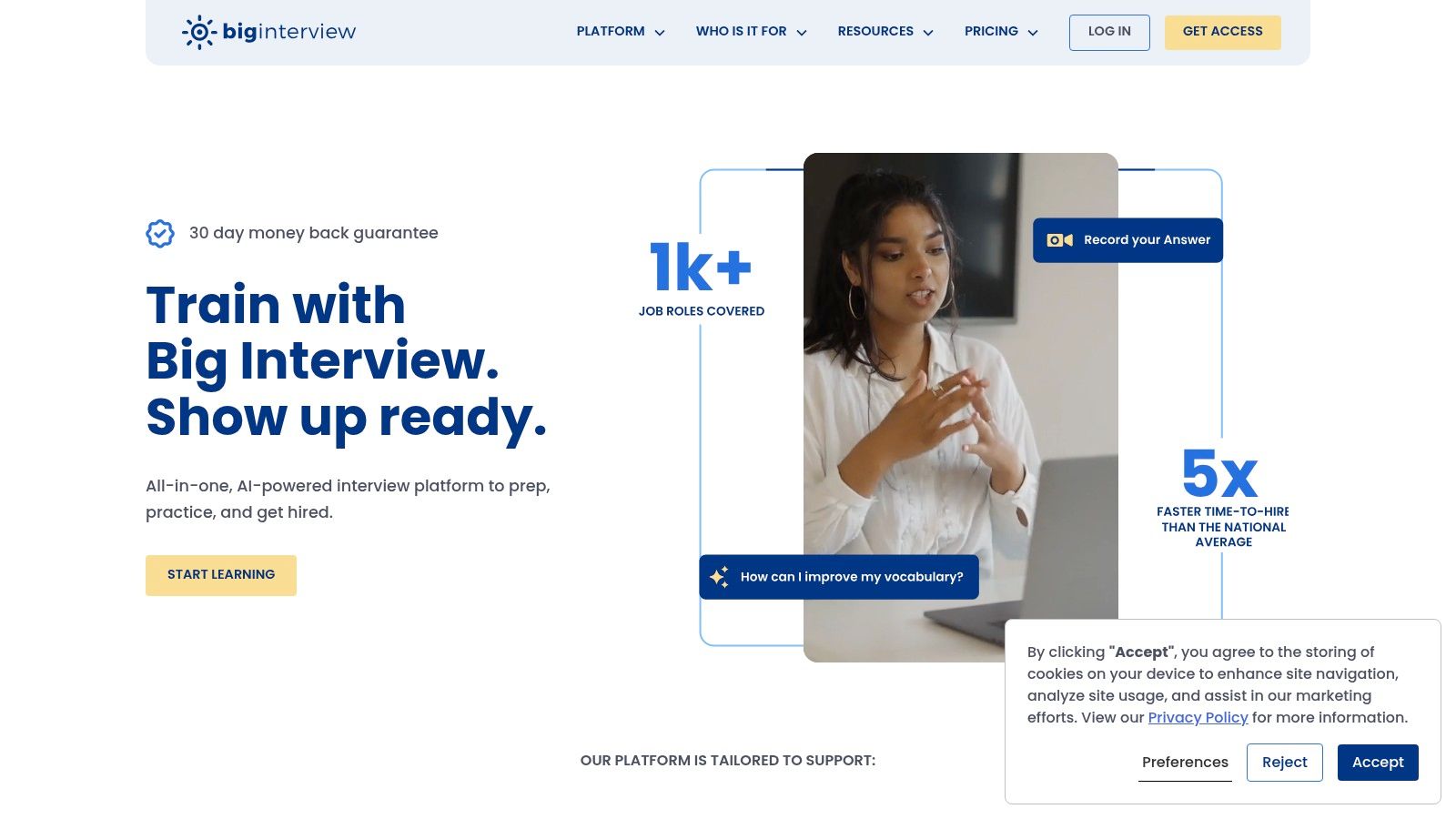
If you don't know what a good answer looks like yet, practice alone won't teach you. Big Interview pairs instructional lessons and answer-building guidance with practice questions, recorded answers, and AI-supported mocks. That teaching layer suits recent graduates and career changers more than experienced candidates polishing delivery.
Its PracticeAI feature can use a job description and optionally a resume to generate evolving audio questions. It evaluates answers for role alignment, clarity, and confidence. Evolving questions matter because real interviewers rarely stick to a script you memorized.
The curriculum angle is what sets this tool apart. Most tools in this list assume you already know how to structure an answer. Big Interview teaches the structure first, then drills it. That order helps candidates who freeze because they lack a framework, not because they lack reps.
Big Interview lists no free individual plan. Pricing on its site is shown as $39 for one month, $99 for three months, or $299 for lifetime access, with a 30-day money-back guarantee; verify current prices and guarantee terms on the vendor's site before buying, since they can change. PracticeAI is audio-only, so it won't test on-camera delivery. The broader career toolkit may also be more than you need if you only want quick spoken reps.
7. Hello Interview
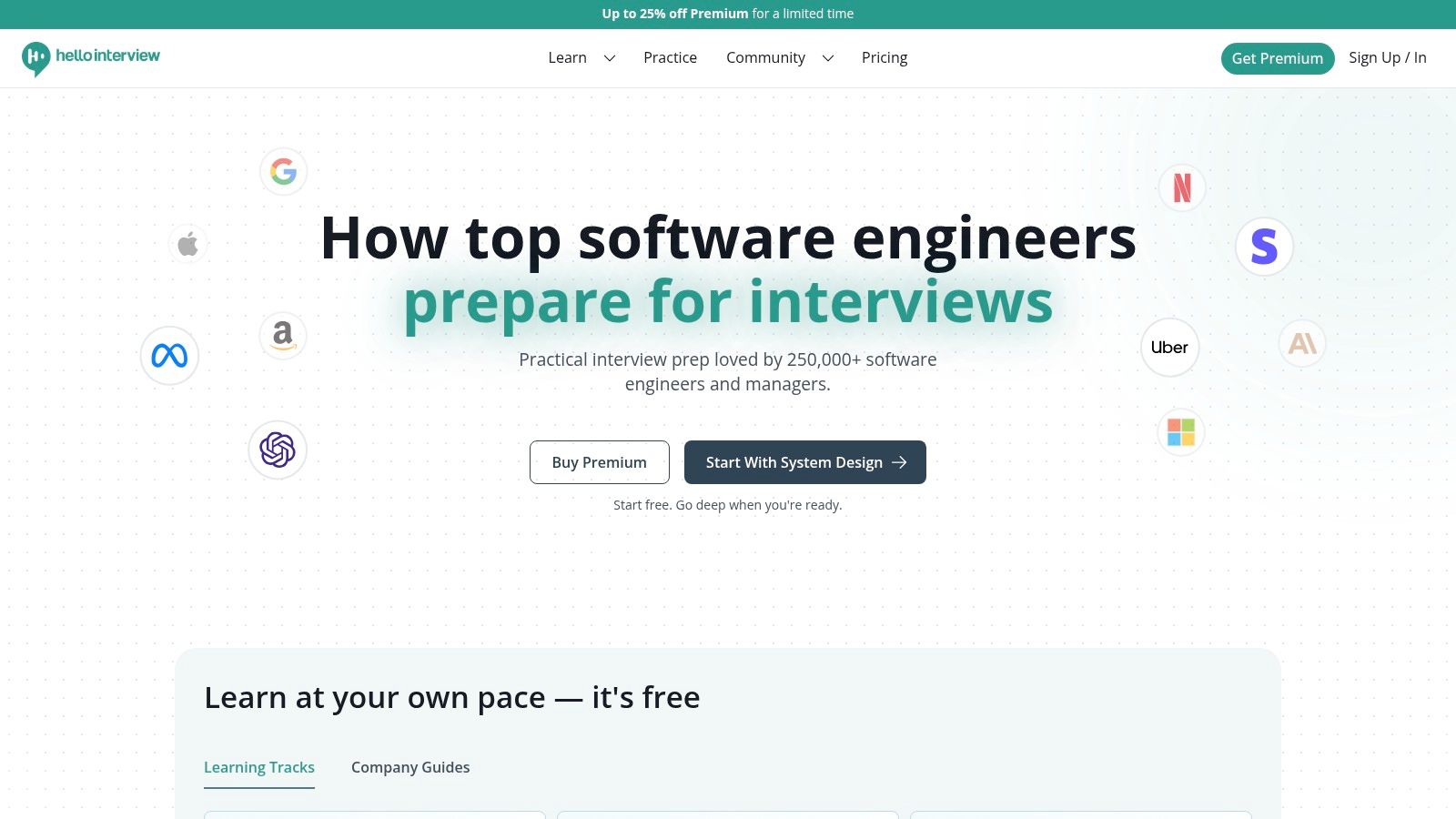
Software engineers preparing for system design rounds get the most from Hello Interview. Its materials cover system design, coding, low-level design, AI coding, and behavioral preparation. This is deep, narrow prep, and that's the strength.
AI system design mocks include replay with transcript, audio, and whiteboard, plus detailed feedback organized around interview competencies. Replay matters for design because your weakness is often sequencing. You jump to components before clarifying requirements, and you don't notice until you watch it back.
If you can't explain your design tradeoffs out loud under time pressure, you don't know them well enough yet. Silent study hides that gap.
You can buy one-off interviews as well as paid course access, which suits candidates with a loop scheduled soon. A candidate-reported question library adds useful context on what companies in fact ask.
Hello Interview is less suited to nontechnical roles. Finance, operations, and generalist candidates will find little here. Its AI mocks also can't capture every company's expectations or interviewer style, so treat strong mock scores as readiness for the format, not a guarantee for a specific loop.
8. Aced (formerly Exponent)
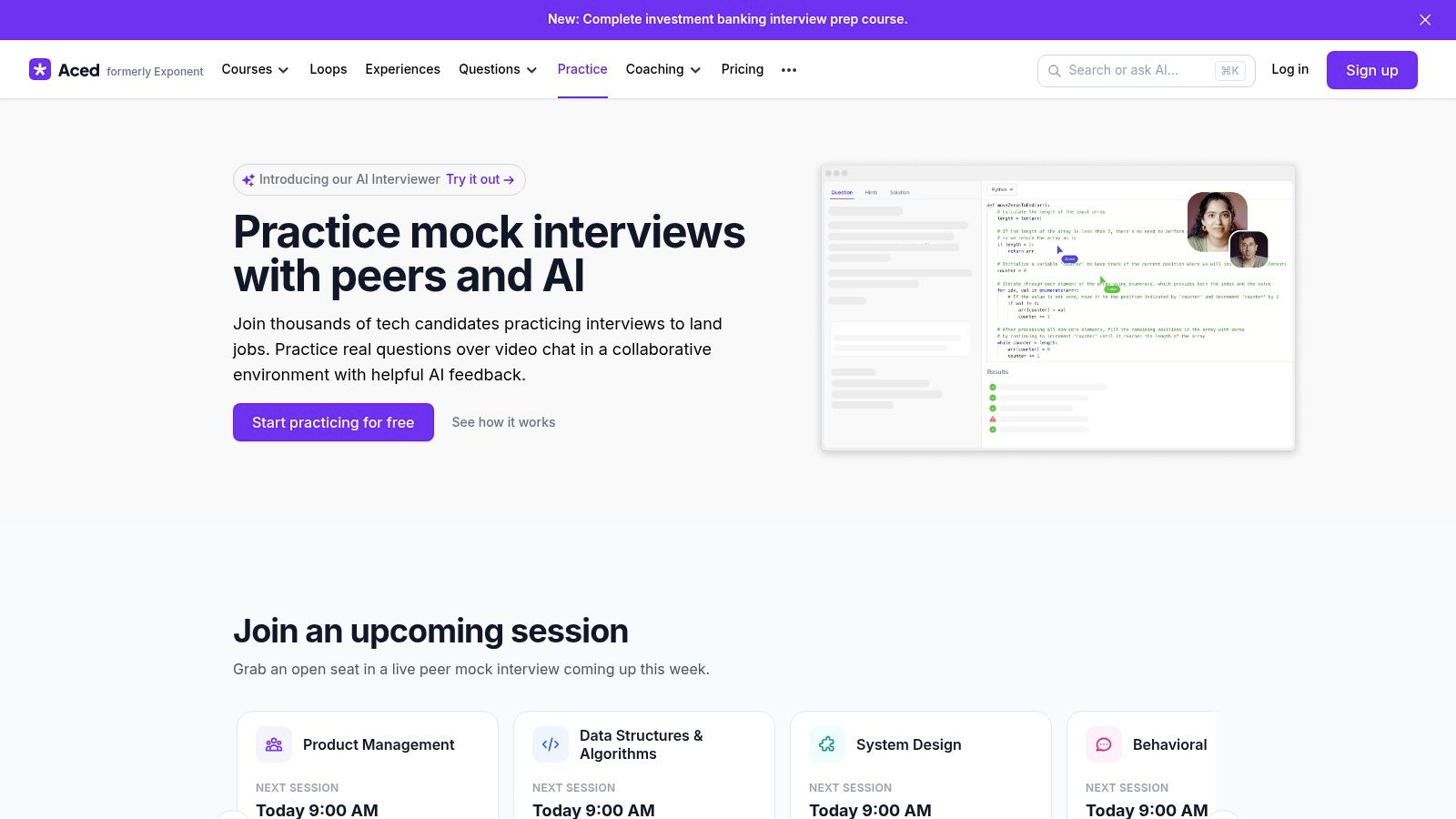
Peer practice fills a gap AI can't. Aced matches candidates preparing for similar roles so you take turns interviewing each other and exchanging feedback. Sitting in the interviewer's chair teaches you what vague answers sound like from the other side.
Formats include product management, software engineering, system design, behavioral interviews, finance, and selected data formats. A collaborative code editor supports coding sessions. Transcripts and AI grading are available for some interview types, which helps when peer feedback is thin.
What Peer Practice Gives and Takes
- Real interaction: Pauses, interruptions, and follow-ups that don't follow a predictable pattern.
- Free entry: Free practice is available subject to a monthly credit allowance, with paid membership for unlimited access.
- Variable quality: Your session depends partly on your peer's preparation and honesty.
Scheduling is slower than opening an AI tool at midnight. Some listed formats are marked beta, so expect rough edges. Use Aced when you need pressure from a real person, and use AI tools for the high-volume drills between peer sessions.
9. interviewing.io
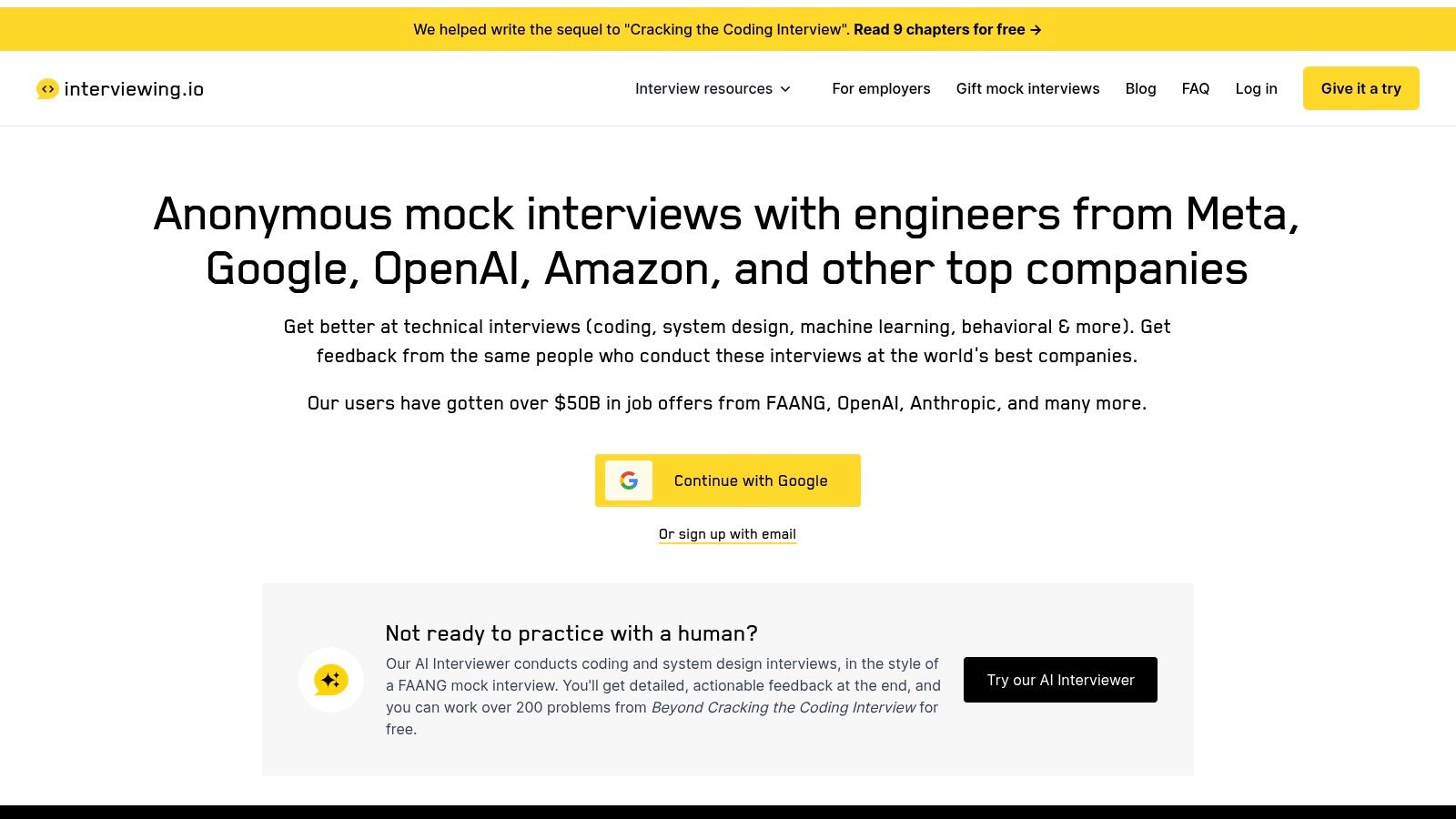
Your loop at a big tech company is two weeks out and free drills stop feeling like enough. interviewing.io is built for exactly this stage: anonymous mock interviews with experienced human interviewers, plus an AI interviewer for coding and system design when you want cheaper reps. Practice areas cover algorithms, system design, machine learning, and behavioral interviews, backed by a library of replays and questions.
Anonymity is the feature that matters most. The interviewer can't see your resume or employer, so feedback lands on how you solve and explain problems under pressure. That pressure is real. A stranger grading your system design live feels nothing like typing answers into a prompt.
The price gap between the two tiers is sharp. The AI interviewer is free according to the site's FAQ, while human mock interviews start at $179 with prices varying by subject and interviewer. At that rate, save human sessions for the final stretch, after cheaper practice has cleared the basic gaps.
Skip this one if you're preparing for marketing, operations, or customer-facing roles. It's a technical platform. Scheduling also depends on interviewer availability, so book before your loop date forces the issue.
10. BeforeRound
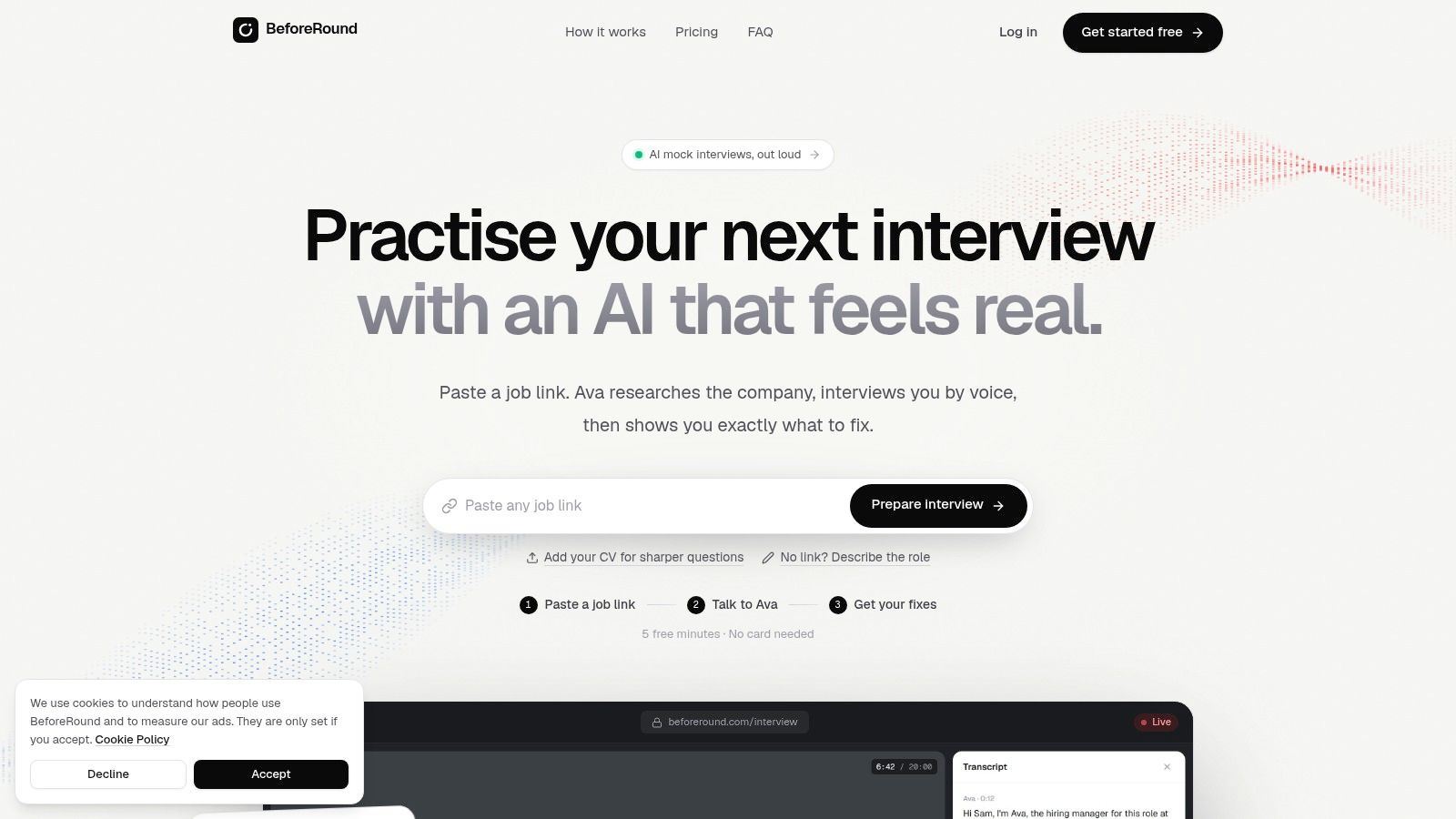
BeforeRound fits a specific slot: the ten spare minutes before a phone screen, or a quick spoken rep after dinner. It runs voice-call-style mock interviews with an AI interviewer, using your job application or target role as context. Each call comes with a preparation brief and likely questions, then a debrief with the full transcript.
Two modes serve different purposes. Real mode simulates the interview. Coach mode gives you room to learn while you answer. Switching between them lets you test whether the feedback changed your unaided performance, which is the measure that counts.
The billing model matches the use case. The first five minutes are free, additional usage is listed at $0.40 per minute, and minutes are sold in packs from $5. The pricing page also states that minutes don't expire and no card is needed for the free trial. No subscription is required.
Heavy practice changes the math. Long daily sessions will outrun a flat subscription elsewhere in cost. Voice-only practice also can't test camera presence or body language, and an AI voice won't push back the way a skilled human interviewer does. For cheap, frequent spoken reps you can start in minutes, the pricing stays honest and easy to control.
Free access, paid entry prices, and best-fit use case for each interview practice software option
| Item | Free Option | Paid Entry Price | Best For |
|---|---|---|---|
| Interview Pilot | Free plan available | Not specified | Live, context-aware interview assistance across roles |
| Huru | Individual practice features are free | Enterprise pricing by inquiry | Free mock interviews tailored to a role or job description |
| Yoodli | Starter plan; up to five roleplays | $8/month, billed annually | Interview practice plus broader speaking and communication coaching |
| Skillora | One free interview | $20/month | Technical and nontechnical mock interviews with follow-up questions |
| Interviews by AI | Three questions per month | $9/month | Focused question drills with audio or text feedback |
| Big Interview | No free individual practice option specified | $39 for one month | Structured interview training and AI practice |
| Hello Interview | No free option specified | Paid courses and one-off interviews; price not specified | Technical interview preparation, especially software engineering |
| Aced (formerly Exponent) | Free practice with monthly credits | Paid membership; price not specified | Peer-to-peer practice for technology and finance interviews |
| interviewing.io | Free AI interviewer | Human mock interviews from $179 | Technical interview practice with AI or experienced interviewers |
| BeforeRound | First five minutes free | $0.40/minute; packs from $5 | Pay-as-you-go, voice-based mock interviews |
Pick One Tool, Then Practice Out Loud
Start by naming your actual gap. If you freeze during live online interviews, live support addresses a problem that question banks alone don't. If your written answers are strong but your spoken ones wander, choose a tool built around spoken drills and per-answer feedback. Technical candidates who stumble on design tradeoffs need depth and session replay; generic behavioral prompts won't get them there.
Whatever tool you pick, structure the reps. Use the same question set each session and score yourself against the same criteria: Did I answer the question asked? Did I give a concrete example? Did I finish inside two minutes? Consistent prompts make progress measurable. Rotate random questions every session and you can't tell whether your delivery improved or you just got an easier prompt.
A Simple Way to Decide This Week
- Live support gap: Start with a copilot-style tool and rehearse with its mock mode first, so suggestions support answers you already own.
- Spoken fluency gap: Pick Huru, Yoodli, Interviews by AI, or BeforeRound and repeat the same question set until your answers shorten and land.
- Technical depth gap: Choose Hello Interview or interviewing.io, and watch every replay before booking the next session.
- Human pressure gap: Add Aced peer sessions or a paid human mock after AI drills have fixed your obvious weaknesses.
- Foundations gap: Use Big Interview when you need lessons on answer structure before more practice will help.
Trust is part of the decision too. In a 2025 survey, only 26% of candidates trusted AI to evaluate them fairly and 32% feared AI could cause their application to fail, according to Gartner's 2025 survey on candidate trust in AI evaluation. Treat AI scores as coaching signals, not verdicts. Check what a tool analyzes, especially voice, gaze, or facial feedback, and prefer tools that let you focus on clarity without forcing one communication style. A report from the Center for Democracy and Technology on digitized assessments found disabled participants wanted transparent explanations so they could request accommodations. That transparency is worth demanding from any provider.
Don't buy five subscriptions. Start with one free tier, complete a timed mock on one role-specific question set this week, and review the recording or transcript before your next session. Note where you froze, where you rambled, and which follow-up exposed a thin story. Then repeat the same set unaided. If your unaided answer improves, the tool fits. If you only sound better with prompts on screen, change tools or change how you're using it.
If live freezing is your main gap, our Interview Copilot, guided mock interviews, and searchable question bank are built to help you rehearse and respond with more structure across technical and non-technical roles. Start free on desktop or mobile with Interview Pilot and test it on one timed question set this week.
Topics
interview practice software
AI mock interview
interview preparation
mock interview tools
interview coaching apps
Continue reading

Interviews
10 Job Interview Tips and Tricks for Better Results
Discover 10 practical job interview tips and tricks for research, answers, remote interviews, mock practice, and a memorable follow-up.
October 22, 2026
19 min read

Interviews
How to Beat Job Interview Anxiety and Perform with Calm
Learn how to beat job interview anxiety with proven breathing, rehearsal, and recovery techniques that keep you calm and confident before and during real
October 21, 2026
14 min read

Interviews
Mock Interview Online: Run Better Practice Sessions
Learn how to run a mock interview online with clear goals, the right tools, realistic structure, and feedback loops that actually improve your next real
October 19, 2026
14 min read