












Interviews
How to Prepare for a Video Interview: Checklist and Tips
Use this video interview checklist to set up your camera, lighting, audio, and test run so you can start calm and look prepared.
Interview Pilot Editorial Team
8 min read
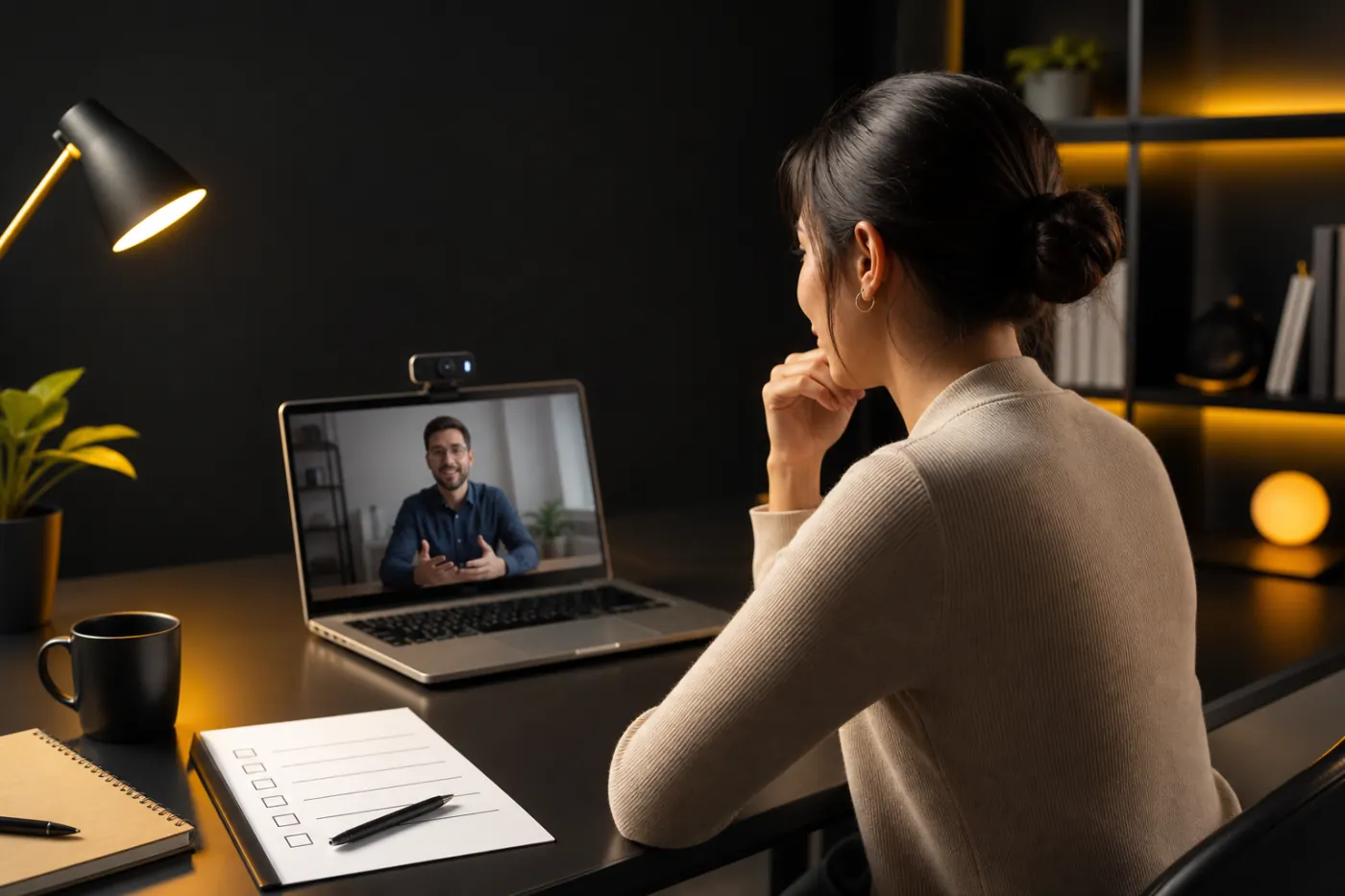
If you want the short answer: treat a video interview like an in-person interview with extra attention to your setup. That means testing your camera, microphone, internet, lighting, background, and login link before the day of the interview. Then remove distractions, silence your phone, and keep a printed copy of your notes nearby. A strong virtual interview starts before the first question.
Use the checklist below to avoid common mistakes and show up calm, clear, and ready.
Quick answer: what matters most in a video interview
The highest-impact prep steps are simple:
- Test your tech in the same app you’ll use for the interview.
- Make sure your face is well lit and centered on camera.
- Use clear audio, ideally with headphones or a quality microphone.
- Clear your background and reduce distractions.
- Have your resume, job description, and notes open or printed.
- Turn your phone on silent and keep it out of reach.
- Join early so you can fix problems before the interviewer arrives.
If you only do those seven things, you’ll already be ahead of many candidates.
Why video interview prep matters
In a video interview, first impressions are shaped by more than your answers. The interviewer is also noticing whether you seem organized, comfortable on camera, and respectful of their time. Tech issues can make you look unprepared even when you’re not. A low battery, bad audio, or a noisy room can distract from an otherwise strong conversation.
Good virtual interview preparation is about reducing friction. The less you have to think about setup, the more of your attention can go to your answers, your pace, and your body language.
Your video interview checklist
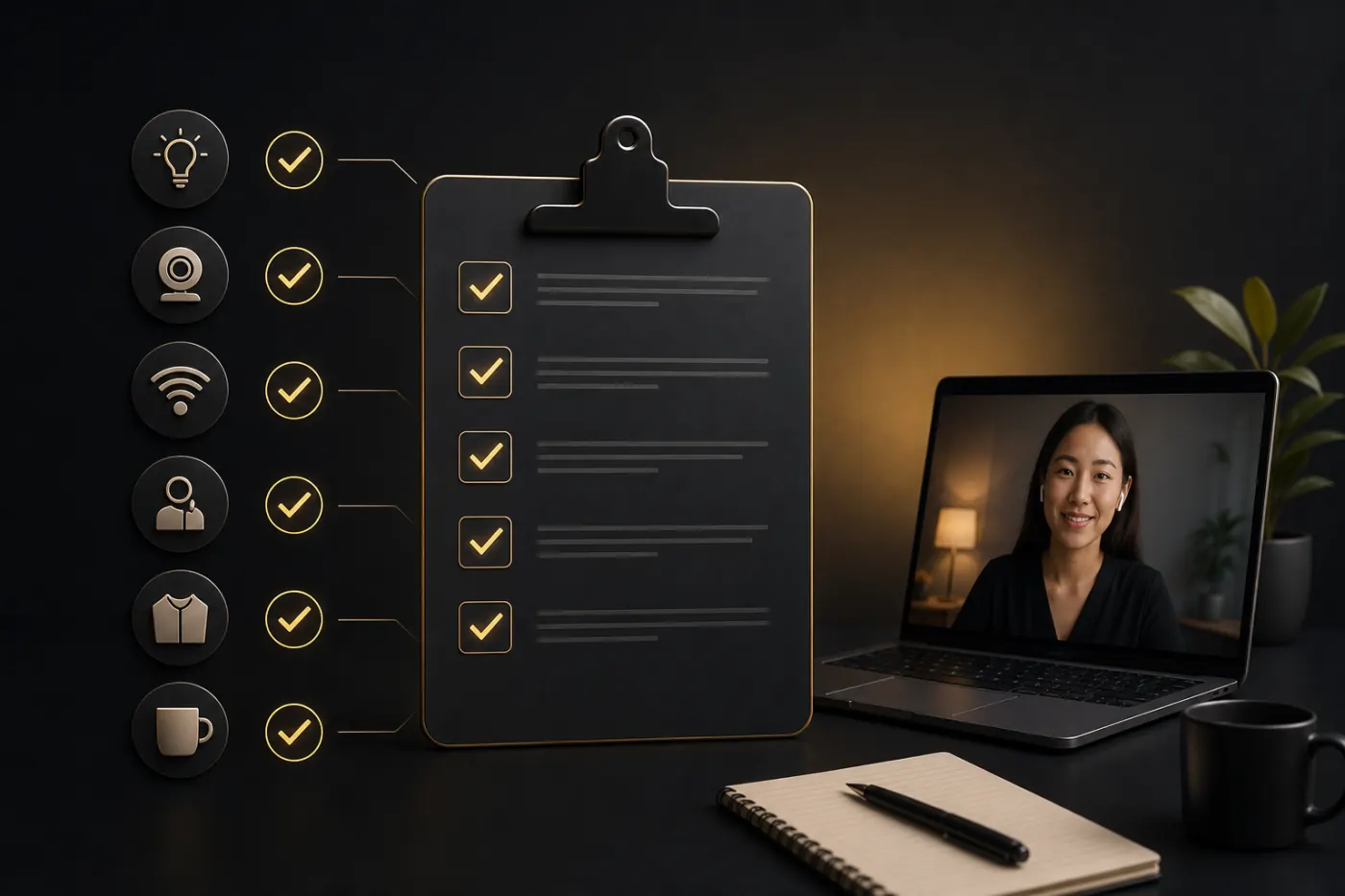 Use this as a practical zoom interview checklist, even if the meeting is on another platform.
24 to 48 hours before
- Confirm the interview time, time zone, and platform.
- Read the job description again and highlight the top three responsibilities.
- Review the interviewer names if they were shared.
- Test your device camera, microphone, and speakers.
- Install updates for the app only if needed, and do not wait until the last minute.
- Charge your laptop and keep the charger nearby.
- Pick your outfit and make sure it looks good on camera.
- Choose a quiet room with a neutral background.
- Prepare notes with key examples, metrics, and questions.
The day before
- Do a full mock interview or at least a 10-minute tech run.
- Check your internet connection in the exact room you’ll use.
- Remove anything behind you that could distract from your face.
- Prepare a glass of water.
- Set a backup plan in case your internet fails, such as a phone hotspot or phone number.
- Print your resume and the job description if you like paper notes.
- Rehearse your opening answer and your “tell me about yourself” response.
15 to 30 minutes before
- Restart your computer if needed.
- Close unrelated tabs, apps, and notifications.
- Open the interview link early.
- Silence your phone and put it face down or in another room.
- Check your camera framing.
- Confirm lighting and audio one last time.
- Keep a copy of your questions and talking points within reach.
Camera setup tips that make you look more confident
Your camera should help the interviewer focus on you, not on the ceiling, your chin, or a shaky angle.
Framing
Place the camera at eye level or slightly above. If you’re using a laptop, stack it on books if needed. Look into the camera when answering key points, not only at your own image on screen. That creates the feeling of eye contact.
Aim for a head-and-shoulders shot. Leave a little space above your head, but not so much that you look small in the frame.
Stability
Use a stable surface. A wobbling laptop or phone is distracting. If you use a phone, put it on a stand and switch to airplane mode if the interview platform allows it.
Appearance on camera
Choose solid colors when possible. Busy patterns, tiny stripes, and overly reflective fabrics can look odd on video. Make sure your clothing fits neatly and that your hair won’t require constant fixing.
Lighting tips for a cleaner image
Lighting is one of the easiest ways to improve how you look on camera.
The simplest setup is to face a window with natural light in front of you, not behind you. Backlighting can make your face look dark even if the room feels bright.
If natural light is weak or inconsistent, use a lamp or ring light placed in front of you. Avoid strong overhead light alone if it creates shadows under your eyes.
Before the interview, check your image in the real platform if possible. Lighting can look different in Zoom, Teams, or other tools than it does in your laptop camera preview.
Audio matters more than you think
Poor audio is one of the fastest ways to make a video interview feel harder than it should.
If you have headphones with a built-in microphone, test them. In many cases, they’ll sound better than your laptop mic, especially if your room has echo. But only use them if they’re comfortable and don’t make you look distracted or overly casual.
Follow these audio basics:
- Test speaker volume before the interview.
- Mute background devices like TVs, fans, and music.
- Close windows if there is street noise.
- Tell other people in your home not to interrupt.
- Keep water nearby in case your voice gets dry.
If you can, record a 30-second test and listen back. It’s the fastest way to catch echoes, buzzing, or mic problems.
What to have open during the interview
You do not need a cluttered desk, but you should have a few things ready.
| Item | Why it helps | Best practice |
|---|---|---|
| Resume | Lets you reference your experience quickly | Keep one printed copy or a clean digital copy nearby |
| Job description | Helps you tailor answers | Highlight responsibilities and keywords |
| Notes | Supports structured answers | Use short bullets, not full paragraphs |
| Questions for the interviewer | Shows interest and preparation | Prepare 3 to 5 thoughtful questions |
| Water | Helps if you need a pause | Keep it close but out of frame |
A good rule: if you need it during the interview, prepare it before the interview starts.
Phone-off etiquette and distraction control
One of the most common mistakes is assuming a silent phone is enough. It often isn’t.
Put your phone on silent or Do Not Disturb and move it away from your desk. Notifications can still buzz, light up, or pull your attention even when the sound is off. If possible, place the phone in another room.
Also reduce other interruptions:
- Pause smart speakers or voice assistants.
- Turn off desktop notifications.
- Let roommates or family members know your interview window.
- Avoid pets or children entering the room if possible.
- Close email and chat apps that might pop up on screen.
This is basic etiquette, but it matters because it signals professionalism and focus.
How to do a proper test-run
A test-run is more than opening the app once. It means simulating the real interview as closely as possible.
Your test-run checklist
- Open the exact platform you’ll use.
- Join from the room you’ll use on interview day.
- Test camera, microphone, and speakers.
- Check whether your name displays correctly.
- Verify your internet connection.
- Sit in the chair and desk setup you’ll actually use.
- Watch the camera view and listen for echo.
- Practice saying your opening answer out loud.
If anything feels awkward, fix it now. A small setup change can save you from panic later.
Common video interview mistakes to avoid
Here are the mistakes that most often hurt otherwise strong candidates:
| Mistake | Why it hurts | Better approach |
|---|---|---|
| Joining at the last second | Leaves no time to fix tech issues | Log in 5 to 10 minutes early |
| Looking at yourself instead of the camera | Feels less engaged | Look at the lens when making key points |
| Sitting too far from the camera | Makes you hard to read | Frame yourself from the shoulders up |
| Using poor lighting | Makes you look tired or unclear | Face natural light or use front lighting |
| Leaving phone notifications on | Breaks focus | Silence and move the phone away |
| Reading answers word for word | Sounds stiff | Use notes as prompts, not scripts |
| Talking too quickly | Makes answers harder to follow | Pause between ideas |
| Not preparing questions | Looks uncurious | Bring a short list of questions |
Sample 10-minute last-minute checklist
If your interview is about to start, use this quick routine.
- Log in early.
- Confirm the link, meeting time, and audio.
- Turn off phone notifications.
- Check that your face is centered and visible.
- Make sure the background is clean.
- Open your resume and notes.
- Take a sip of water.
- Breathe slowly for 30 seconds.
- Smile, relax your shoulders, and start.
This last minute is about calming your body and removing small risks.
What to say if something goes wrong
Even with good preparation, technical issues happen. What matters is how you handle them.
If your audio cuts out, stay calm and say something simple like:
“I’m sorry, I think my audio dropped. I’m going to reconnect right now.”
If your video freezes:
“It looks like my connection is unstable. I’m going to turn my camera off briefly and rejoin.”
If there is background noise or a household interruption:
“I apologize for the interruption. I can step into a quieter room if needed.”
Short, confident responses are better than apologizing repeatedly.
Final thoughts
The best way to prepare for a video interview is to remove every avoidable distraction before the meeting starts. Test your tech, improve your lighting, fix your audio, silence your phone, and keep your notes organized. Once the setup is handled, you can focus on what the interviewer actually cares about: your examples, your communication, and your fit for the role.
If you want more interview preparation help, explore our interview guides or use Interview Copilot to practice answers and tighten your delivery before the call.
Topics
interviews
candidate-playbook
video interview tips
zoom interview checklist
virtual interview preparation
Continue reading

Interviews
25 Virtual Interview Tips to Look Professional on Camera in 2026
Use these virtual interview tips to improve your camera setup, lighting, audio, body language, and confidence before your next video interview.
July 22, 2026
11 min read
Interviews
What to Say in a Video Interview: 20 Common Questions and Best Answers (2026)
Learn what to say in a video interview with 20 common questions, sample answers, and on-camera tips for Zoom and virtual interviews.
July 1, 2026
11 min read
Interviews
What to Say When You Don't Know the Answer in a Technical Interview
Use this exact framework, sample scripts, and examples to answer technical interview questions when you do not know the answer.
August 23, 2026
10 min read